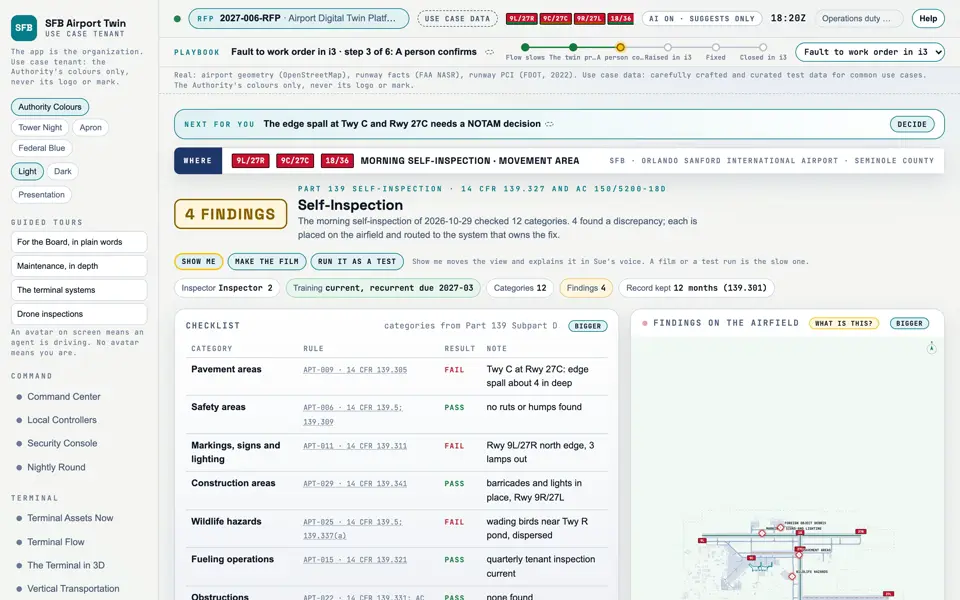
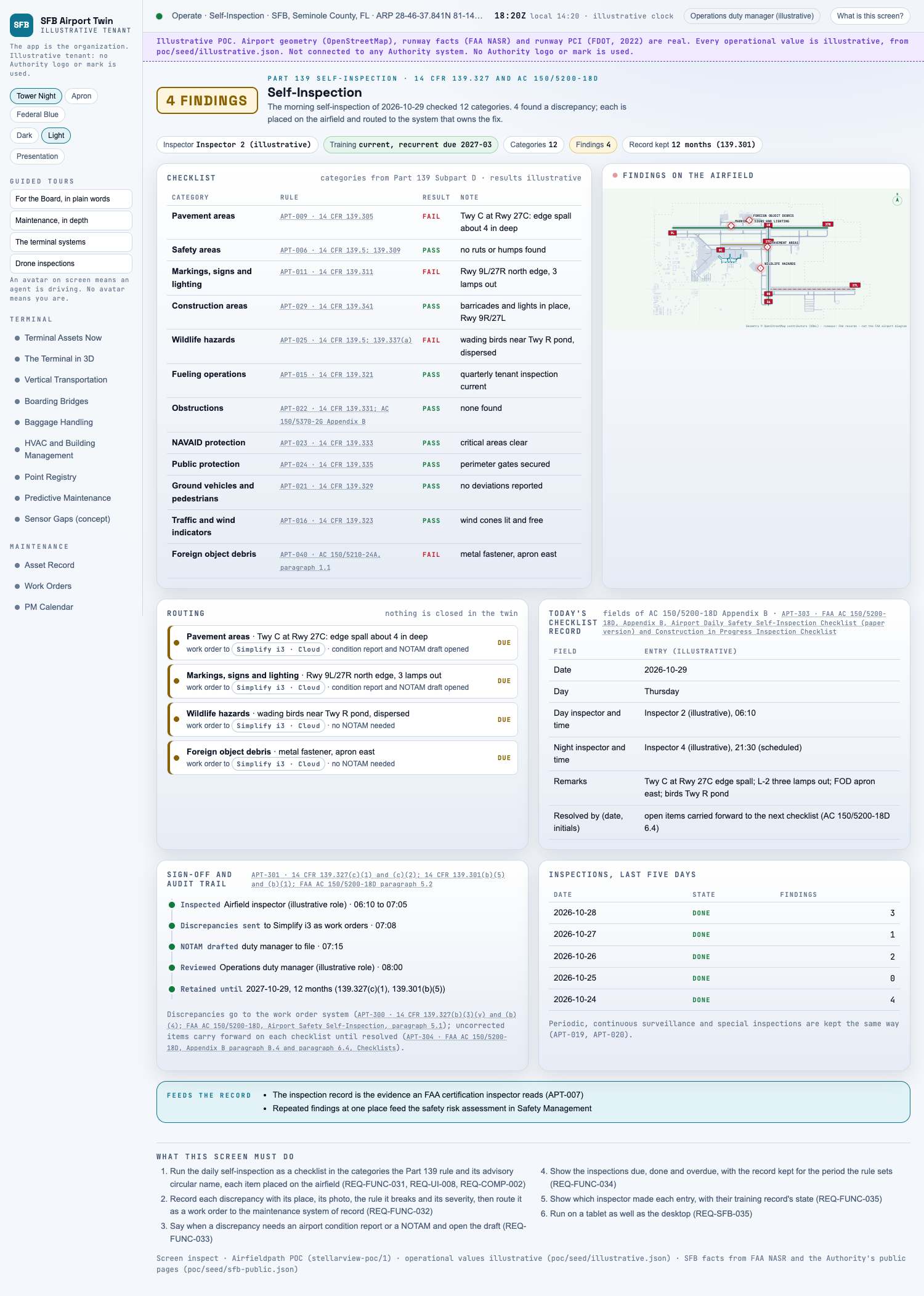
Capture of the screen: Self-Inspection. Dark and light modes.
Narration line
It lets you run the daily self-inspection as a checklist in the categories the Part 139 rule and its advisory circular name, each item placed on the airfield.
Source: poc/bearings/inspect.json, beat "What it shows"
Group
Operate
Status as the app labels it
Real
Basis
The screen runs. Data: carefully crafted and curated test data for common use cases.
What the screen must do (6)
Run the daily self-inspection as a checklist in the categories the Part 139 rule and its advisory circular name, each item placed on the airfield (REQ-FUNC-031, REQ-UI-008, REQ-COMP-002)
Record each discrepancy with its place, its photo, the rule it breaks and its severity, then route it as a work order to the maintenance system of record (REQ-FUNC-032)
Say when a discrepancy needs an airport condition report or a NOTAM and open the draft (REQ-FUNC-033)
Show the inspections due, done and overdue, with the record kept for the period the rule sets (REQ-FUNC-034)
Show which inspector made each entry, with their training record's state (REQ-FUNC-035)
Run on a tablet as well as the desktop (REQ-SFB-035)
Requirements matrix rows that name this screen (3)