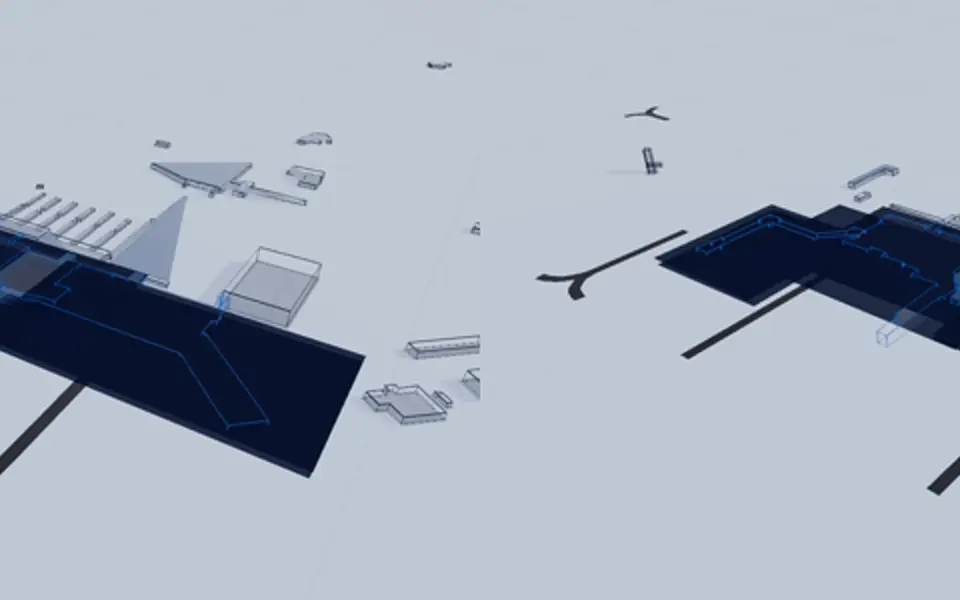
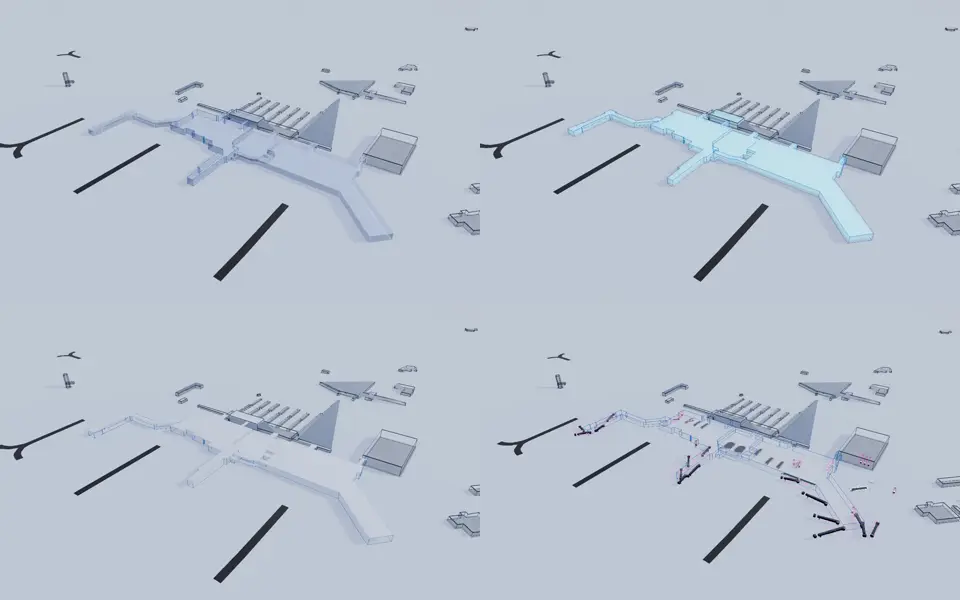
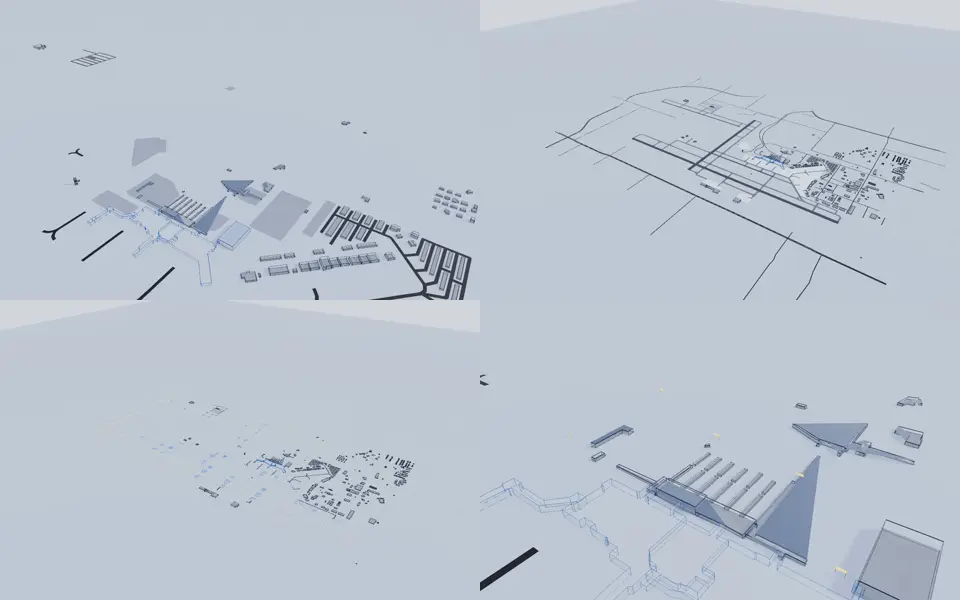
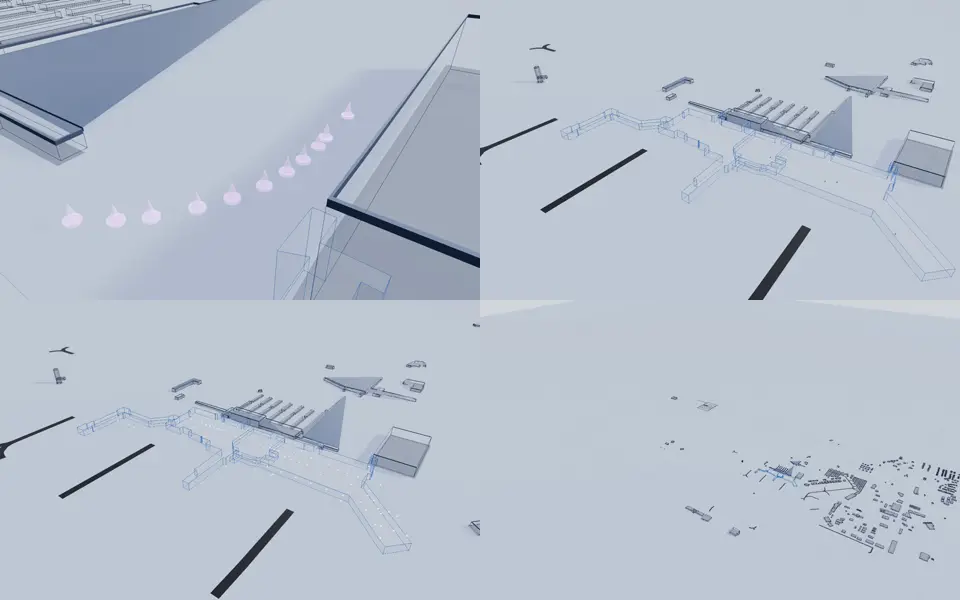
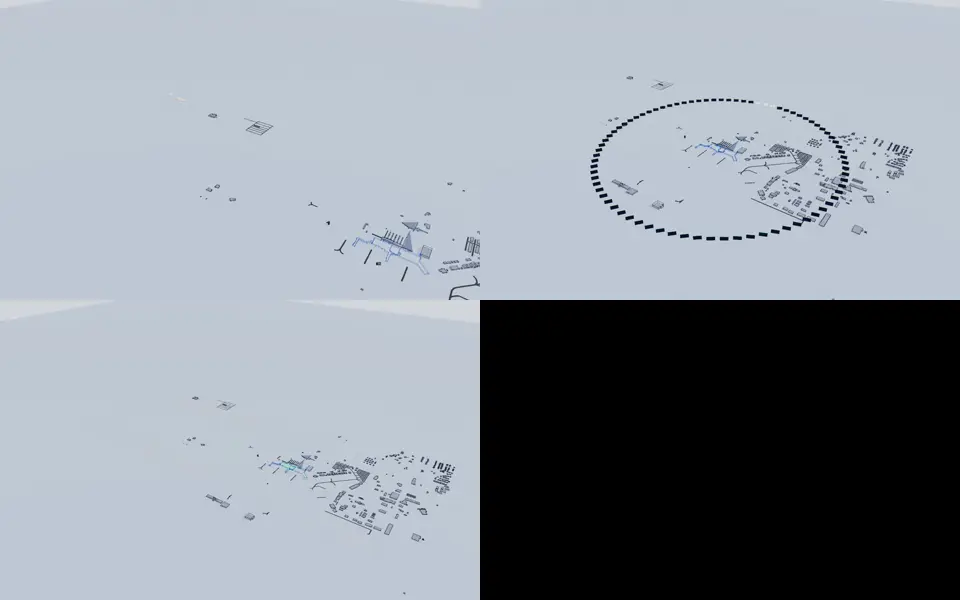
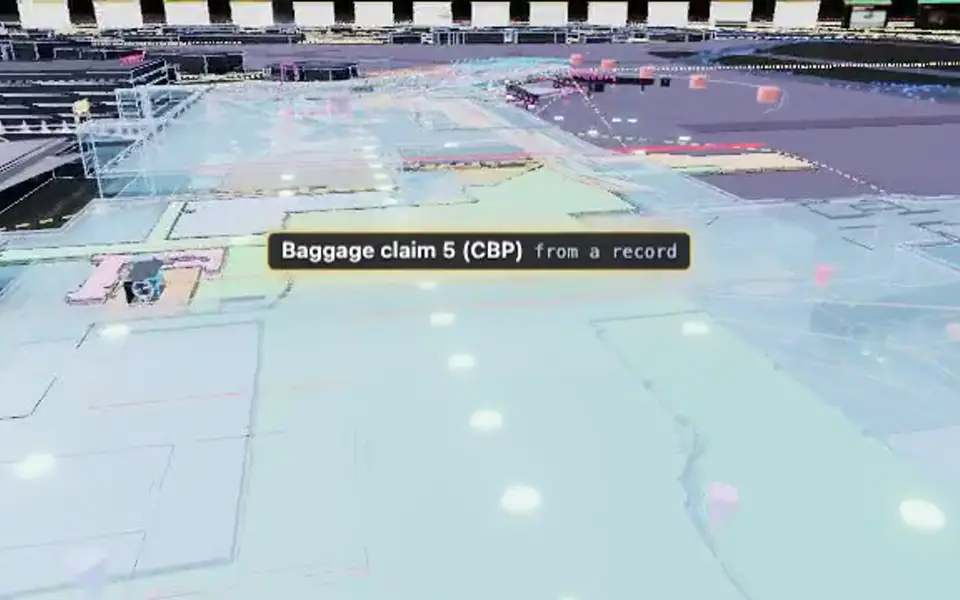
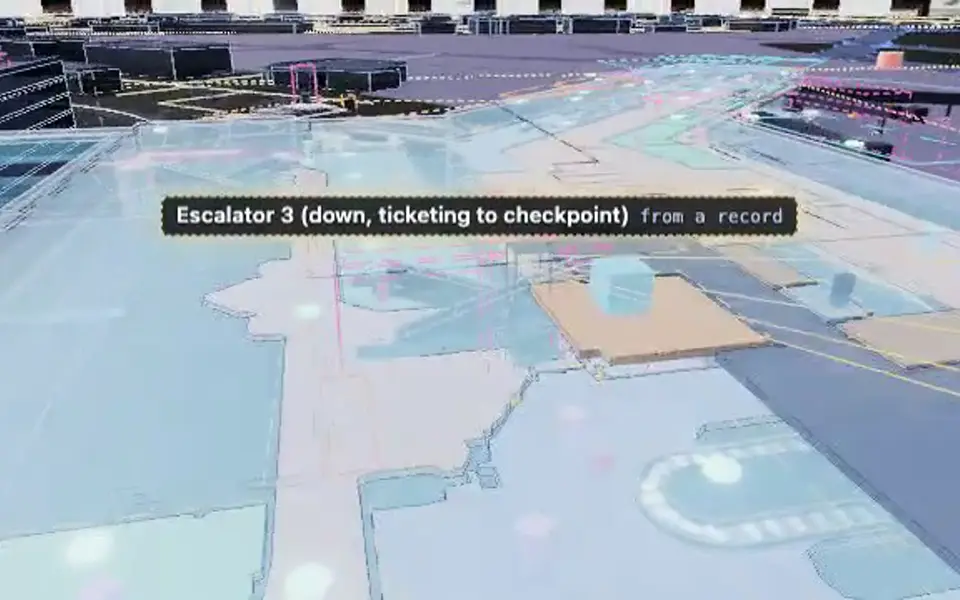
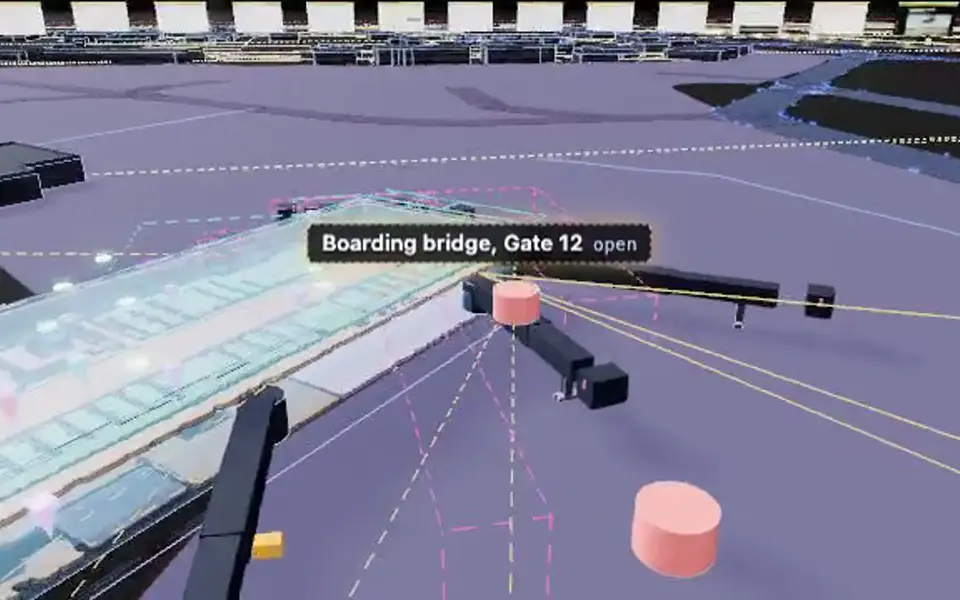
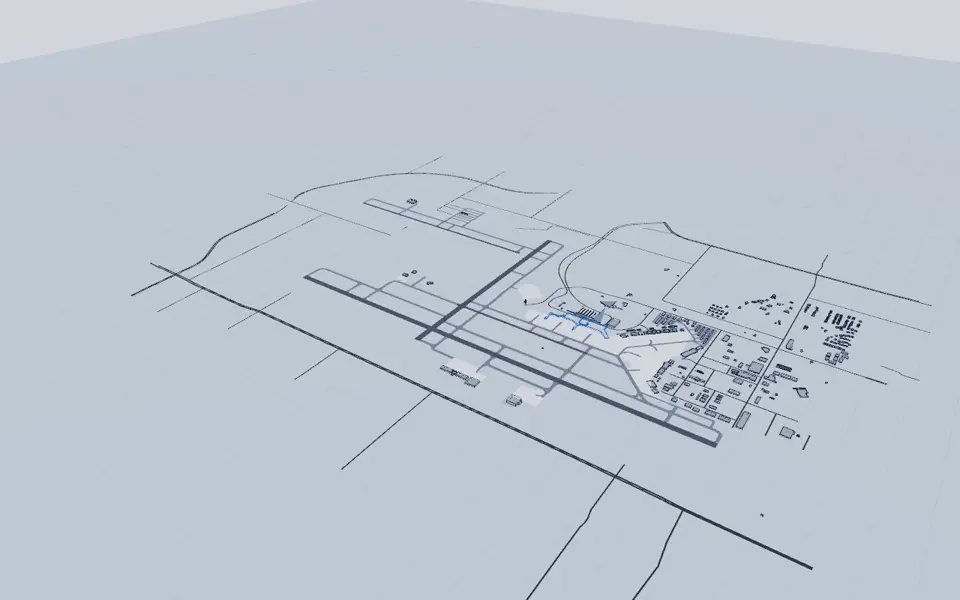
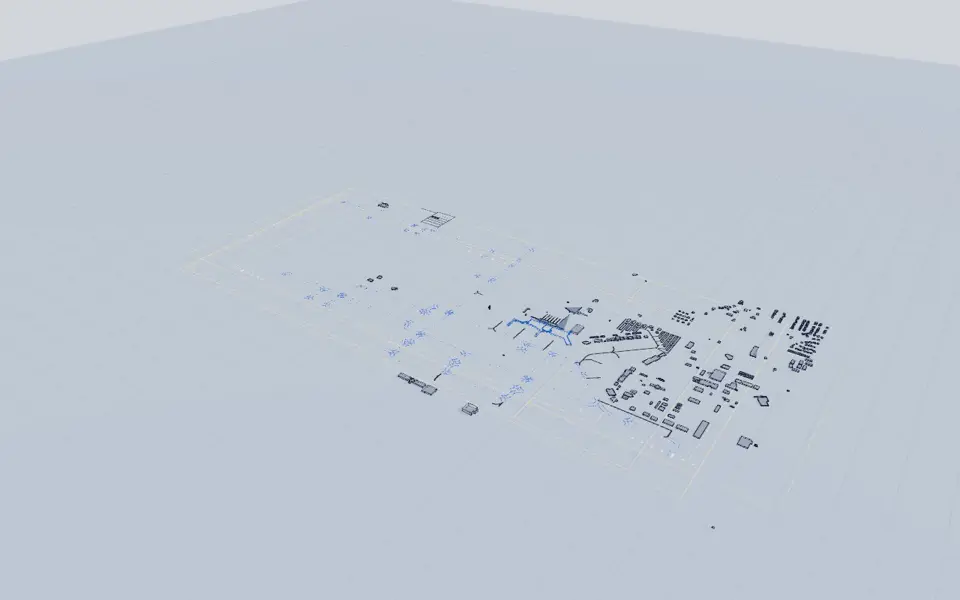
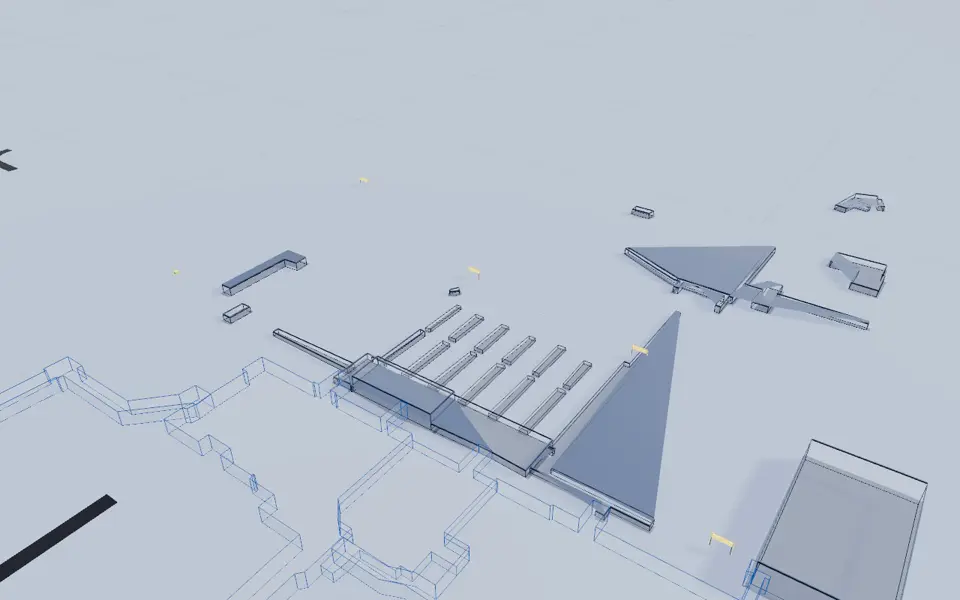
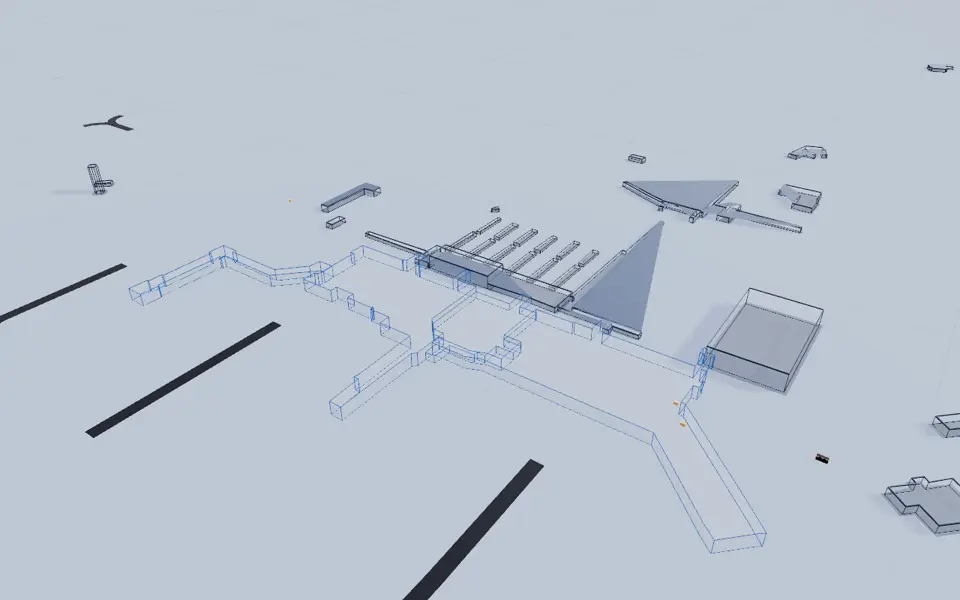
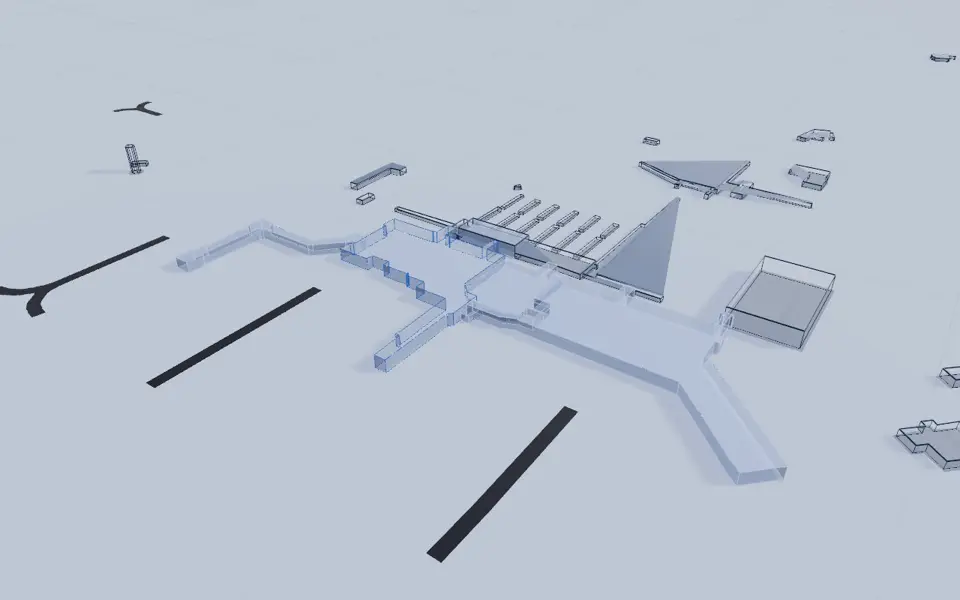
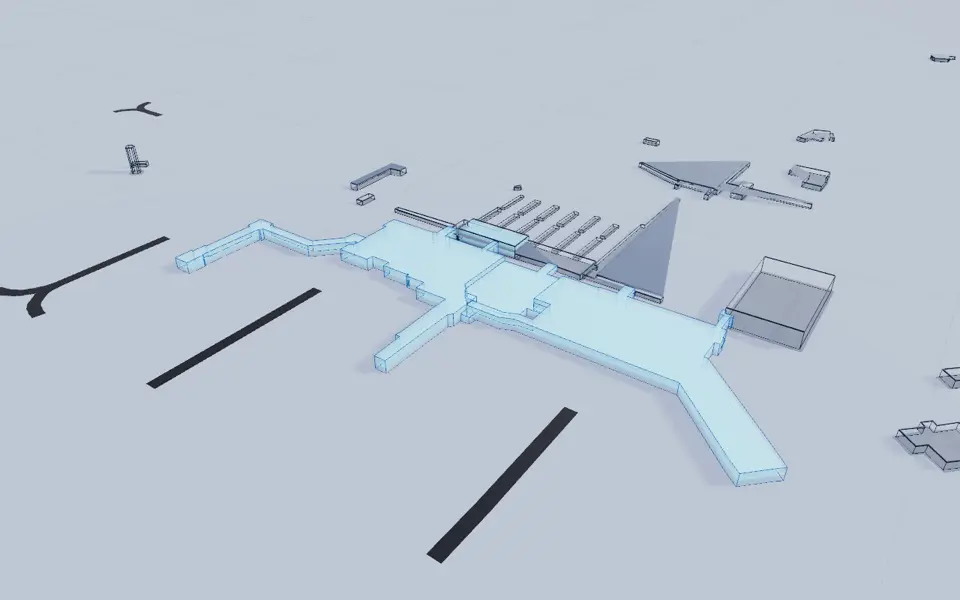
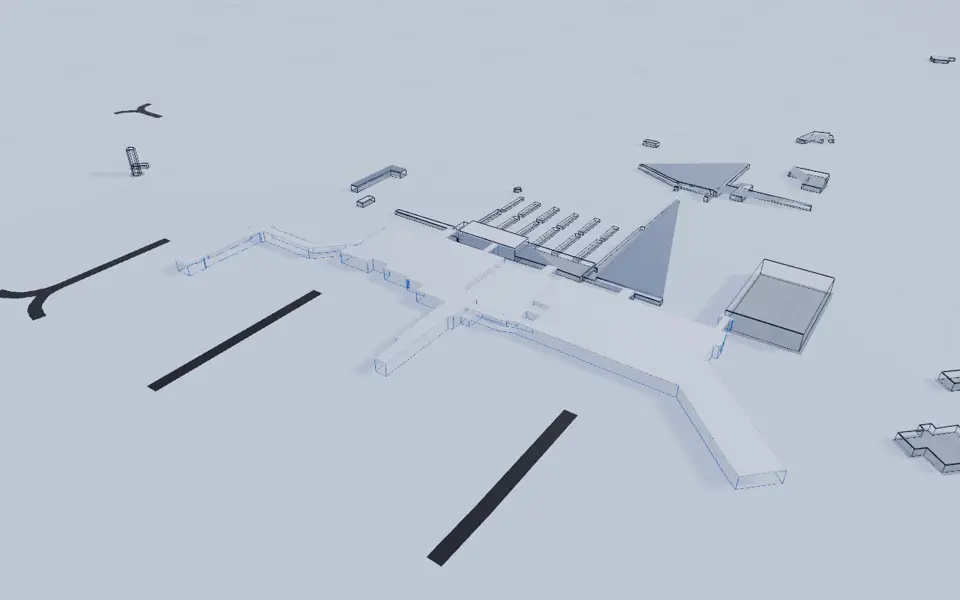
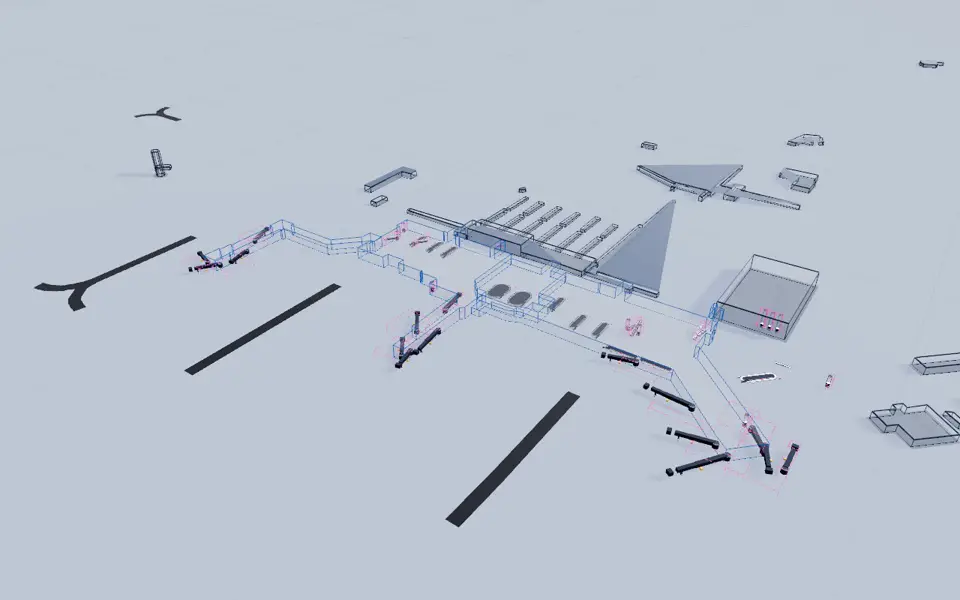
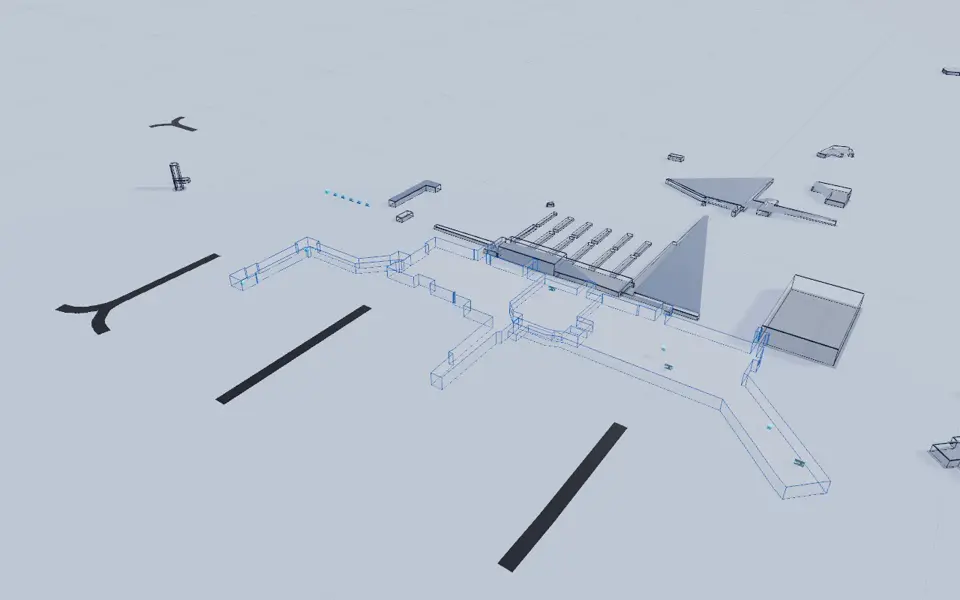
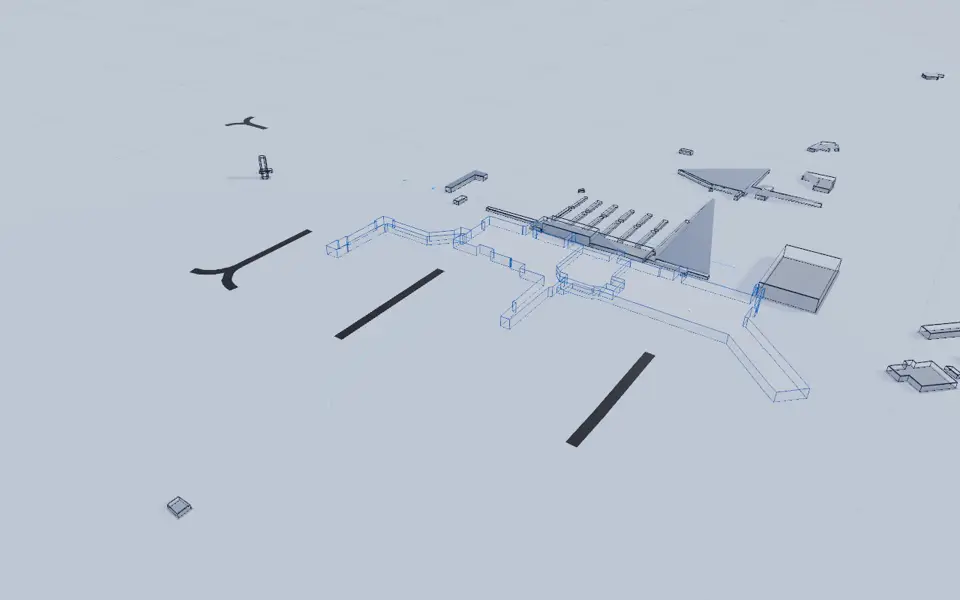
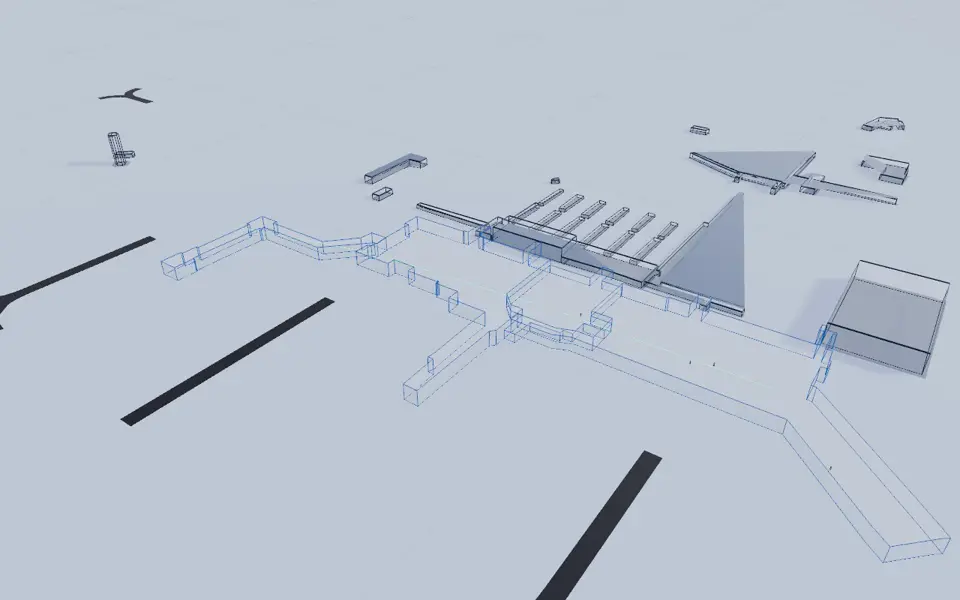
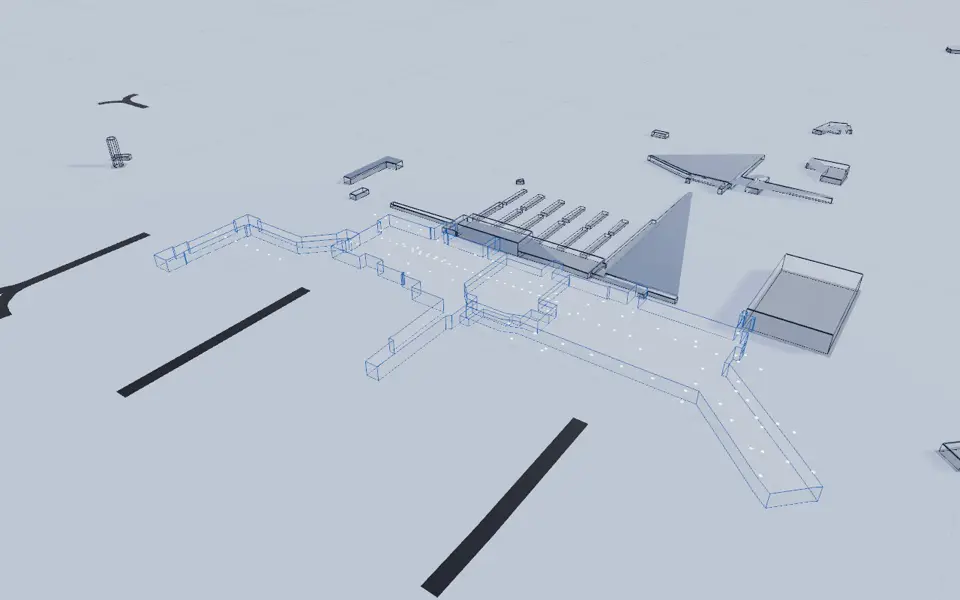
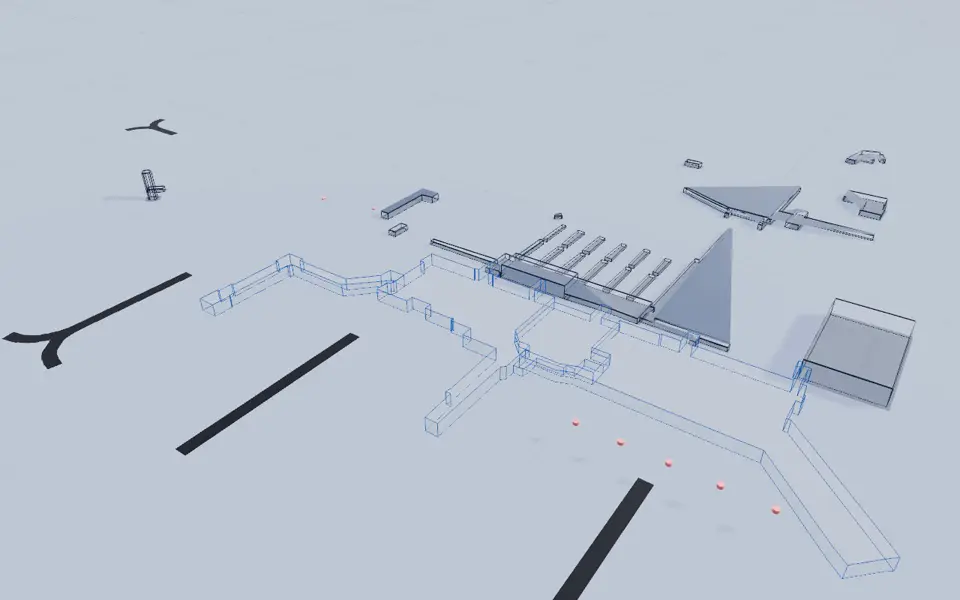
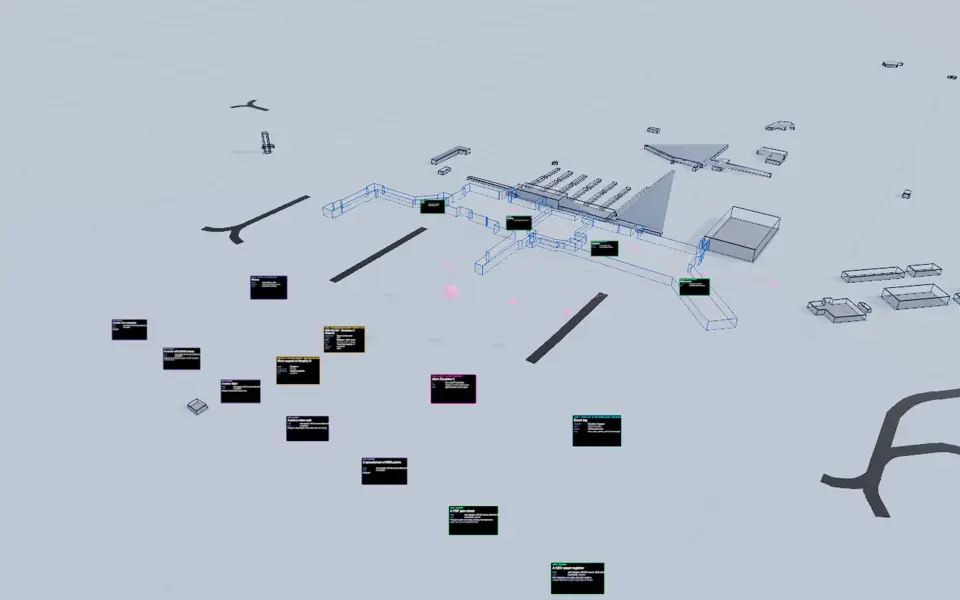
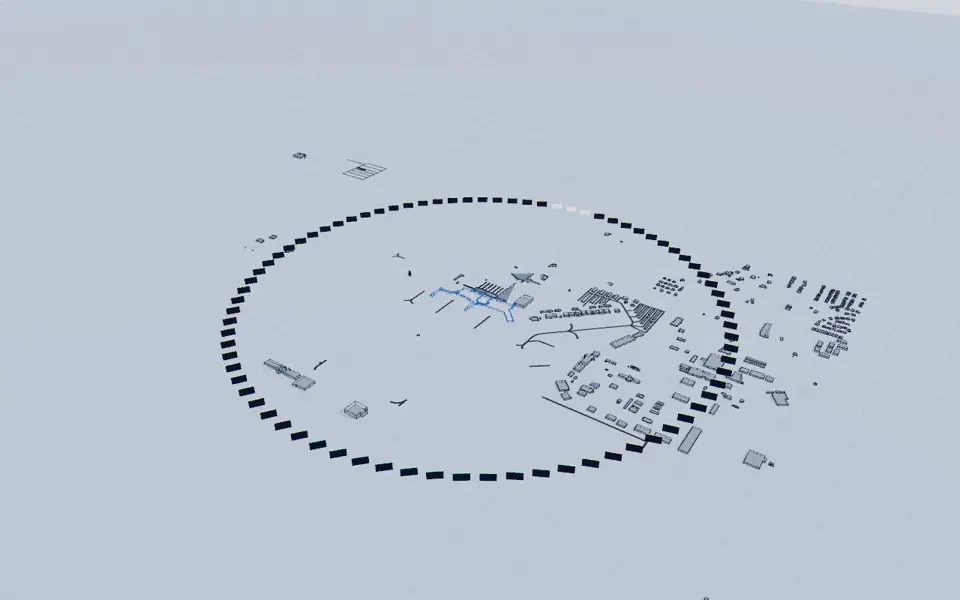
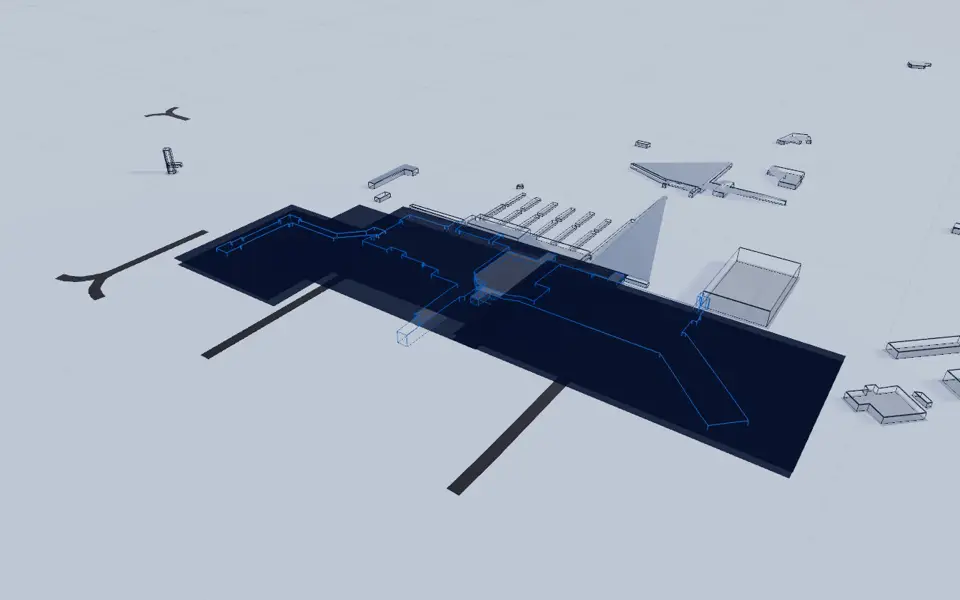
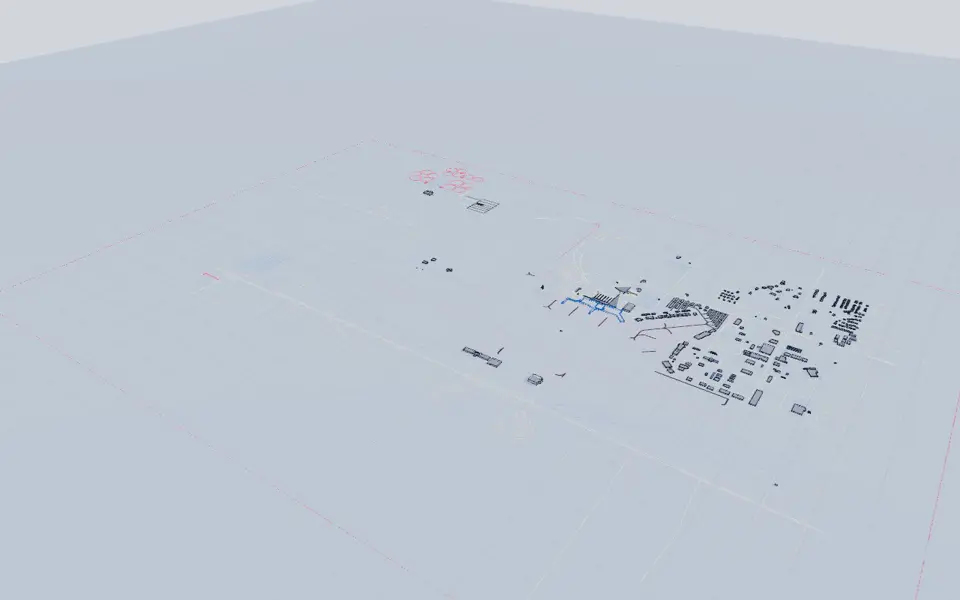
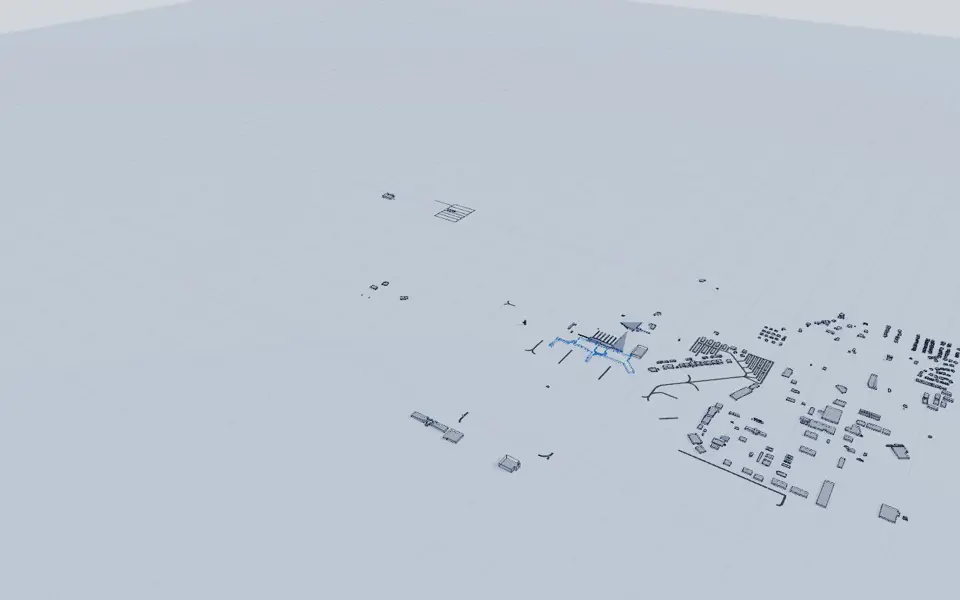
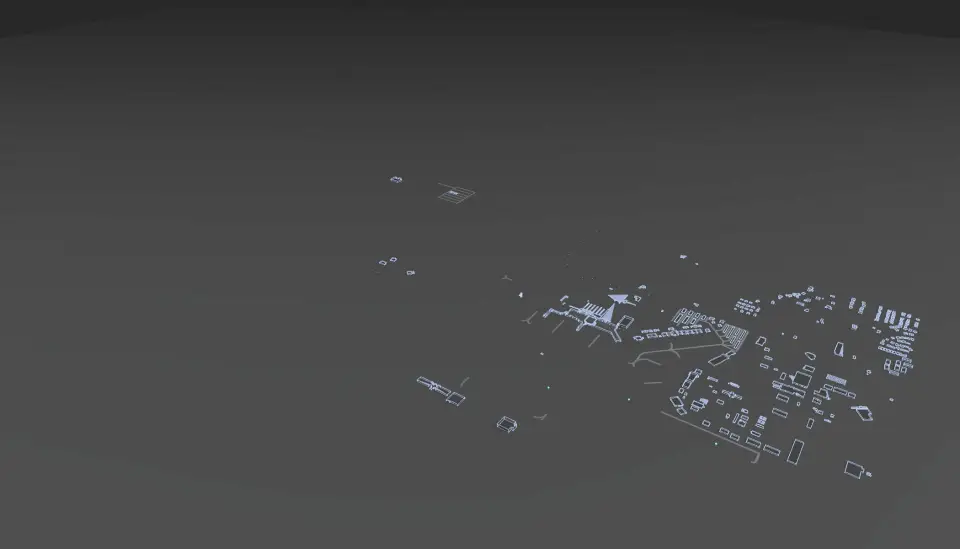
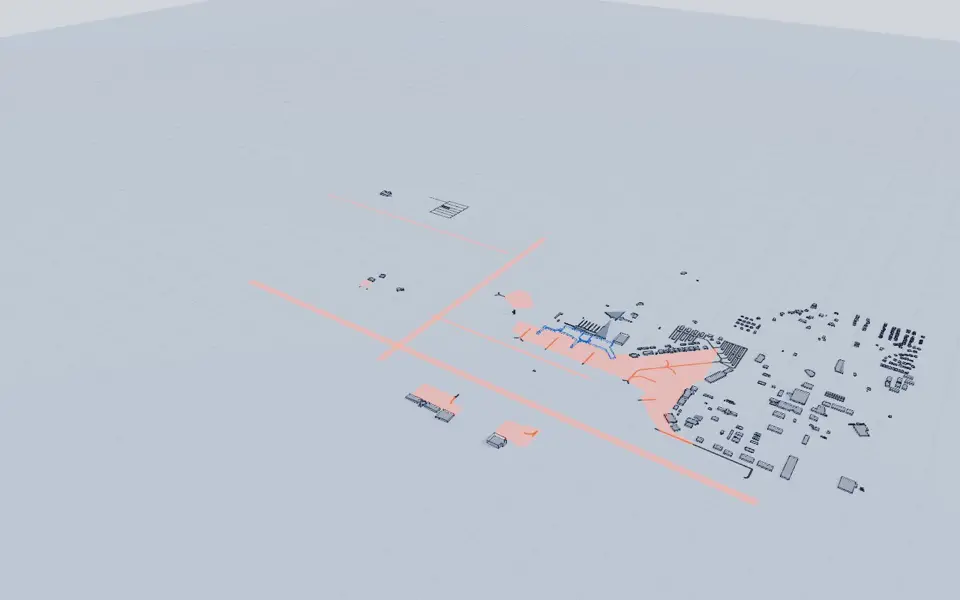
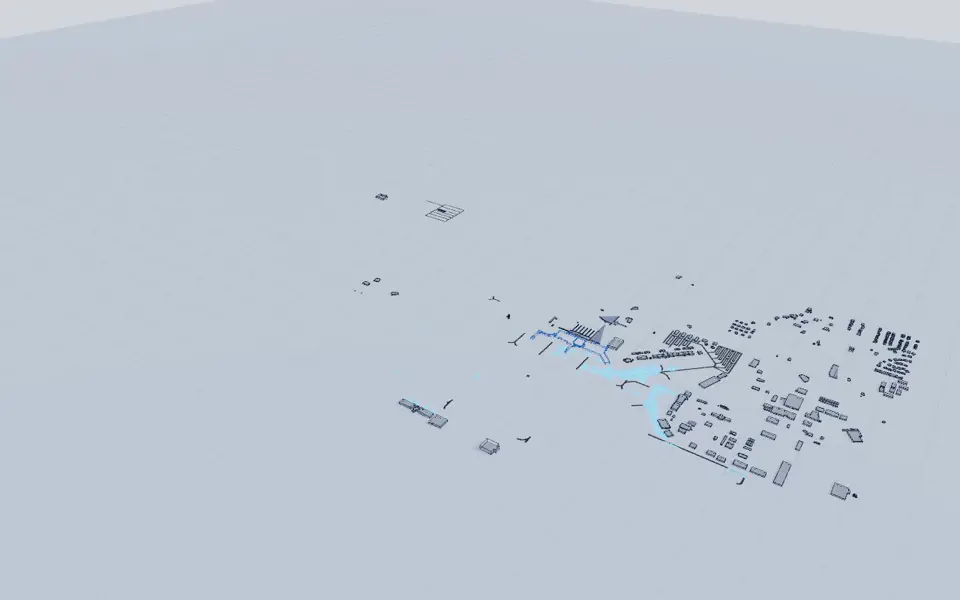
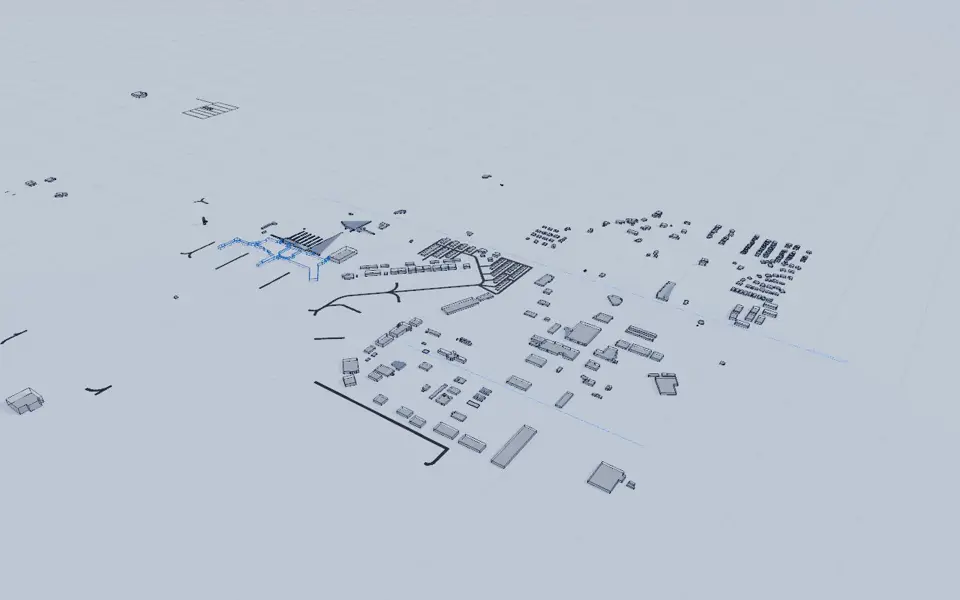
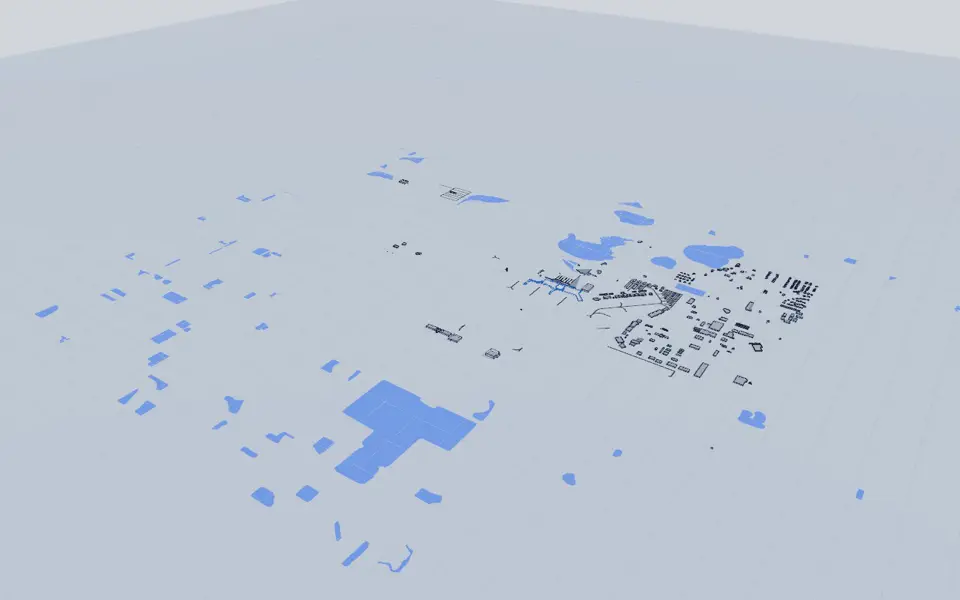
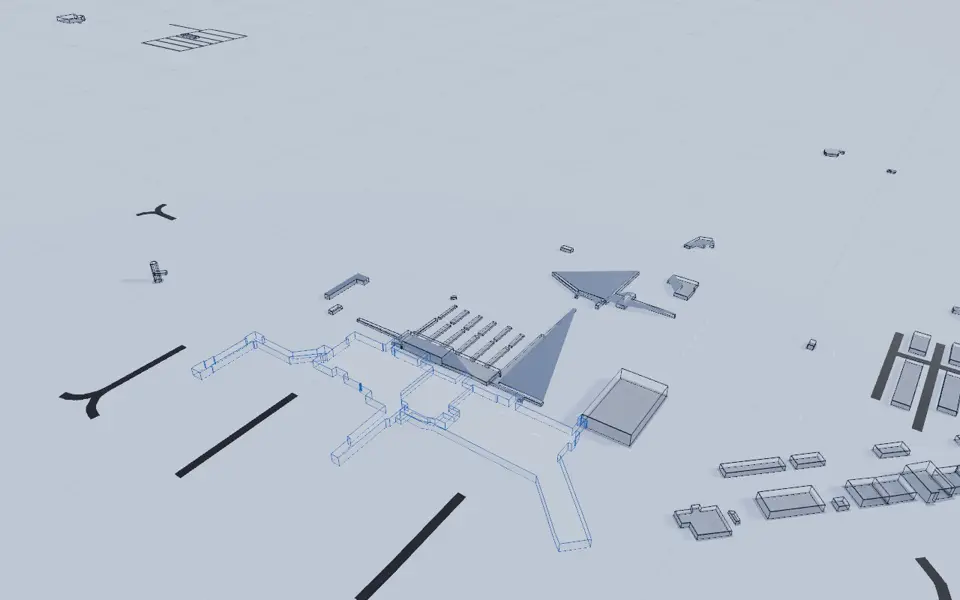
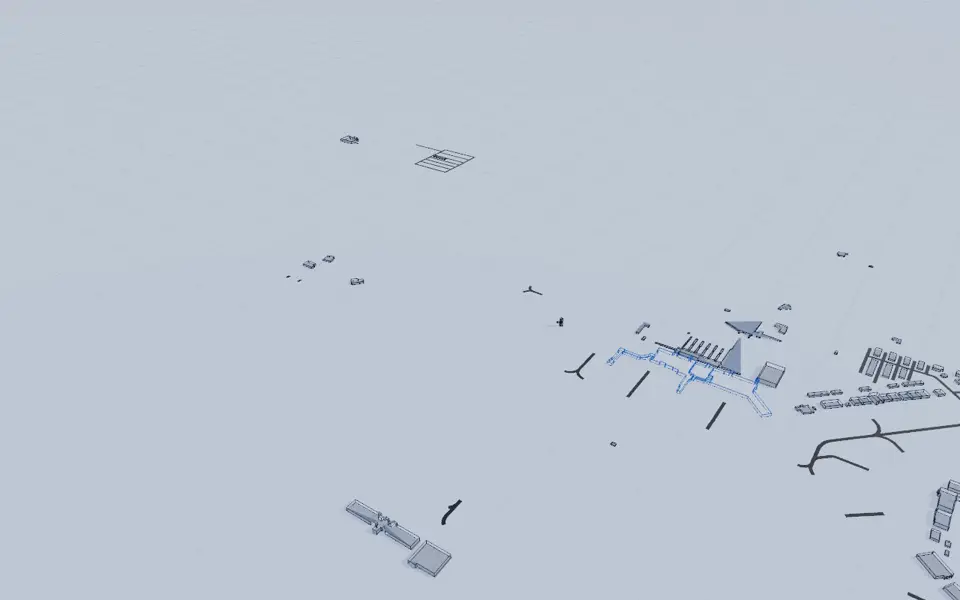
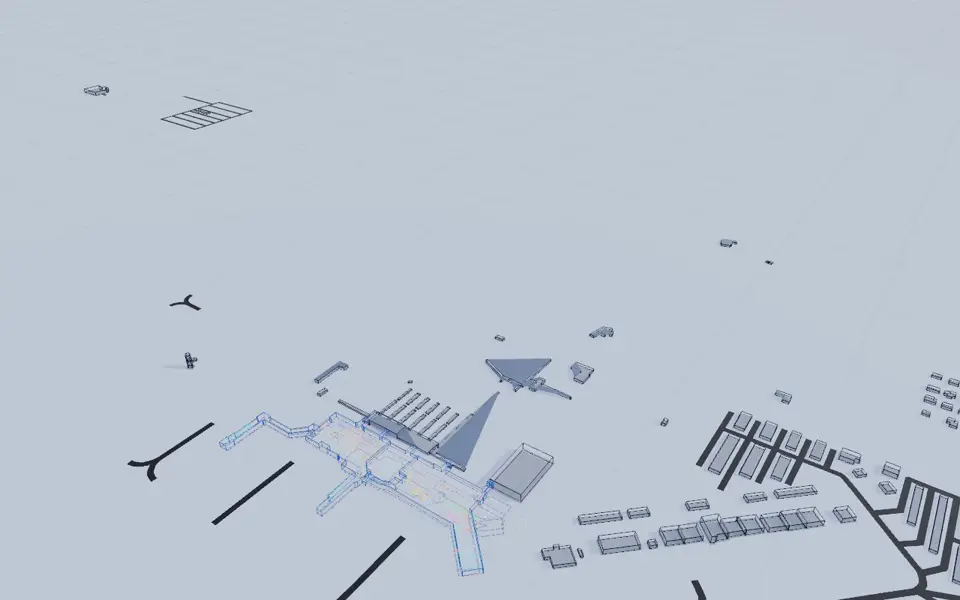
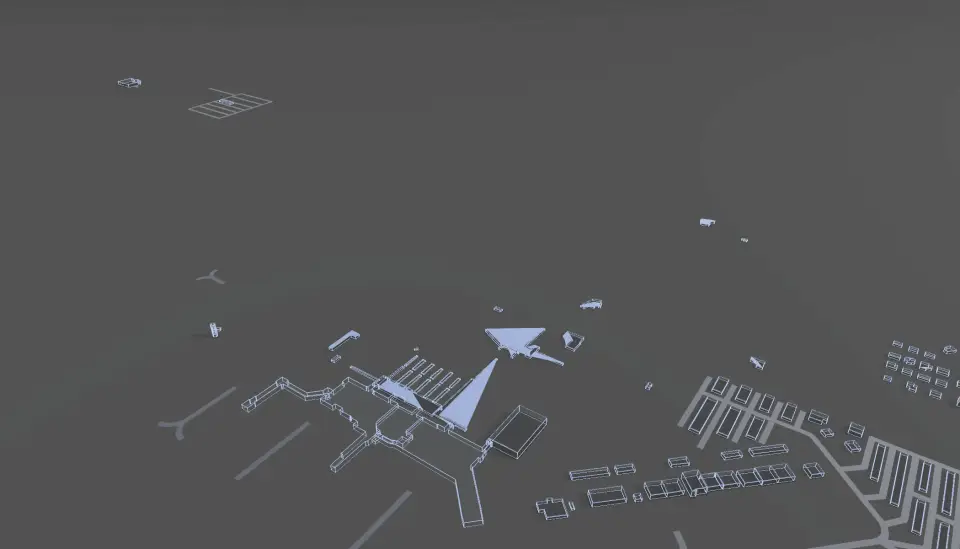
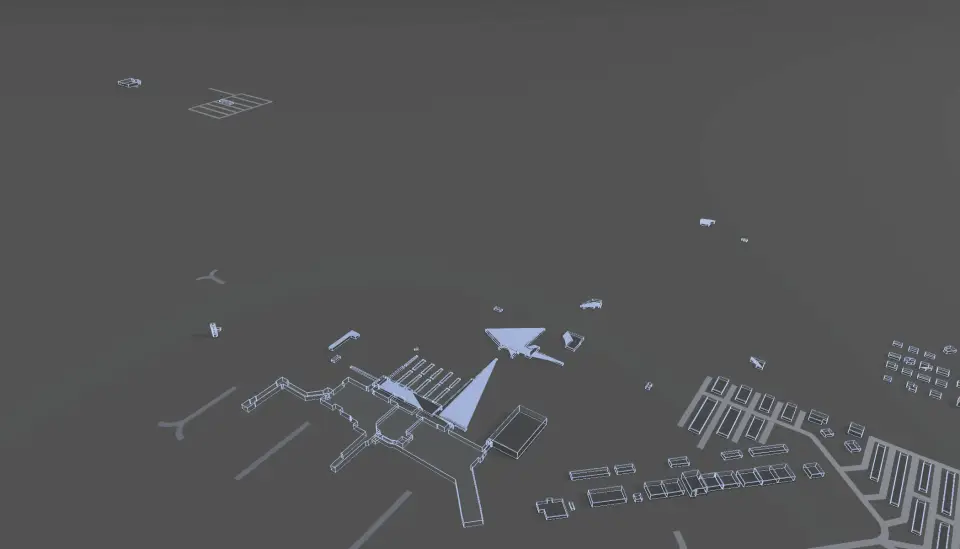
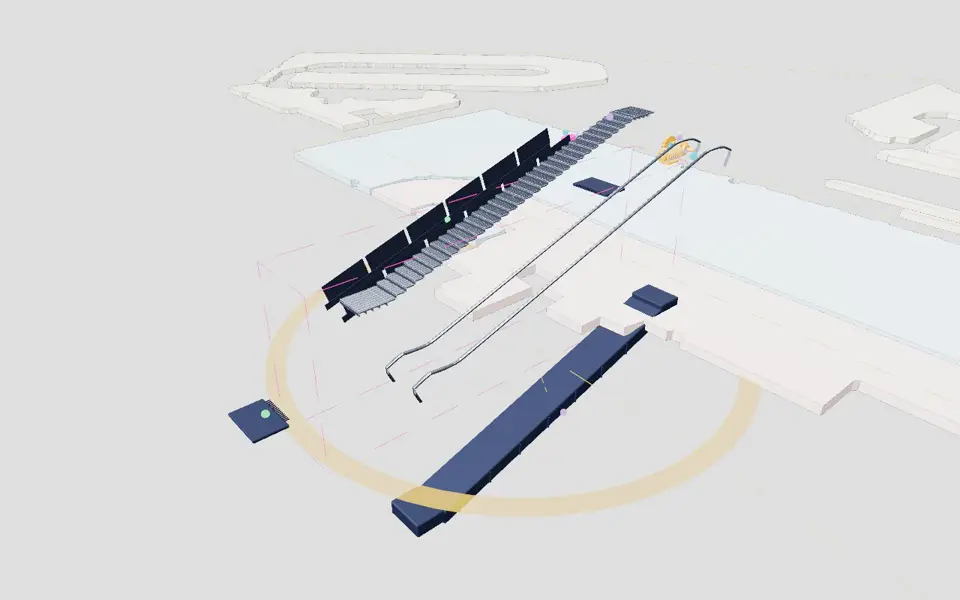
AirfieldpathOrlando Sanford International

All components

Components

Every part of this work as one panel: a short clip or picture, where it fits, and links to the requirement rows, screens, sources and sheets that use it. Where a repository file does not state a link, the panel says not linked.

Carefully crafted and curated test data for common use cases. Only the drone screens are simulated. How it works · Why this is different · The plan-based approach · Horizons · The larger frame

238 of 238

4:44

Picture: Frame at 39 seconds of the film airfieldpath-bidder.mp4, the brightest of 24 sampled.
Clip: Excerpt of the film airfieldpath-bidder.mp4, 38 to 42 seconds. No sound.

Film · Films · Lead film

The airport digital twin, shown running

The airport digital twin and the Exploder views behind it: layers, exploded systems with asset tags, the Interchange and the plan, with narration.

  1. Sources
  2. Interchange
  3. Twin
  4. Screens
  5. Plan
Kind
Film
Status
not linked
Airport layer
not linked
Airport area
not linked
System
not linked
Sensor type
not linked

Open the detail

18:46

Picture: Frame at 929 seconds of the film airfieldpath-evaluator.mp4, the brightest of 24 sampled.
Clip: Excerpt of the film airfieldpath-evaluator.mp4, 928 to 932 seconds. No sound.

Film · Films · Further films

The evaluator film

The proof of concept driven through the chapters of the Authority's own strategic plan, with questions put to each part. Every requirement traces to a screen.

  1. Sources
  2. Interchange
  3. Twin
  4. Screens
  5. Plan
Kind
Film
Status
not linked
Airport layer
not linked
Airport area
not linked
System
not linked
Sensor type
not linked

Open the detail

12:00

Picture: Frame at 126 seconds of the film airfieldpath-evaluator-cut2.mp4, the brightest of 24 sampled.
Clip: Excerpt of the film airfieldpath-evaluator-cut2.mp4, 125 to 129 seconds. No sound.

Film · Films · Further films

The evaluator film, cut 2

The proof of concept driven from a sensor on site to the person who acts on it. Work orders stay in the systems of record.

  1. Sources
  2. Interchange
  3. Twin
  4. Screens
  5. Plan
Kind
Film
Status
not linked
Airport layer
not linked
Airport area
not linked
System
not linked
Sensor type
not linked

Open the detail

0:50

Picture: Frame at 47 seconds of the film airfieldpath-opener.mp4, the brightest of 24 sampled.
Clip: Excerpt of the film airfieldpath-opener.mp4, 46 to 50 seconds. No sound.

Film · Films · Further films

The opener

The airport from public lidar, down to the terminal. An escalator stops and the queue shows at its foot. The work carries on with AI switched off.

  1. Sources
  2. Interchange
  3. Twin
  4. Screens
  5. Plan
Kind
Film
Status
not linked
Airport layer
not linked
Airport area
not linked
System
not linked
Sensor type
not linked

Open the detail

2:44

Picture: Frame at 135 seconds of the film airfieldpath-board.mp4, the brightest of 24 sampled.
Clip: Excerpt of the film airfieldpath-board.mp4, 134 to 138 seconds. No sound.

Film · Films · Further films

The Board cut

Real-time data on every facility, then maintenance that predicts and prevents, in a length for a Board agenda.

  1. Sources
  2. Interchange
  3. Twin
  4. Screens
  5. Plan
Kind
Film
Status
not linked
Airport layer
not linked
Airport area
not linked
System
not linked
Sensor type
not linked

Open the detail

4:58

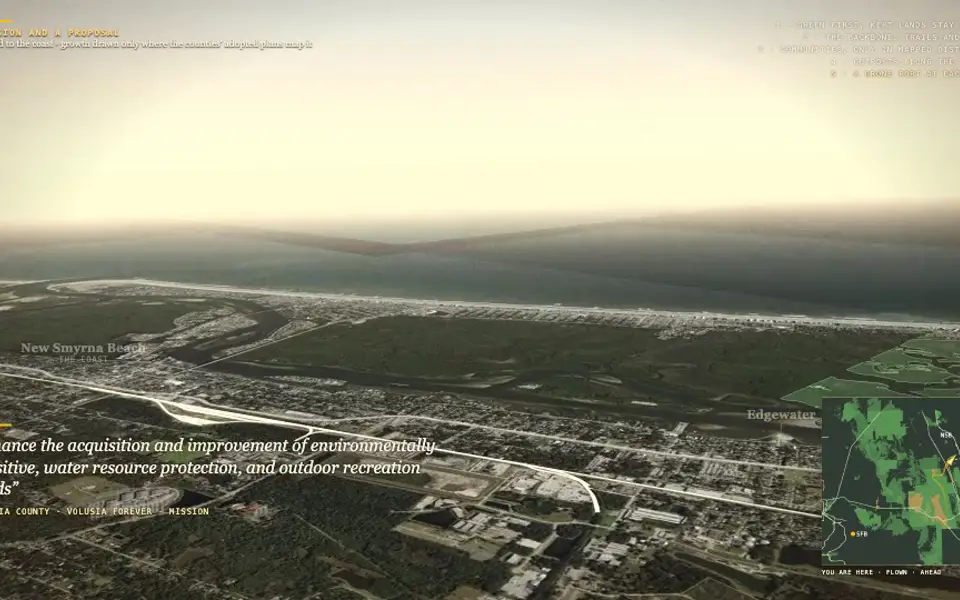
Picture: Frame at 235 seconds of the film airfieldpath-growth.mp4, the brightest of 24 sampled.
Clip: Excerpt of the film airfieldpath-growth.mp4, 234 to 238 seconds. No sound.

Film · Films · Further films

The growth flight

From Sanford's airport to the coast at New Smyrna Beach, drawn only where the counties' own plans allow it. A working cut at half resolution.

  1. Sources
  2. Interchange
  3. Twin
  4. Screens
  5. Plan
Kind
Film
Status
not linked
Airport layer
not linked
Airport area
not linked
System
not linked
Sensor type
not linked

Open the detail

23:05

Picture: Frame at 189 seconds of the film airfieldpath-missionsight.mp4, the brightest of 24 sampled.
Clip: Excerpt of the film airfieldpath-missionsight.mp4, 188 to 192 seconds. No sound.

Film · Films · Further films

MissionSight

The mission-data and vision engine the products share, from the plan to the flight to the check, then through the Fleet World where the Conductor, the Spectrograph and the cloud are taken apart.

  1. Sources
  2. Interchange
  3. Twin
  4. Screens
  5. Plan
Kind
Film
Status
not linked
Airport layer
not linked
Airport area
not linked
System
not linked
Sensor type
not linked

Open the detail

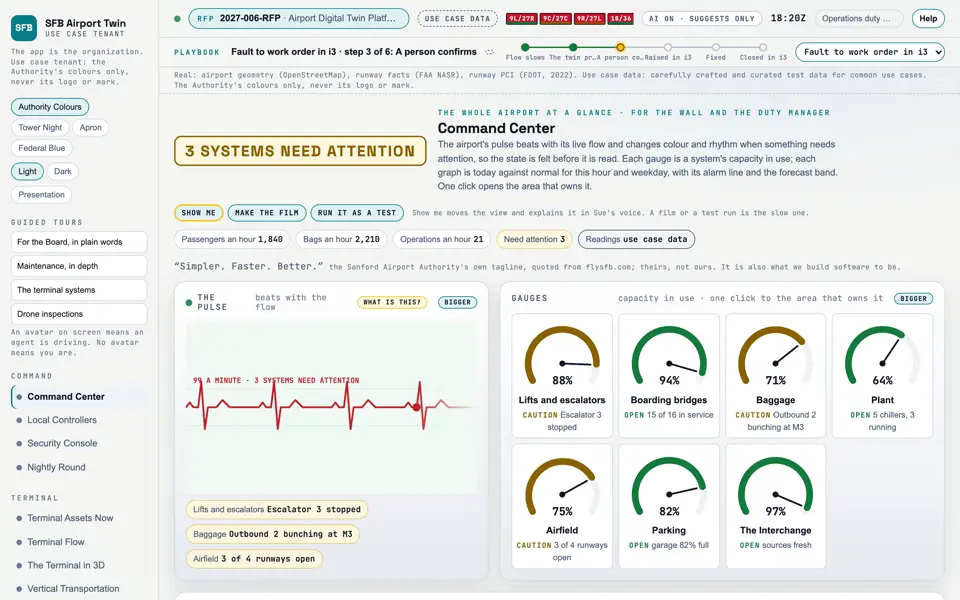
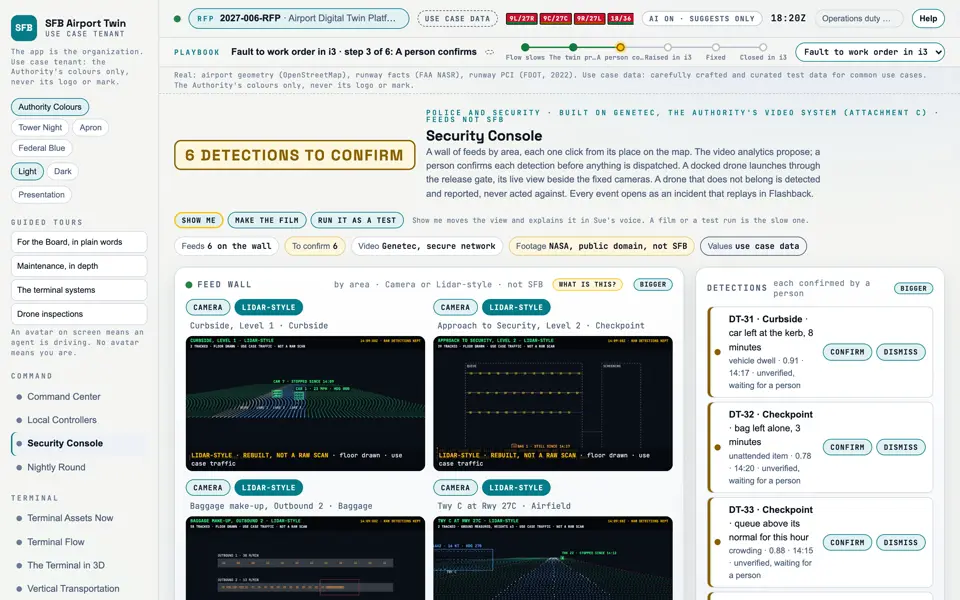
Picture: Headless capture of poc/index.html?v=command&m=light, as the proof of concept renders it, 1400 by 875 at 2x scale.
Clip: Capture of poc/index.html?v=command&m=light, 4 seconds of the screen as it runs, 10 frames a second. No sound.

Screen · Proof of concept · Command

Command Center

The whole airport at a glance: its pulse, a gauge for each system, and today against normal.

  1. Sources
  2. Interchange
  3. Twin
  4. Screens
  5. Plan
Kind
Screen
Status
not linked
Airport layer
Screens: the POC story and the spines
Airport area
not linked
System
not linked
Sensor type
not linked
SheetA-10

Open the screen · Open the detail

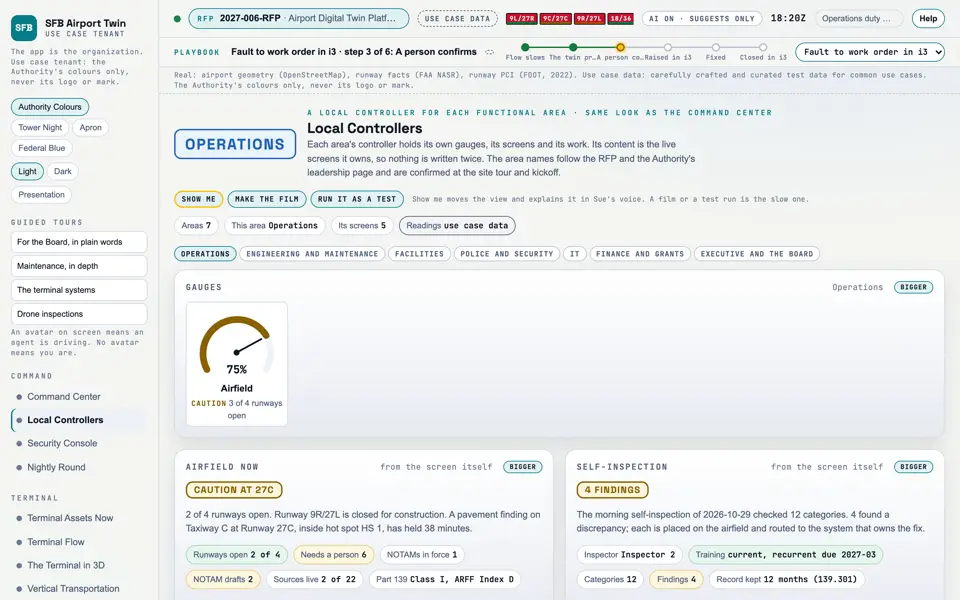
Picture: Headless capture of poc/index.html?v=controllers&m=light, as the proof of concept renders it, 1400 by 875 at 2x scale.

Screen · Proof of concept · Command

Local Controllers

Each functional area's own controller, built from the screens it already owns.

  1. Sources
  2. Interchange
  3. Twin
  4. Screens
  5. Plan
Kind
Screen
Status
not linked
Airport layer
Screens: the POC story and the spines
Airport area
not linked
System
not linked
Sensor type
not linked

Open the screen · Open the detail

Picture: Headless capture of poc/index.html?v=security&m=light, as the proof of concept renders it, 1400 by 875 at 2x scale.
Clip: Capture of poc/index.html?v=security&m=light, 4 seconds of the screen as it runs, 10 frames a second. No sound.

Screen · Proof of concept · Command

Security Console

Camera feeds by area, detections a person confirms, the security drone and the incidents.

  1. Sources
  2. Interchange
  3. Twin
  4. Screens
  5. Plan
Kind
Screen
Status
not linked
Airport layer
Screens: the POC story and the spines
Airport area
not linked
System
not linked
Sensor type
not linked

Open the screen · Open the detail

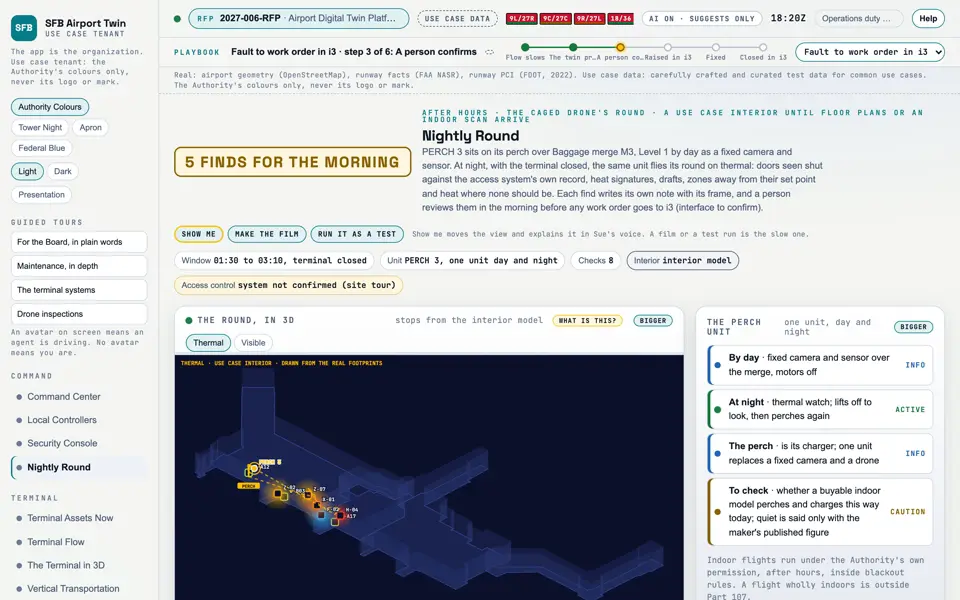
Picture: Headless capture of poc/index.html?v=round&m=light, as the proof of concept renders it, 1400 by 875 at 2x scale.
Clip: Capture of poc/index.html?v=round&m=light, 4 seconds of the screen as it runs, 10 frames a second. No sound.

Screen · Proof of concept · Command

Nightly Round Simulated

After hours, the perched caged drone flies its round on thermal and fills its checklist.

  1. Sources
  2. Interchange
  3. Twin
  4. Screens
  5. Plan
Kind
Screen
Status
not linked
Airport layer
Screens: the POC story and the spines
Airport area
not linked
System
not linked
Sensor type
not linked

Open the screen · Open the detail

Picture: Headless capture of poc/index.html?v=terminal&m=light, as the proof of concept renders it, 1400 by 875 at 2x scale.

Screen · Proof of concept · Terminal

Terminal Assets Now

What is working in the terminal right now, and what needs a person, in plain words.

  1. Sources
  2. Interchange
  3. Twin
  4. Screens
  5. Plan
Kind
Screen
Status
partly met
Airport layer
Screens: the POC story and the spines
Airport area
not linked
System
not linked
Sensor type
not linked

Open the screen · Open the detail

Picture: Headless capture of poc/index.html?v=flow&m=light, as the proof of concept renders it, 1400 by 875 at 2x scale.

Screen · Proof of concept · Terminal

Terminal Flow

What is moving in the terminal now, how much each system can carry, and where it is slowing.

  1. Sources
  2. Interchange
  3. Twin
  4. Screens
  5. Plan
Kind
Screen
Status
not linked
Airport layer
Screens: the POC story and the spines
Airport area
not linked
System
not linked
Sensor type
not linked

Open the screen · Open the detail

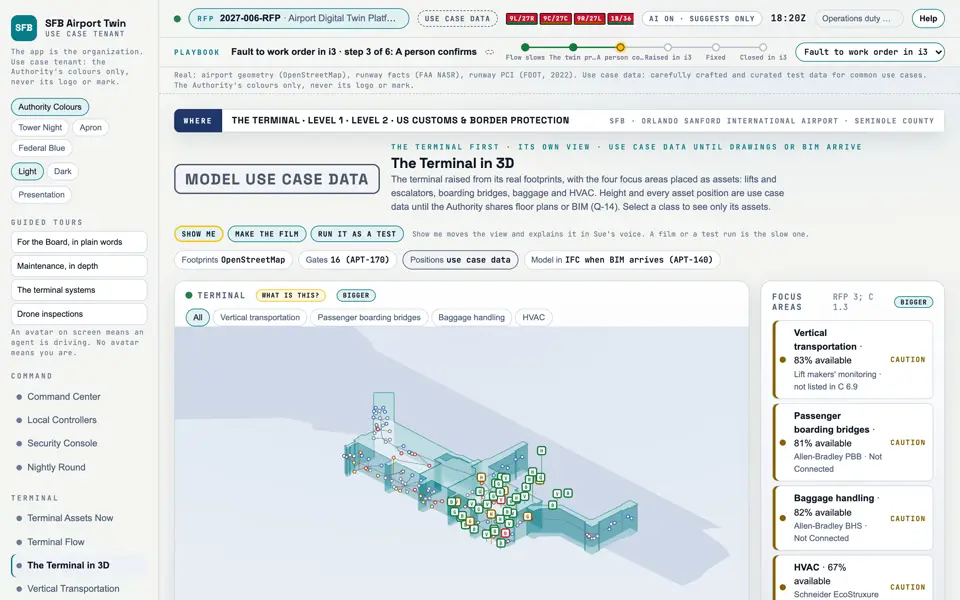
Picture: Headless capture of poc/index.html?v=terminal3d&m=light, as the proof of concept renders it, 1400 by 875 at 2x scale.

Screen · Proof of concept · Terminal

The Terminal in 3D

The terminal as a model you can turn, with its lifts, bridges, baggage and air handling placed on it.

  1. Sources
  2. Interchange
  3. Twin
  4. Screens
  5. Plan
Kind
Screen
Status
partly met
Airport layer
Screens: the POC story and the spines
Airport area
not linked
System
not linked
Sensor type
not linked

Open the screen · Open the detail

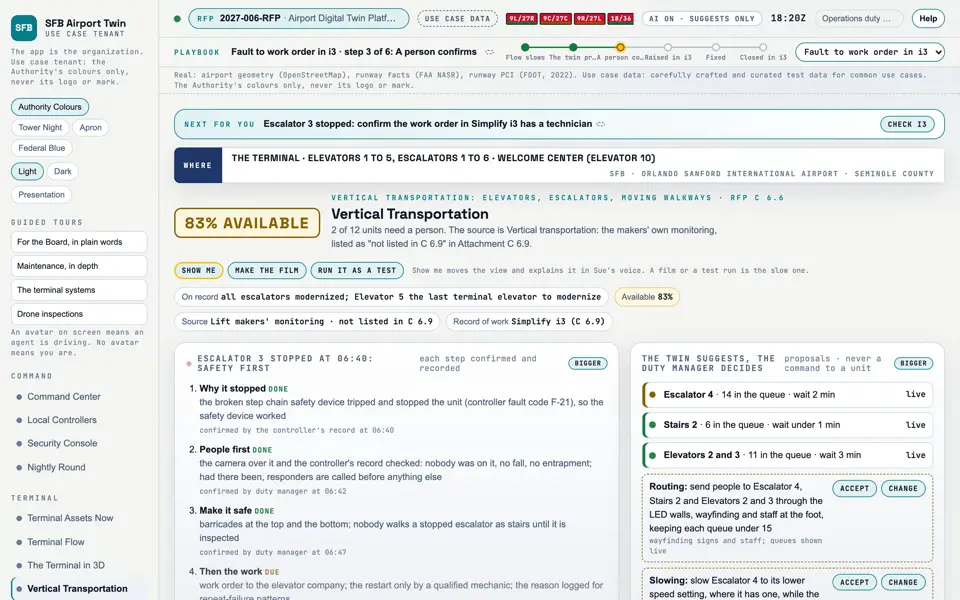
Picture: Headless capture of poc/index.html?v=vt&m=light, as the proof of concept renders it, 1400 by 875 at 2x scale.

Screen · Proof of concept · Terminal

Vertical Transportation

Whether people can move between floors, and which lift or escalator needs a person.

  1. Sources
  2. Interchange
  3. Twin
  4. Screens
  5. Plan
Kind
Screen
Status
partly met
Airport layer
Screens: the POC story and the spines
Airport area
not linked
System
not linked
Sensor type
not linked

Open the screen · Open the detail

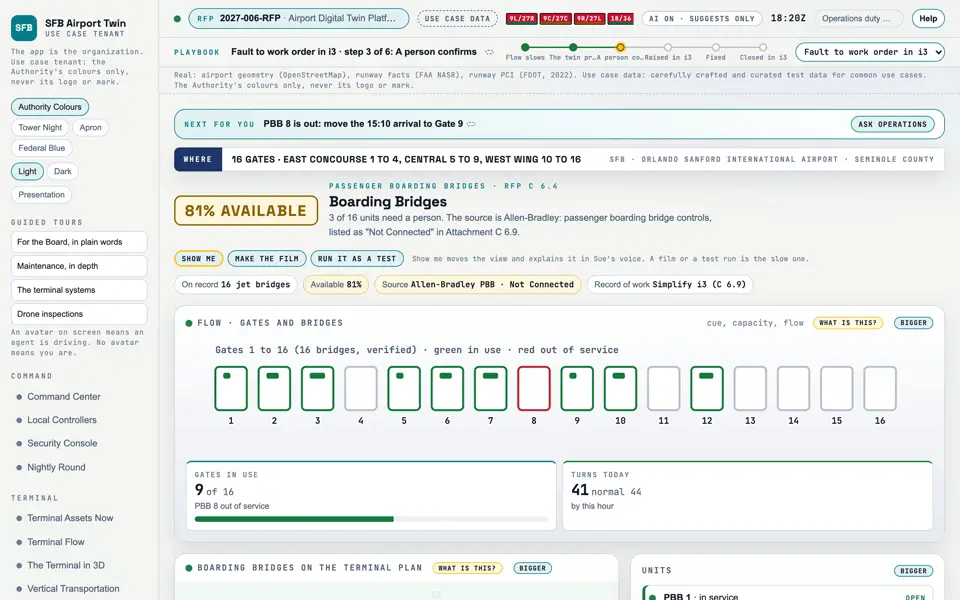
Picture: Headless capture of poc/index.html?v=pbb&m=light, as the proof of concept renders it, 1400 by 875 at 2x scale.
Clip: Capture of poc/index.html?v=pbb&m=light, 4 seconds of the screen as it runs, 10 frames a second. No sound.

Screen · Proof of concept · Terminal

Boarding Bridges

Which of the 16 boarding bridges are ready for the next flight.

  1. Sources
  2. Interchange
  3. Twin
  4. Screens
  5. Plan
Kind
Screen
Status
partly met
Airport layer
Screens: the POC story and the spines
Airport area
not linked
System
not linked
Sensor type
not linked

Open the screen · Open the detail

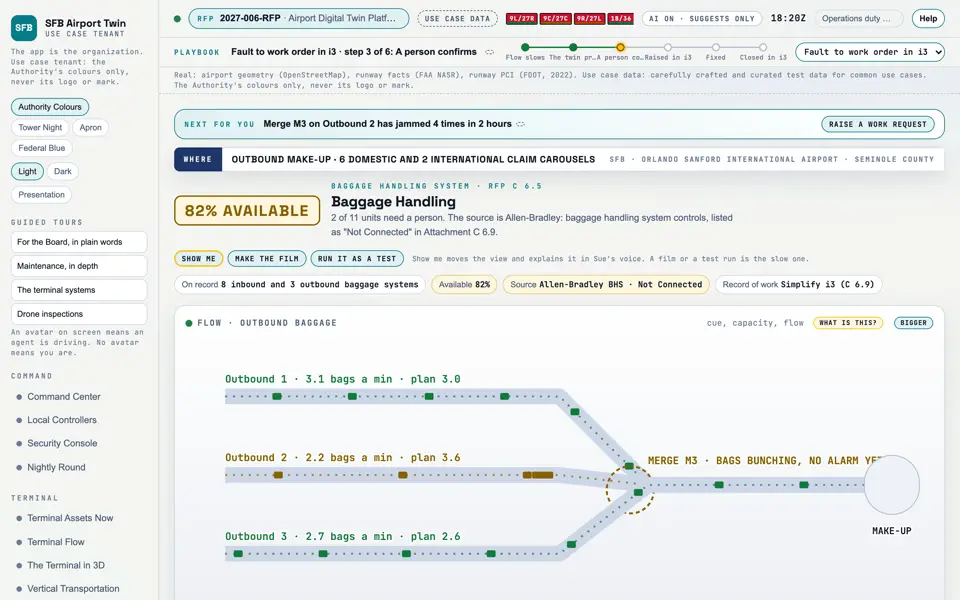
Picture: Headless capture of poc/index.html?v=bhs&m=light, as the proof of concept renders it, 1400 by 875 at 2x scale.
Clip: Capture of poc/index.html?v=bhs&m=light, 4 seconds of the screen as it runs, 10 frames a second. No sound.

Screen · Proof of concept · Terminal

Baggage Handling

Whether bags are moving, and where a jam or fault needs a person.

  1. Sources
  2. Interchange
  3. Twin
  4. Screens
  5. Plan
Kind
Screen
Status
partly met
Airport layer
Screens: the POC story and the spines
Airport area
not linked
System
not linked
Sensor type
not linked

Open the screen · Open the detail

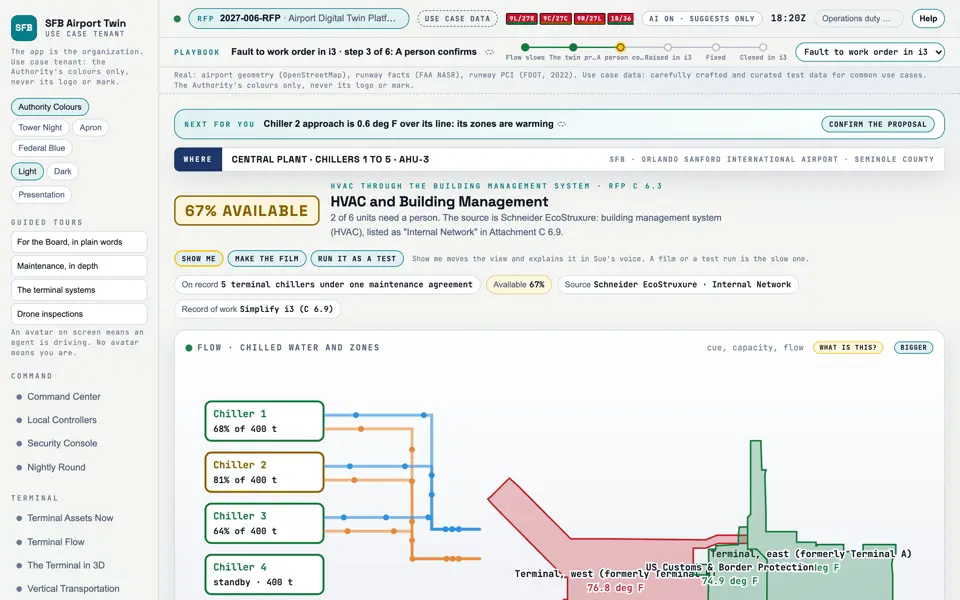
Picture: Headless capture of poc/index.html?v=hvac&m=light, as the proof of concept renders it, 1400 by 875 at 2x scale.
Clip: Capture of poc/index.html?v=hvac&m=light, 4 seconds of the screen as it runs, 10 frames a second. No sound.

Screen · Proof of concept · Terminal

HVAC and Building Management

Whether the terminal's heating, cooling and air are healthy, read from the building management system.

  1. Sources
  2. Interchange
  3. Twin
  4. Screens
  5. Plan
Kind
Screen
Status
partly met
Airport layer
Screens: the POC story and the spines
Airport area
not linked
System
not linked
Sensor type
not linked

Open the screen · Open the detail

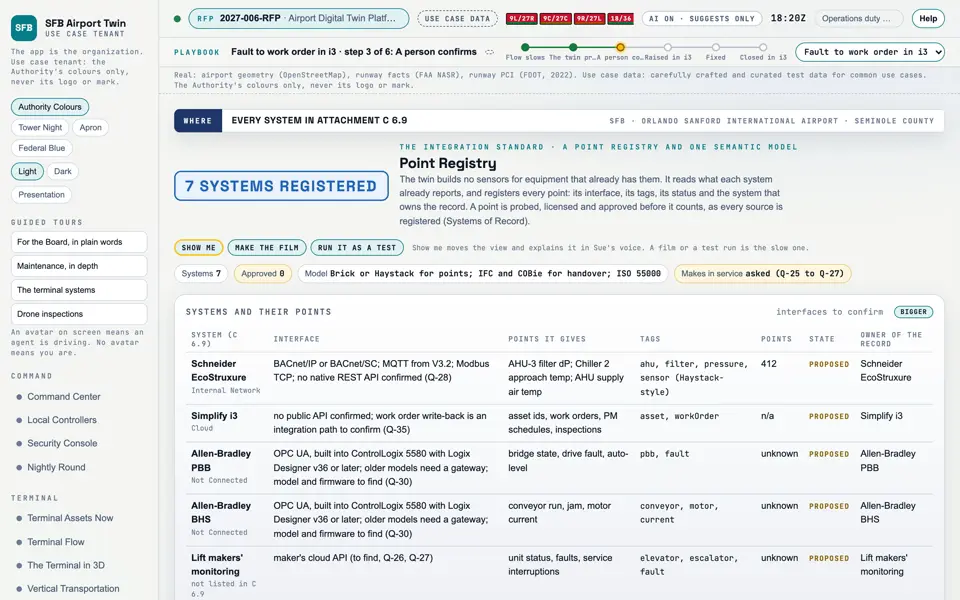
Picture: Headless capture of poc/index.html?v=points&m=light, as the proof of concept renders it, 1400 by 875 at 2x scale.

Screen · Proof of concept · Terminal

Point Registry

Every reading the twin uses, where it comes from, and who owns it.

  1. Sources
  2. Interchange
  3. Twin
  4. Screens
  5. Plan
Kind
Screen
Status
partly met, target
Airport layer
Screens: the POC story and the spines
Airport area
not linked
System
not linked
Sensor type
not linked

Open the screen · Open the detail

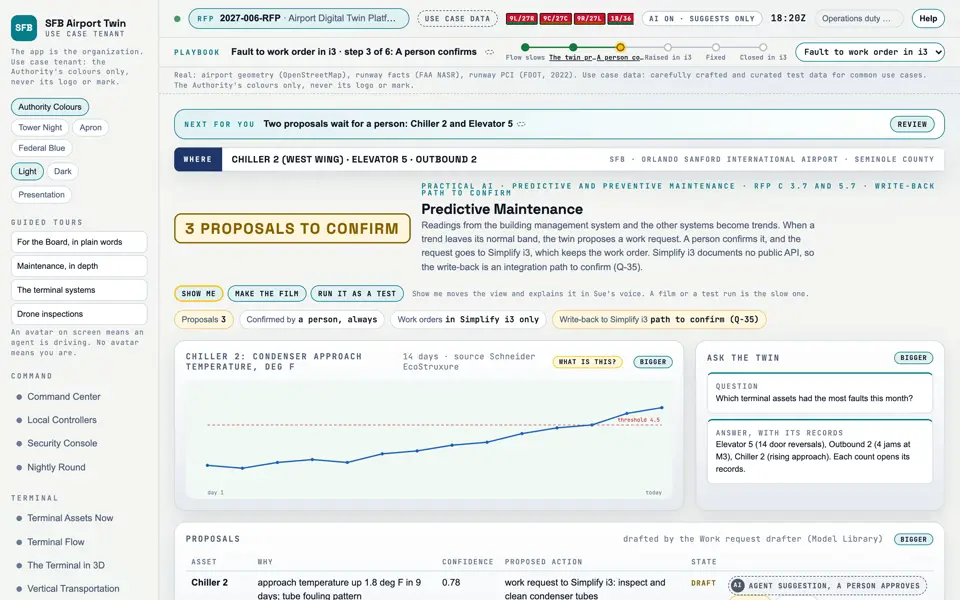
Picture: Headless capture of poc/index.html?v=predict&m=light, as the proof of concept renders it, 1400 by 875 at 2x scale.
Clip: Excerpt of poc/flybys/terminal-fault.mp4, 1.9 to 6.0 seconds. A drawing of the process: A terminal fault: trend, prediction, work order. No sound.

Screen · Proof of concept · Terminal

Predictive Maintenance

Problems the twin sees coming, each proposed as a repair for a person to approve.

  1. Sources
  2. Interchange
  3. Twin
  4. Screens
  5. Plan
Kind
Screen
Status
partly met
Airport layer
Screens: the POC story and the spines
Airport area
not linked
System
not linked
Sensor type
not linked

Open the screen · Open the detail

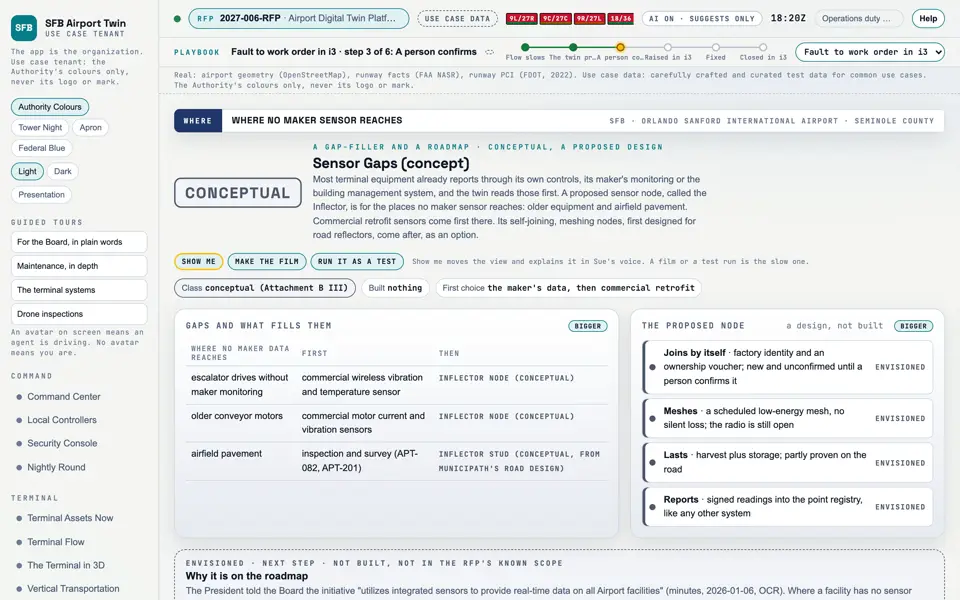
Picture: Headless capture of poc/index.html?v=inflector&m=light, as the proof of concept renders it, 1400 by 875 at 2x scale.

Screen · Proof of concept · Terminal

Sensor Gaps (concept)

A proposed way to add sensors where no equipment maker's data reaches. A design, not built.

  1. Sources
  2. Interchange
  3. Twin
  4. Screens
  5. Plan
Kind
Screen
Status
partly met, target
Airport layer
Screens: the POC story and the spines
Airport area
not linked
System
not linked
Sensor type
not linked
RFP rowsM-069M-145

Open the screen · Open the detail

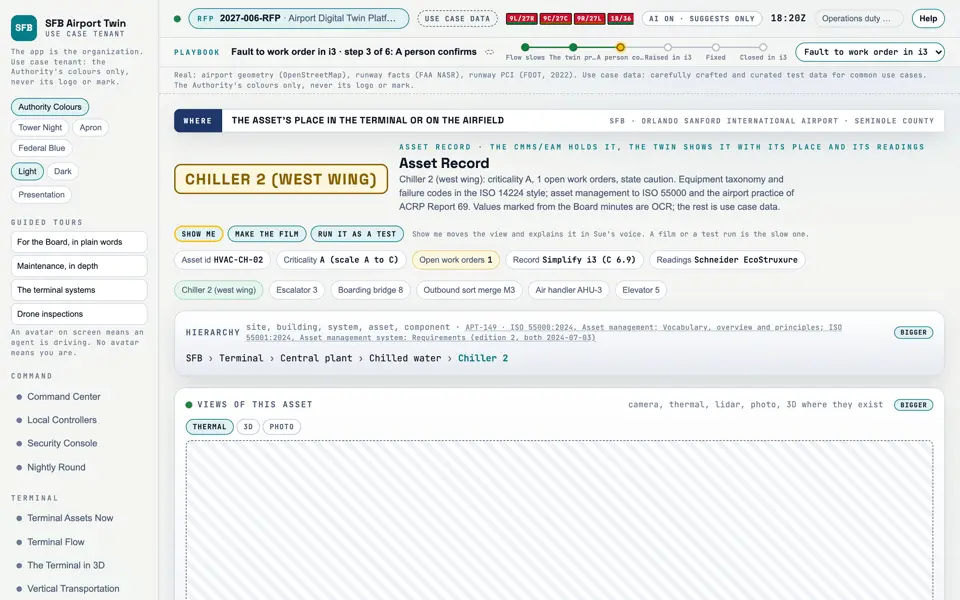
Picture: Headless capture of poc/index.html?v=asset&m=light, as the proof of concept renders it, 1400 by 875 at 2x scale.

Screen · Proof of concept · Maintenance

Asset Record

One asset's full record: where it sits, what it is, its readings, its schedule and its history.

  1. Sources
  2. Interchange
  3. Twin
  4. Screens
  5. Plan
Kind
Screen
Status
partly met
Airport layer
Screens: the POC story and the spines
Airport area
not linked
System
not linked
Sensor type
not linked

Open the screen · Open the detail

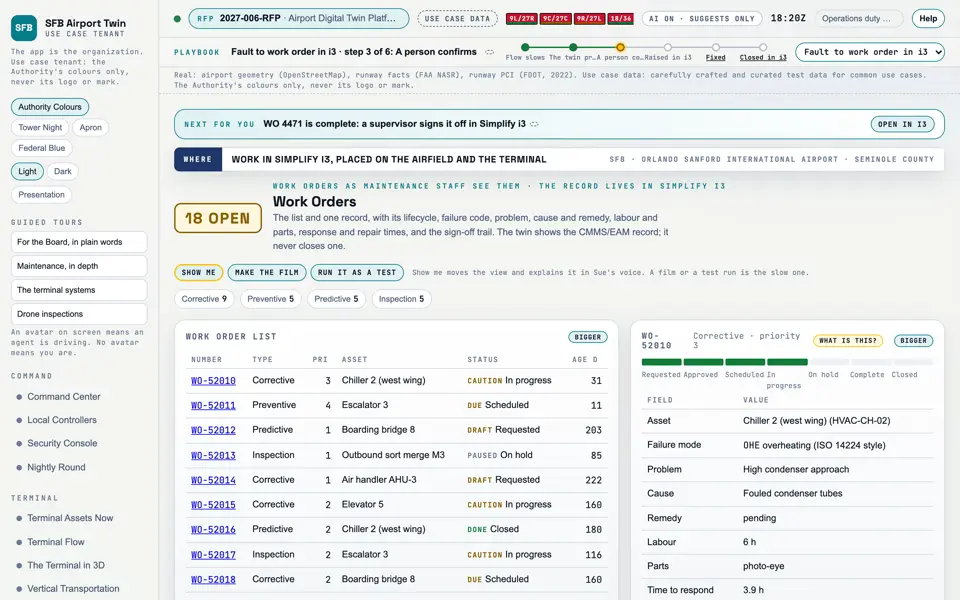
Picture: Headless capture of poc/index.html?v=wo&m=light, as the proof of concept renders it, 1400 by 875 at 2x scale.

Screen · Proof of concept · Maintenance

Work Orders

The repairs and inspections in hand, as the maintenance team sees them.

  1. Sources
  2. Interchange
  3. Twin
  4. Screens
  5. Plan
Kind
Screen
Status
partly met
Airport layer
Screens: the POC story and the spines
Airport area
not linked
System
not linked
Sensor type
not linked
SheetA-10

Open the screen · Open the detail

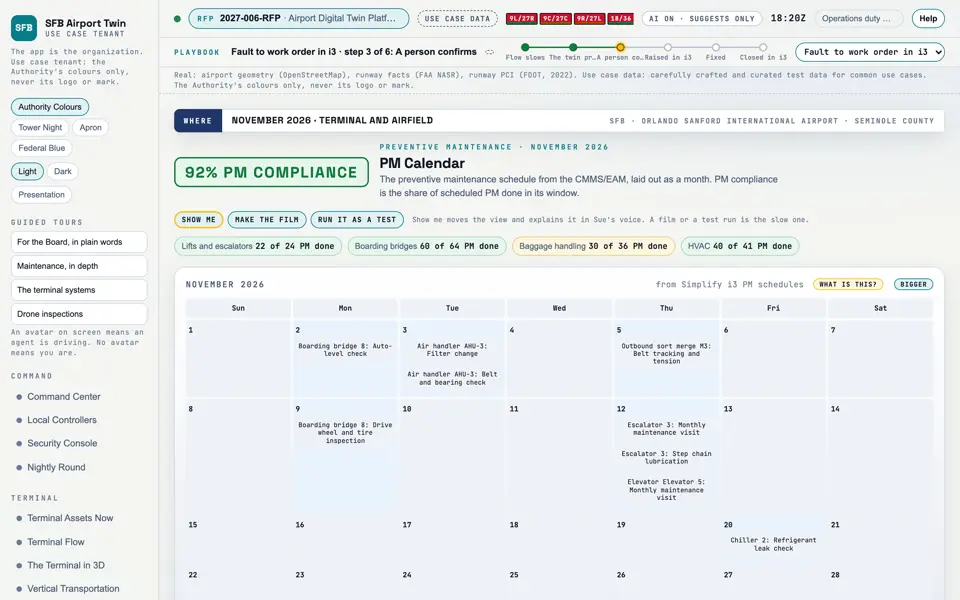
Picture: Headless capture of poc/index.html?v=pm&m=light, as the proof of concept renders it, 1400 by 875 at 2x scale.

Screen · Proof of concept · Maintenance

PM Calendar

The planned maintenance for the month, and how much of it is done on time.

  1. Sources
  2. Interchange
  3. Twin
  4. Screens
  5. Plan
Kind
Screen
Status
partly met
Airport layer
Screens: the POC story and the spines
Airport area
not linked
System
not linked
Sensor type
not linked

Open the screen · Open the detail

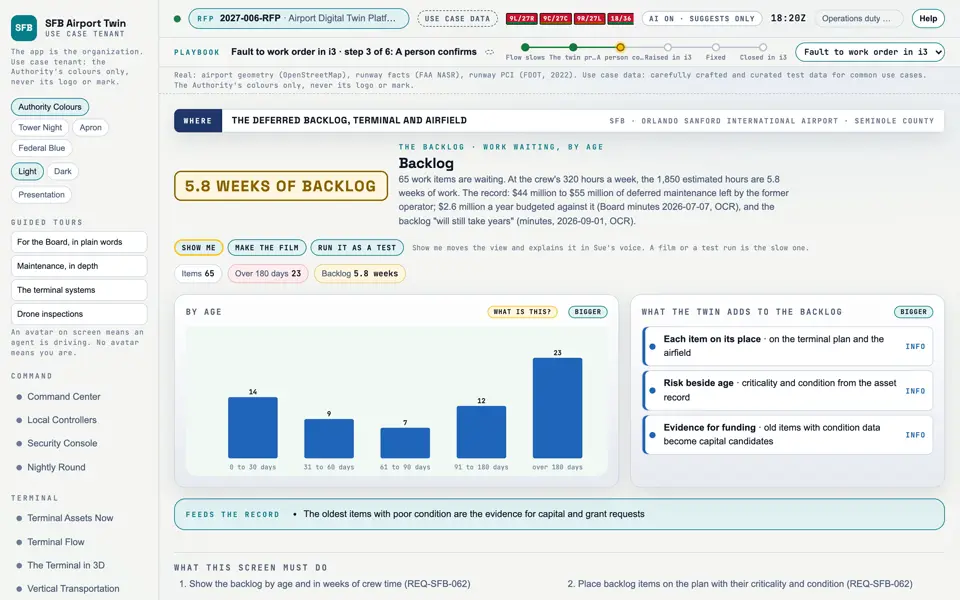
Picture: Headless capture of poc/index.html?v=backlog&m=light, as the proof of concept renders it, 1400 by 875 at 2x scale.

Screen · Proof of concept · Maintenance

Backlog

How much work is waiting, and how long it has waited.

  1. Sources
  2. Interchange
  3. Twin
  4. Screens
  5. Plan
Kind
Screen
Status
partly met
Airport layer
Screens: the POC story and the spines
Airport area
not linked
System
not linked
Sensor type
not linked
ScreensBacklog

Open the screen · Open the detail

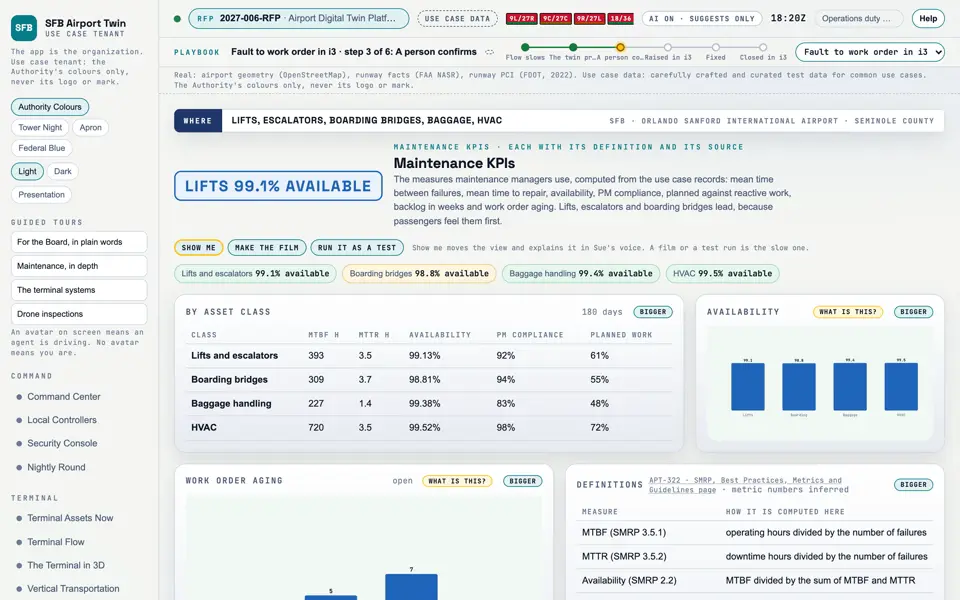
Picture: Headless capture of poc/index.html?v=kpi&m=light, as the proof of concept renders it, 1400 by 875 at 2x scale.

Screen · Proof of concept · Maintenance

Maintenance KPIs

Whether maintenance is getting better, in the measures maintenance managers use.

  1. Sources
  2. Interchange
  3. Twin
  4. Screens
  5. Plan
Kind
Screen
Status
partly met
Airport layer
Screens: the POC story and the spines
Airport area
not linked
System
not linked
Sensor type
not linked

Open the screen · Open the detail

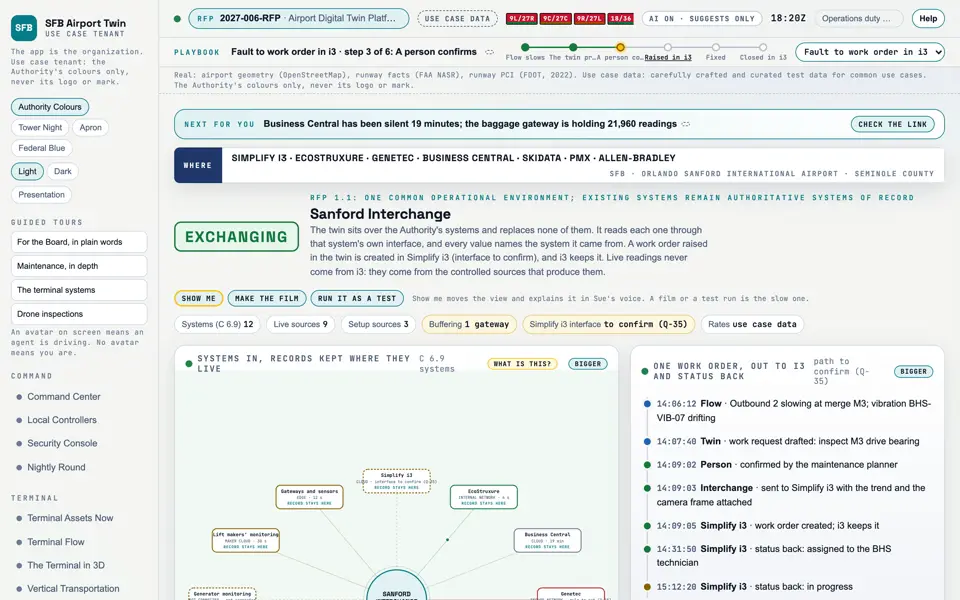
Picture: Headless capture of poc/index.html?v=interchange&m=light, as the proof of concept renders it, 1400 by 875 at 2x scale.

Screen · Proof of concept · Connect

Sanford Interchange

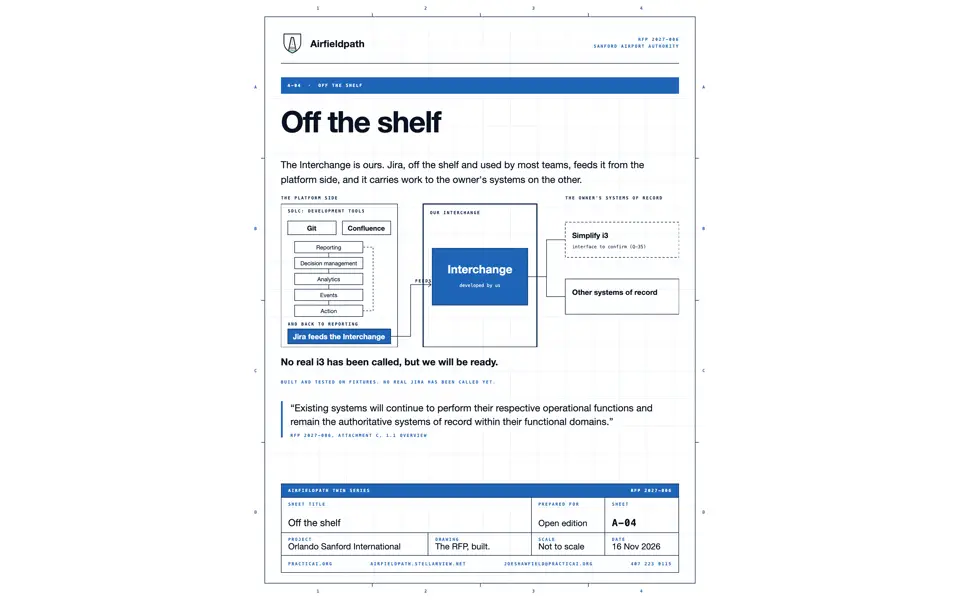
Every Authority system through one hub, each still the record of what it owns, with a work order going to Simplify i3 and its status coming back.

  1. Sources
  2. Interchange
  3. Twin
  4. Screens
  5. Plan
Kind
Screen
Status
not linked
Airport layer
Screens: the POC story and the spines
Airport area
not linked
System
not linked
Sensor type
not linked
SheetA-10

Open the screen · Open the detail

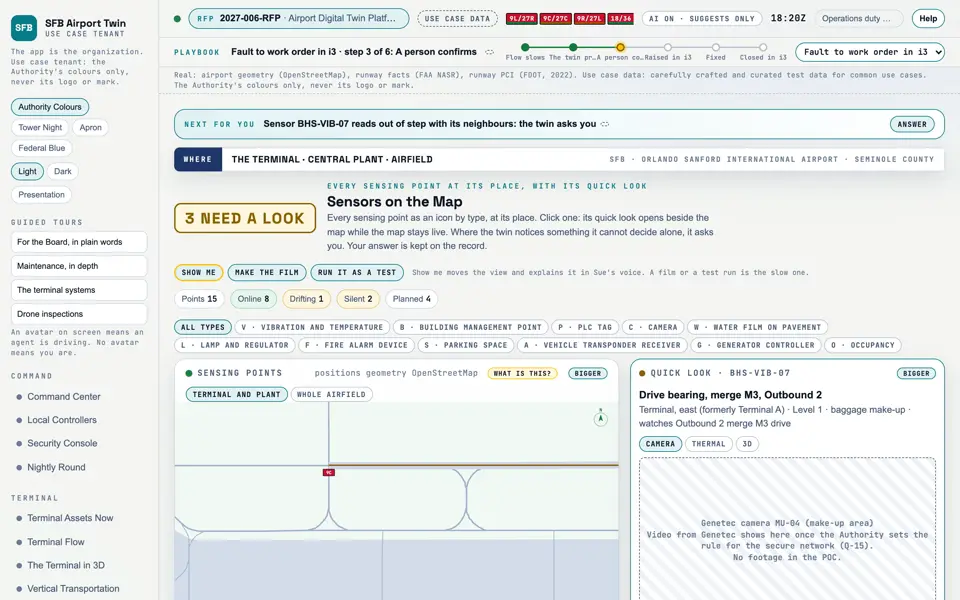
Picture: Headless capture of poc/index.html?v=sensors&m=light, as the proof of concept renders it, 1400 by 875 at 2x scale.

Screen · Proof of concept · Connect

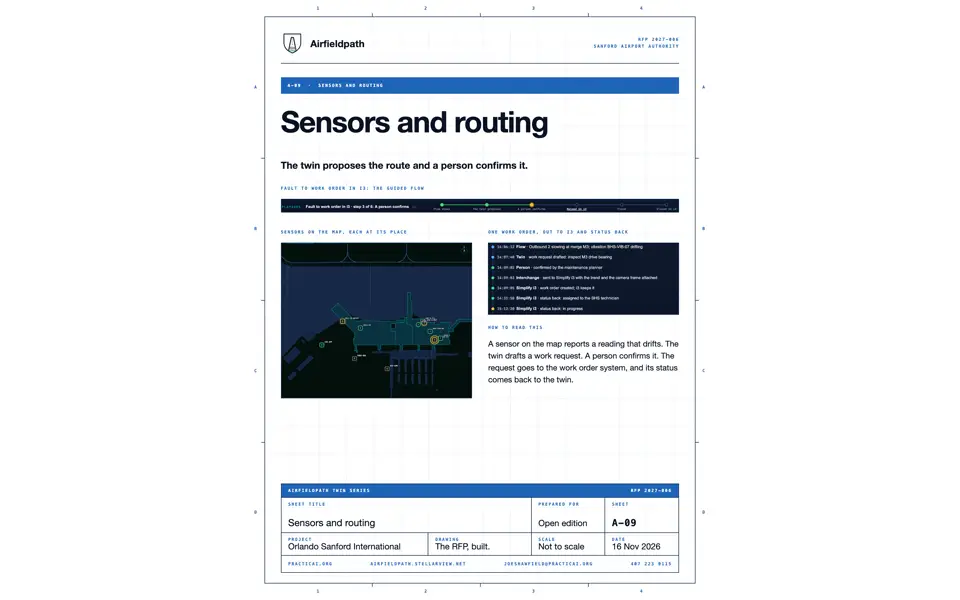
Sensors on the Map

Every sensing point at its place; click one for its quick look, its views and anything the twin wants to ask.

  1. Sources
  2. Interchange
  3. Twin
  4. Screens
  5. Plan
Kind
Screen
Status
not linked
Airport layer
Screens: the POC story and the spines
Airport area
not linked
System
not linked
Sensor type
not linked

Open the screen · Open the detail

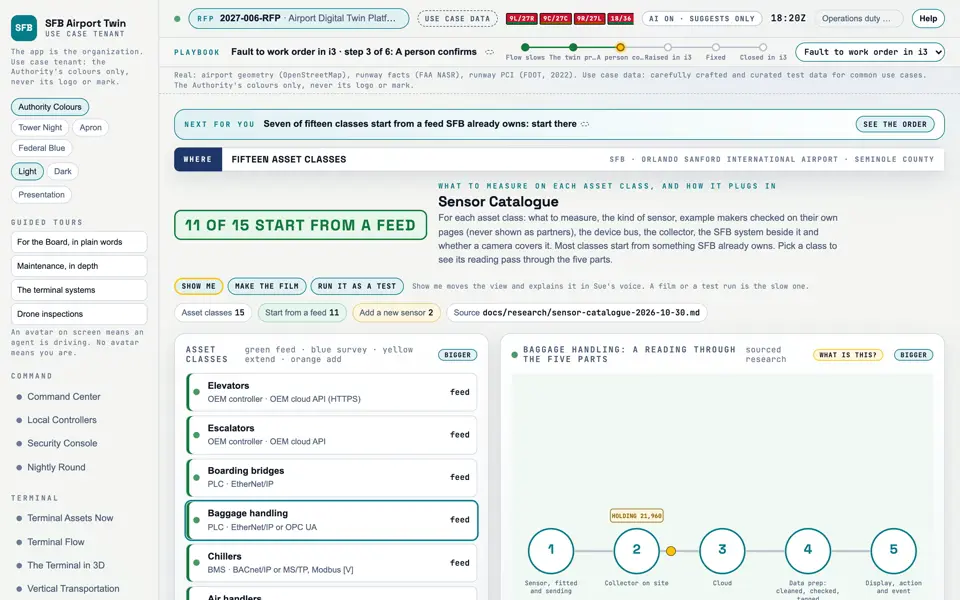
Picture: Headless capture of poc/index.html?v=catalogue&m=light, as the proof of concept renders it, 1400 by 875 at 2x scale.
Clip: Capture of poc/index.html?v=catalogue&m=light, 4 seconds of the screen as it runs, 10 frames a second. No sound.

Screen · Proof of concept · Connect

Sensor Catalogue

What to measure on each kind of asset, the sensor and bus that do it, and the collector it plugs into.

  1. Sources
  2. Interchange
  3. Twin
  4. Screens
  5. Plan
Kind
Screen
Status
not linked
Airport layer
Screens: the POC story and the spines
Airport area
not linked
System
not linked
Sensor type
not linked

Open the screen · Open the detail

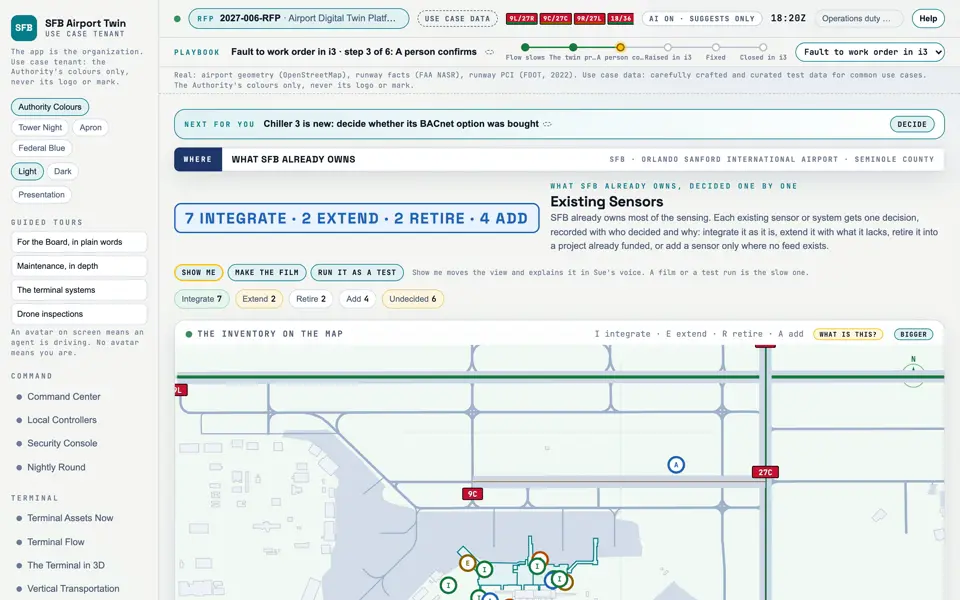
Picture: Headless capture of poc/index.html?v=register&m=light, as the proof of concept renders it, 1400 by 875 at 2x scale.

Screen · Proof of concept · Connect

Existing Sensors

What SFB already owns, and the decision on each: integrate, extend, retire or add.

  1. Sources
  2. Interchange
  3. Twin
  4. Screens
  5. Plan
Kind
Screen
Status
not linked
Airport layer
Screens: the POC story and the spines
Airport area
not linked
System
not linked
Sensor type
not linked

Open the screen · Open the detail

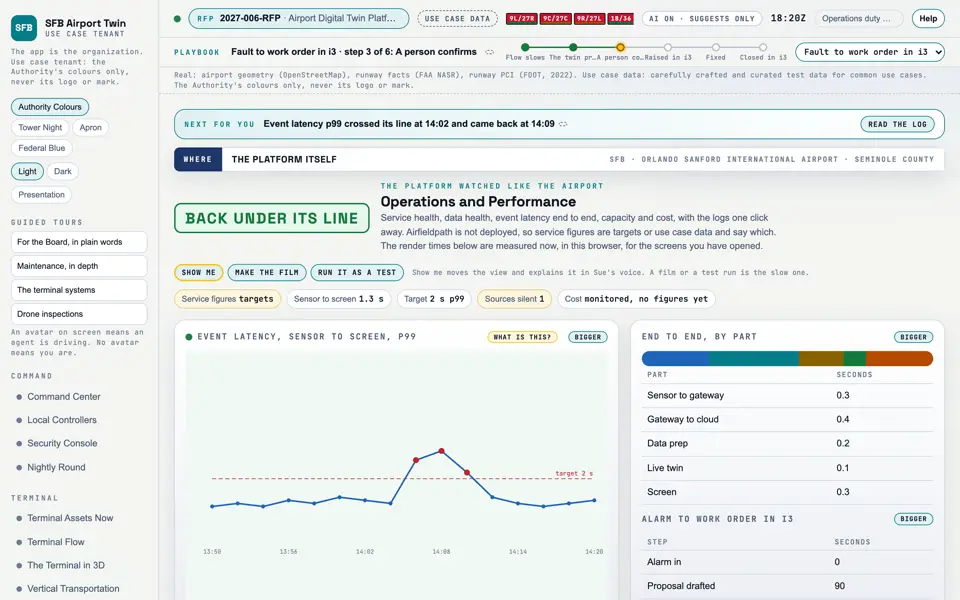
Picture: Headless capture of poc/index.html?v=ops&m=light, as the proof of concept renders it, 1400 by 875 at 2x scale.

Screen · Proof of concept · Connect

Operations and Performance

How the platform itself is doing: service health, data health, latency end to end, capacity, cost and the logs.

  1. Sources
  2. Interchange
  3. Twin
  4. Screens
  5. Plan
Kind
Screen
Status
not linked
Airport layer
Screens: the POC story and the spines
Airport area
not linked
System
not linked
Sensor type
not linked

Open the screen · Open the detail

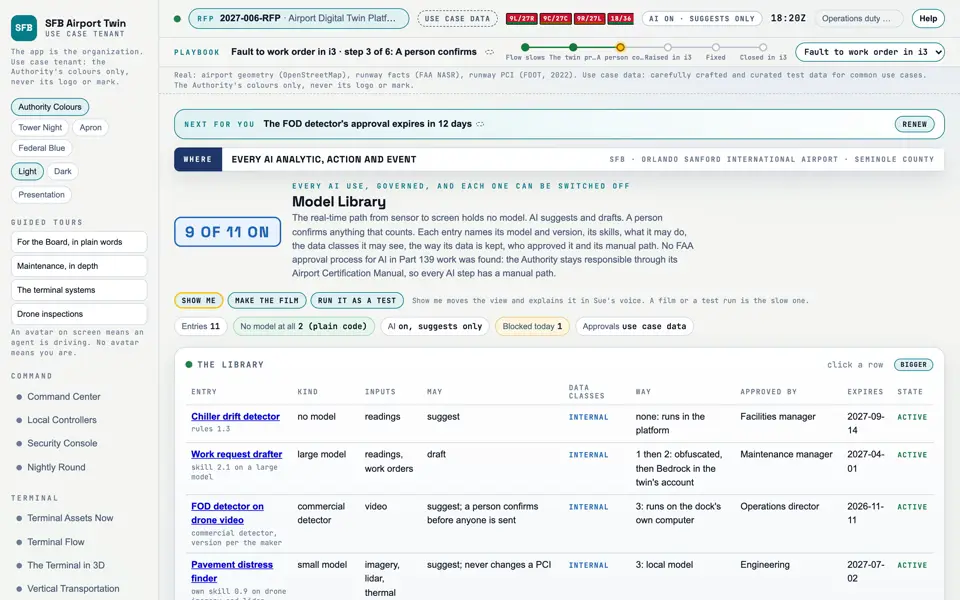
Picture: Headless capture of poc/index.html?v=models&m=light, as the proof of concept renders it, 1400 by 875 at 2x scale.

Screen · Proof of concept · Connect

Model Library

Every use of AI and what it may see and do, with its approval and its manual path.when it is switched off.

  1. Sources
  2. Interchange
  3. Twin
  4. Screens
  5. Plan
Kind
Screen
Status
not linked
Airport layer
Screens: the POC story and the spines
Airport area
not linked
System
not linked
Sensor type
not linked

Open the screen · Open the detail

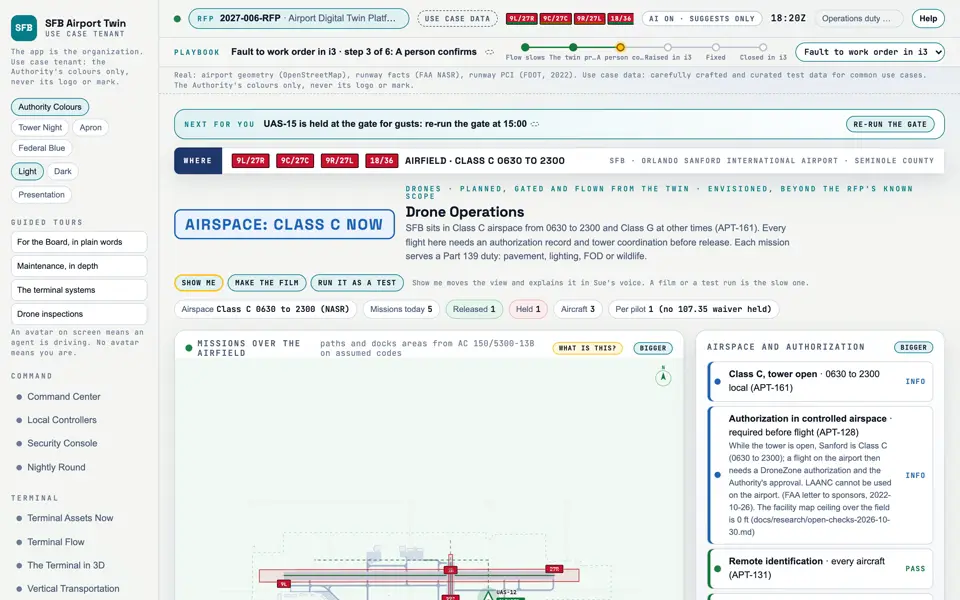
Picture: Headless capture of poc/index.html?v=droneops&m=light, as the proof of concept renders it, 1400 by 875 at 2x scale.
Clip: Capture of poc/index.html?v=droneops&m=light, 4 seconds of the screen as it runs, 10 frames a second. No sound.

Screen · Proof of concept · Drones

Drone Operations Simulated

Drones that could help inspect the airfield, and the airspace rules they must meet. Not in the RFP's scope today.

  1. Sources
  2. Interchange
  3. Twin
  4. Screens
  5. Plan
Kind
Screen
Status
partly met, target
Airport layer
Screens: the POC story and the spines
Airport area
not linked
System
not linked
Sensor type
not linked

Open the screen · Open the detail

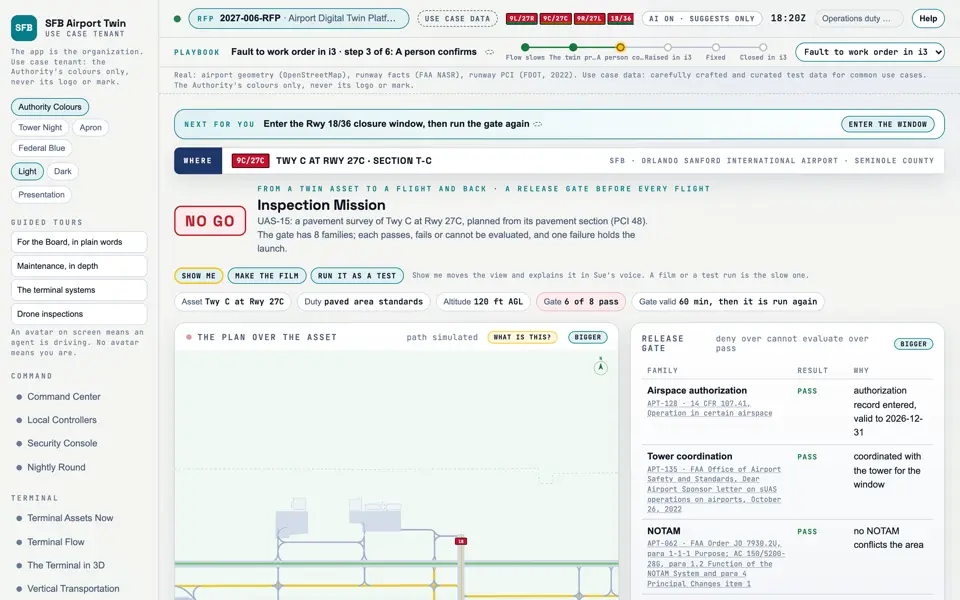
Picture: Headless capture of poc/index.html?v=mission&m=light, as the proof of concept renders it, 1400 by 875 at 2x scale.
Clip: Excerpt of poc/flybys/drone-grid.mp4, 2.0 to 6.0 seconds. A drawing of the process: A drone survey grid, findings, evidence. No sound.

Screen · Proof of concept · Drones

Inspection Mission Simulated

How a drone inspection is planned from an asset and held until it is safe to fly.

  1. Sources
  2. Interchange
  3. Twin
  4. Screens
  5. Plan
Kind
Screen
Status
target
Airport layer
Screens: the POC story and the spines
Airport area
not linked
System
not linked
Sensor type
not linked
RFP rowsM-144

Open the screen · Open the detail

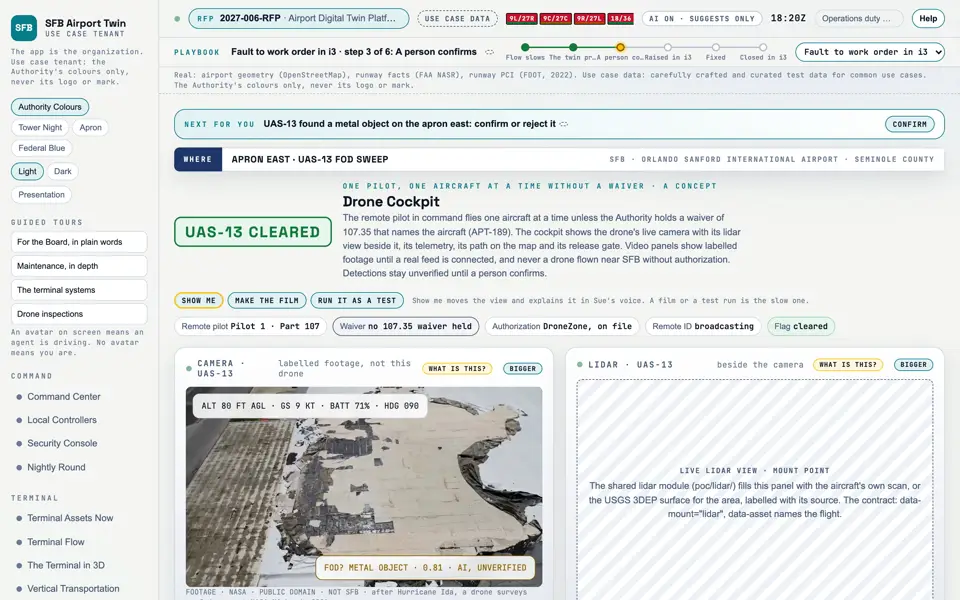
Picture: Headless capture of poc/index.html?v=cockpit&m=light, as the proof of concept renders it, 1400 by 875 at 2x scale.
Clip: Capture of poc/index.html?v=cockpit&m=light, 4 seconds of the screen as it runs, 10 frames a second. No sound.

Screen · Proof of concept · Drones

Drone Cockpit Simulated

What a drone pilot would see during an inspection. A concept.

  1. Sources
  2. Interchange
  3. Twin
  4. Screens
  5. Plan
Kind
Screen
Status
target
Airport layer
Screens: the POC story and the spines
Airport area
not linked
System
not linked
Sensor type
not linked
RFP rowsM-144

Open the screen · Open the detail

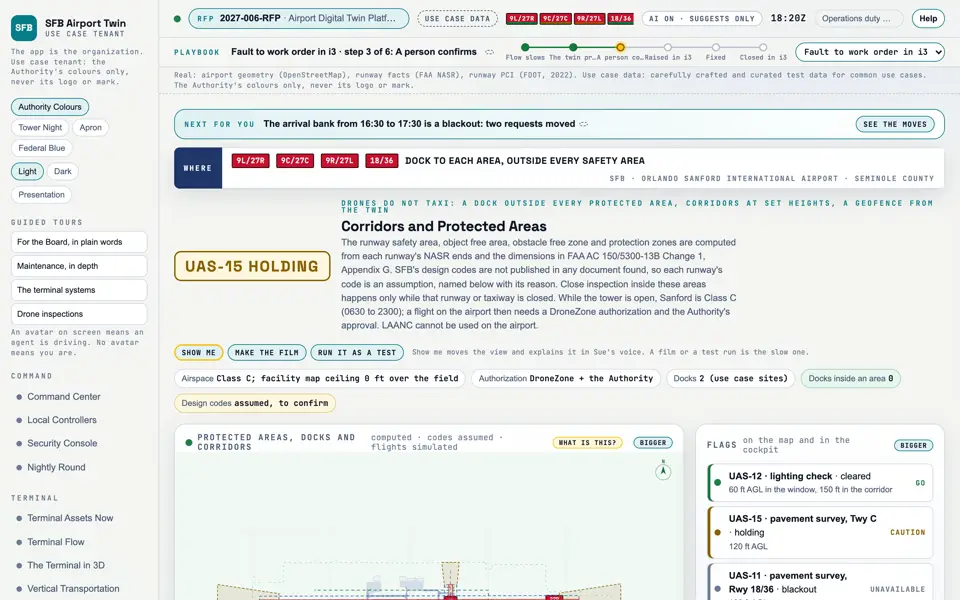
Picture: Headless capture of poc/index.html?v=corridors&m=light, as the proof of concept renders it, 1400 by 875 at 2x scale.

Screen · Proof of concept · Drones

Corridors and Protected Areas Simulated

Where a drone may and may not fly on the airfield, and when.

  1. Sources
  2. Interchange
  3. Twin
  4. Screens
  5. Plan
Kind
Screen
Status
not linked
Airport layer
Screens: the POC story and the spines
Airport area
not linked
System
not linked
Sensor type
not linked

Open the screen · Open the detail

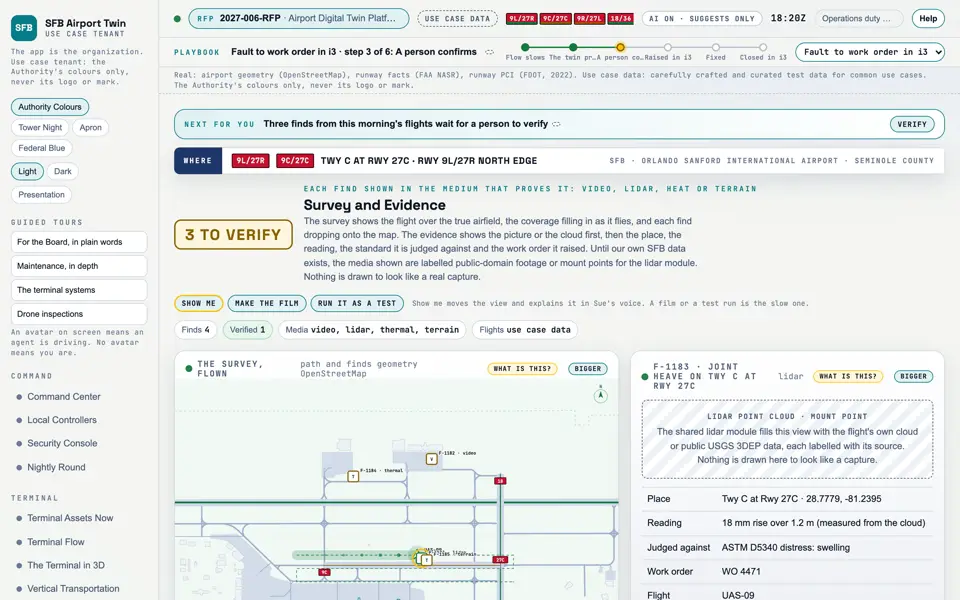
Picture: Headless capture of poc/index.html?v=evidence&m=light, as the proof of concept renders it, 1400 by 875 at 2x scale.
Clip: Capture of poc/index.html?v=evidence&m=light, 4 seconds of the screen as it runs, 10 frames a second. No sound.

Screen · Proof of concept · Drones

Survey and Evidence Simulated

What the drones found, each in the medium that proves it.

  1. Sources
  2. Interchange
  3. Twin
  4. Screens
  5. Plan
Kind
Screen
Status
not linked
Airport layer
Screens: the POC story and the spines
Airport area
not linked
System
not linked
Sensor type
not linked

Open the screen · Open the detail

Picture: Headless capture of poc/index.html?v=closeup&m=light, as the proof of concept renders it, 1400 by 875 at 2x scale.
Clip: Capture of poc/index.html?v=closeup&m=light, 4 seconds of the screen as it runs, 10 frames a second. No sound.

Screen · Proof of concept · Drones

Close Inspection Simulated

Every exit, every heat source and any flame, checked up close.

  1. Sources
  2. Interchange
  3. Twin
  4. Screens
  5. Plan
Kind
Screen
Status
not linked
Airport layer
Screens: the POC story and the spines
Airport area
not linked
System
not linked
Sensor type
not linked

Open the screen · Open the detail

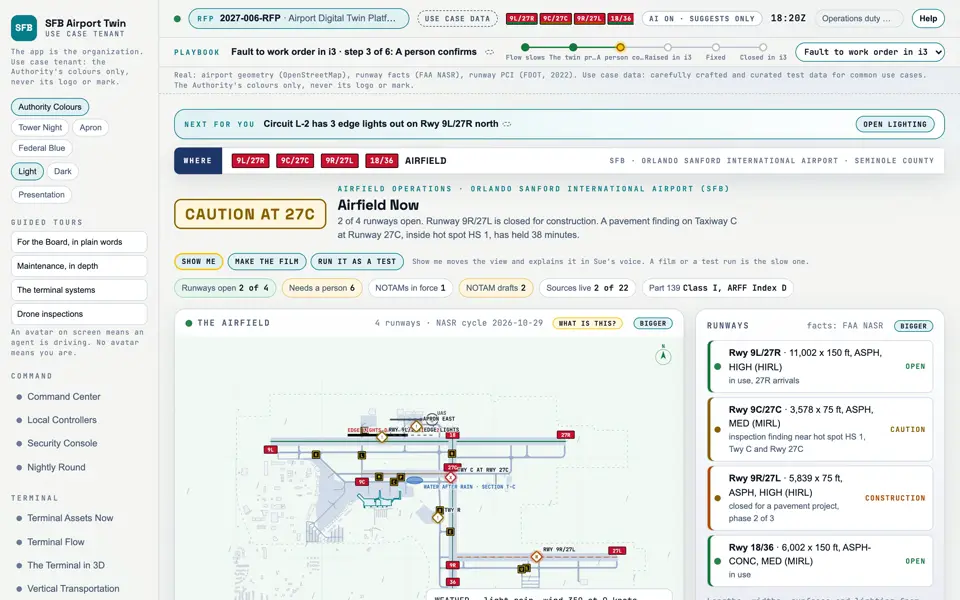
Picture: Headless capture of poc/index.html?v=now&m=light, as the proof of concept renders it, 1400 by 875 at 2x scale.
Clip: Excerpt of poc/flybys/pooling.mp4, 2.0 to 6.0 seconds. A drawing of the process: A storm cell, water on the pavement, a work order. No sound.

Screen · Proof of concept · Operate

Airfield Now

The state of the runways and taxiways right now, and what needs a person.

  1. Sources
  2. Interchange
  3. Twin
  4. Screens
  5. Plan
Kind
Screen
Status
partly met
Airport layer
Screens: the POC story and the spines
Airport area
not linked
System
not linked
Sensor type
not linked

Open the screen · Open the detail

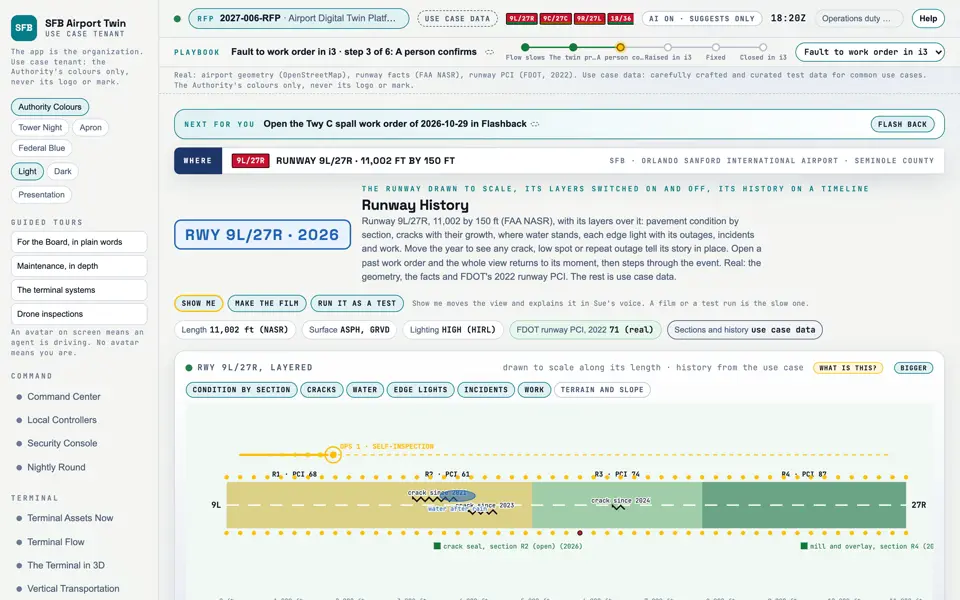
Picture: Headless capture of poc/index.html?v=runway&m=light, as the proof of concept renders it, 1400 by 875 at 2x scale.
Clip: Capture of poc/index.html?v=runway&m=light, 4 seconds of the screen as it runs, 10 frames a second. No sound.

Screen · Proof of concept · Operate

Runway History

A runway drawn to scale with its layers and its history, and any past work order replayed in place.

  1. Sources
  2. Interchange
  3. Twin
  4. Screens
  5. Plan
Kind
Screen
Status
not linked
Airport layer
Screens: the POC story and the spines
Airport area
not linked
System
not linked
Sensor type
not linked

Open the screen · Open the detail

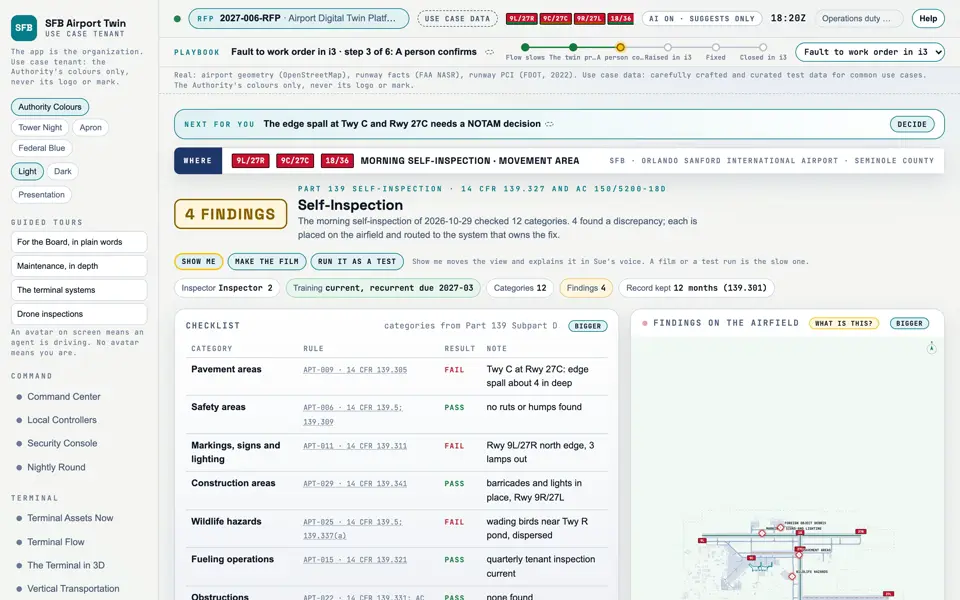
Picture: Headless capture of poc/index.html?v=inspect&m=light, as the proof of concept renders it, 1400 by 875 at 2x scale.

Screen · Proof of concept · Operate

Self-Inspection

The daily airfield inspection the FAA requires, with each problem sent to the work order system.

  1. Sources
  2. Interchange
  3. Twin
  4. Screens
  5. Plan
Kind
Screen
Status
partly met, target
Airport layer
Screens: the POC story and the spines
Airport area
not linked
System
not linked
Sensor type
not linked

Open the screen · Open the detail

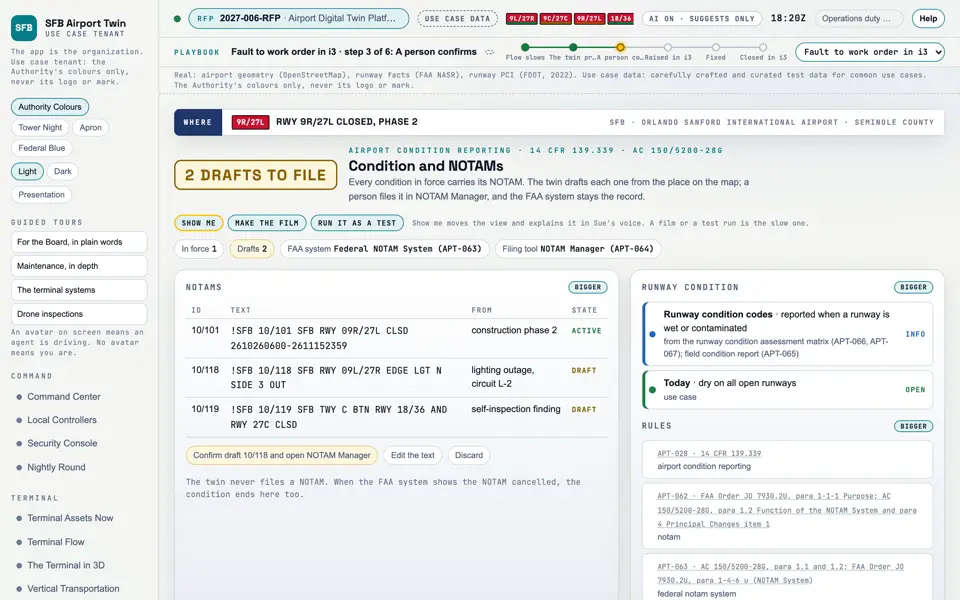
Picture: Headless capture of poc/index.html?v=notam&m=light, as the proof of concept renders it, 1400 by 875 at 2x scale.

Screen · Proof of concept · Operate

Condition and NOTAMs

Airfield conditions and the notices pilots receive, drafted here and filed by a person.

  1. Sources
  2. Interchange
  3. Twin
  4. Screens
  5. Plan
Kind
Screen
Status
partly met
Airport layer
Screens: the POC story and the spines
Airport area
not linked
System
not linked
Sensor type
not linked
RFP rowsM-147

Open the screen · Open the detail

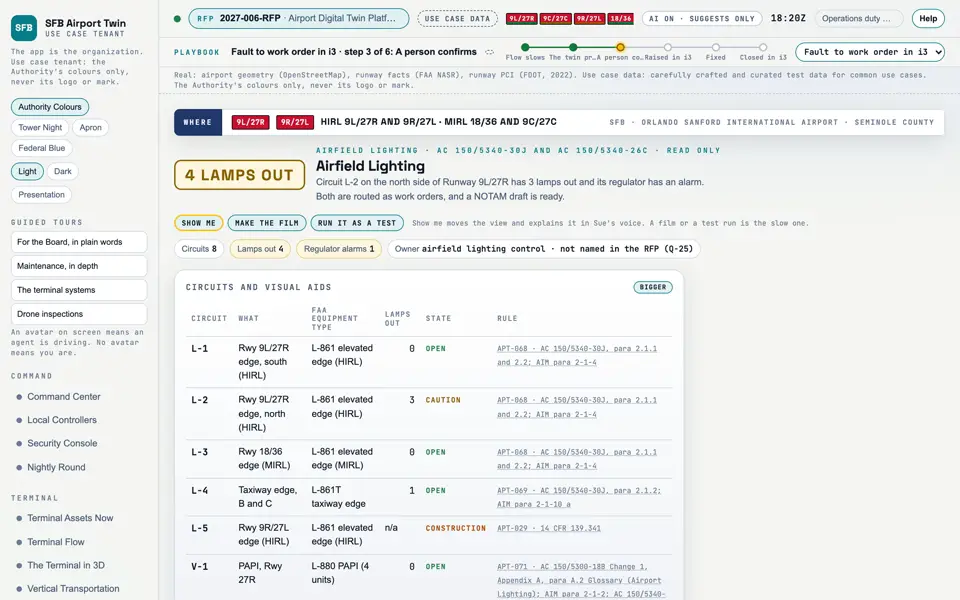
Picture: Headless capture of poc/index.html?v=lighting&m=light, as the proof of concept renders it, 1400 by 875 at 2x scale.
Clip: Excerpt of poc/flybys/outage.mp4, 2.0 to 6.0 seconds. A drawing of the process: A light circuit goes dark, and what follows. No sound.

Screen · Proof of concept · Operate

Airfield Lighting

Which airfield lights are out, and the repair each one needs.

  1. Sources
  2. Interchange
  3. Twin
  4. Screens
  5. Plan
Kind
Screen
Status
partly met
Airport layer
Screens: the POC story and the spines
Airport area
not linked
System
not linked
Sensor type
not linked
RFP rowsM-020

Open the screen · Open the detail

Picture: Headless capture of poc/index.html?v=wildlife&m=light, as the proof of concept renders it, 1400 by 875 at 2x scale.

Screen · Proof of concept · Operate

Wildlife and FOD

Birds and debris on the airfield, and the reports the FAA asks for.

  1. Sources
  2. Interchange
  3. Twin
  4. Screens
  5. Plan
Kind
Screen
Status
not linked
Airport layer
Screens: the POC story and the spines
Airport area
not linked
System
not linked
Sensor type
not linked

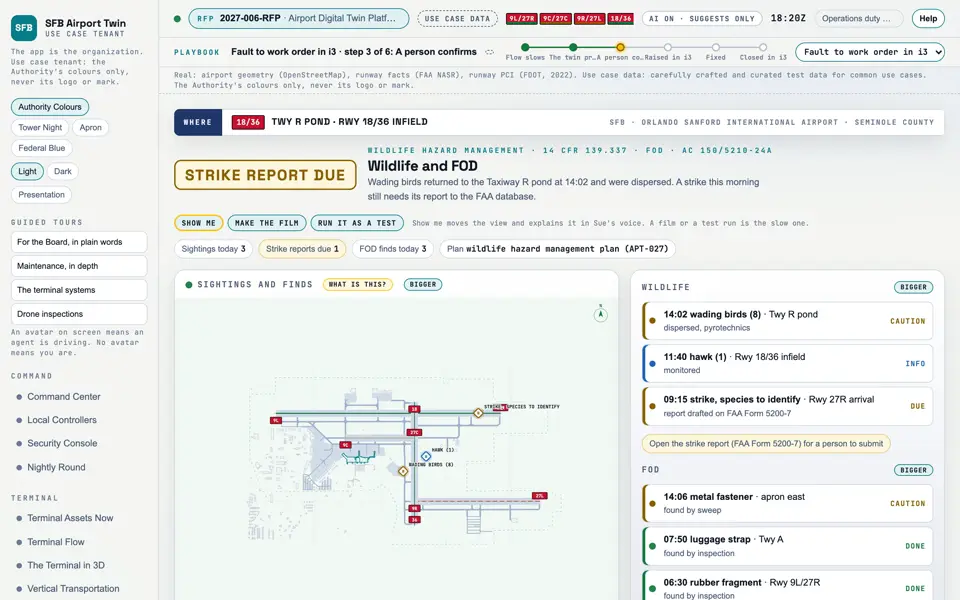
Open the screen · Open the detail

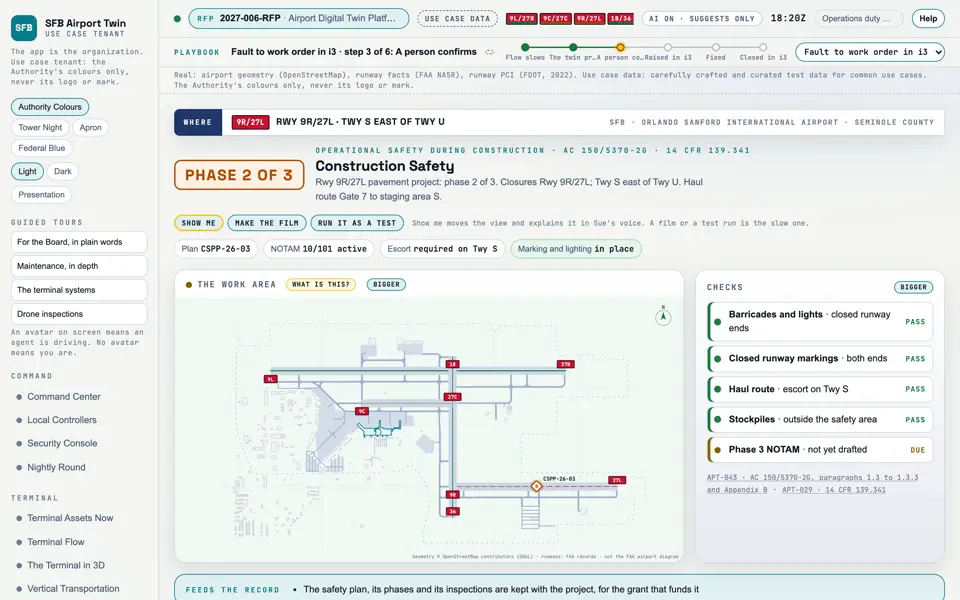
Picture: Headless capture of poc/index.html?v=construction&m=light, as the proof of concept renders it, 1400 by 875 at 2x scale.

Screen · Proof of concept · Operate

Construction Safety

Work zones on the airfield and the safety plan for each.

  1. Sources
  2. Interchange
  3. Twin
  4. Screens
  5. Plan
Kind
Screen
Status
not linked
Airport layer
Screens: the POC story and the spines
Airport area
not linked
System
not linked
Sensor type
not linked

Open the screen · Open the detail

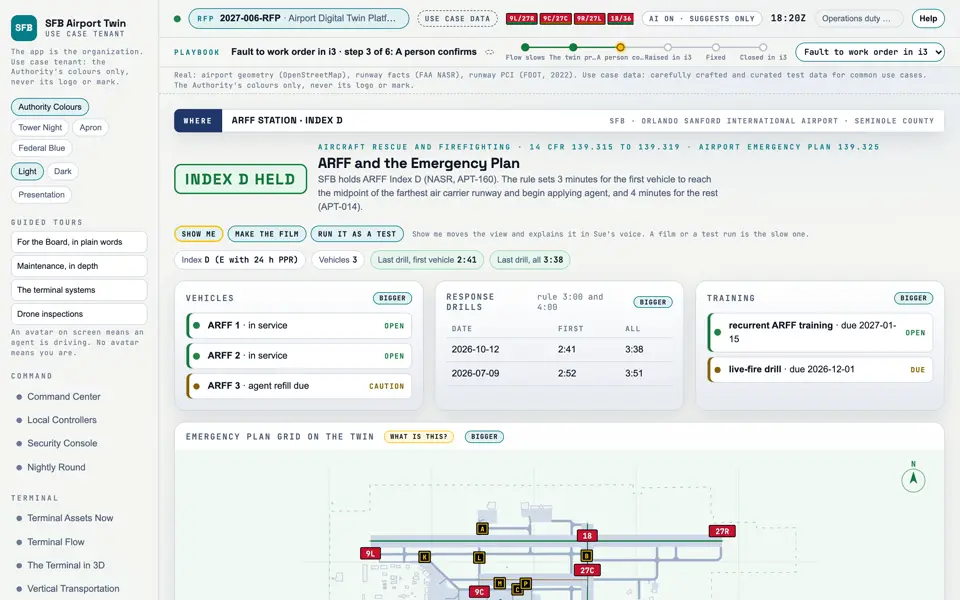
Picture: Headless capture of poc/index.html?v=arff&m=light, as the proof of concept renders it, 1400 by 875 at 2x scale.

Screen · Proof of concept · Operate

ARFF and the Emergency Plan

The airport fire and rescue service against the FAA's rules.

  1. Sources
  2. Interchange
  3. Twin
  4. Screens
  5. Plan
Kind
Screen
Status
not linked
Airport layer
Screens: the POC story and the spines
Airport area
not linked
System
not linked
Sensor type
not linked

Open the screen · Open the detail

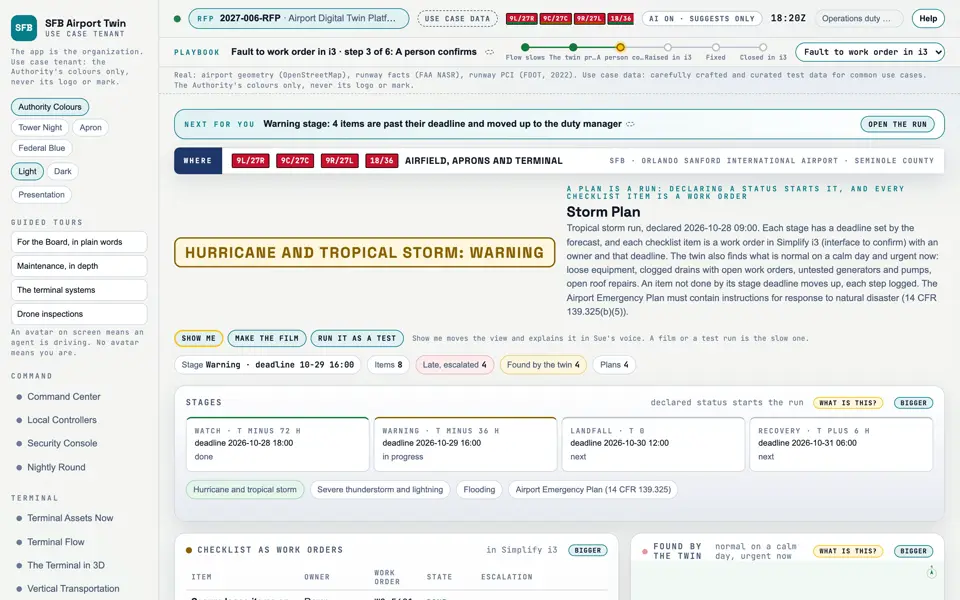
Picture: Headless capture of poc/index.html?v=storm&m=light, as the proof of concept renders it, 1400 by 875 at 2x scale.

Screen · Proof of concept · Operate

Storm Plan

A storm or emergency plan run as work orders, with what the twin finds and what is escalated.

  1. Sources
  2. Interchange
  3. Twin
  4. Screens
  5. Plan
Kind
Screen
Status
not linked
Airport layer
Screens: the POC story and the spines
Airport area
not linked
System
not linked
Sensor type
not linked
ScreensStorm Plan

Open the screen · Open the detail

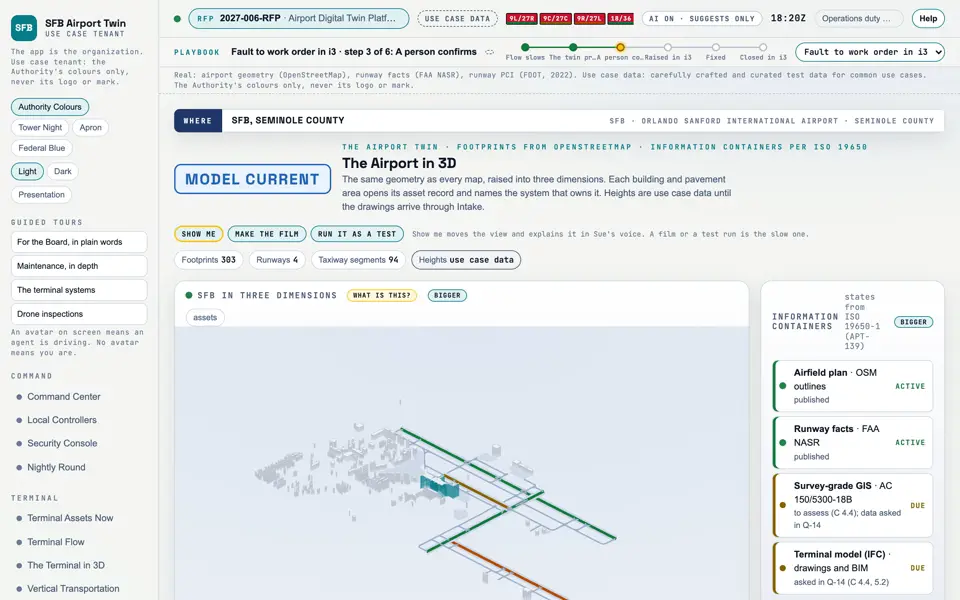
Picture: Headless capture of poc/index.html?v=twin&m=light, as the proof of concept renders it, 1400 by 875 at 2x scale.

Screen · Proof of concept · Assets

The Airport in 3D

The whole airport as a model you can turn.

  1. Sources
  2. Interchange
  3. Twin
  4. Screens
  5. Plan
Kind
Screen
Status
partly met
Airport layer
Screens: the POC story and the spines
Airport area
not linked
System
not linked
Sensor type
not linked
RFP rowsM-025M-087
SheetA-10

Open the screen · Open the detail

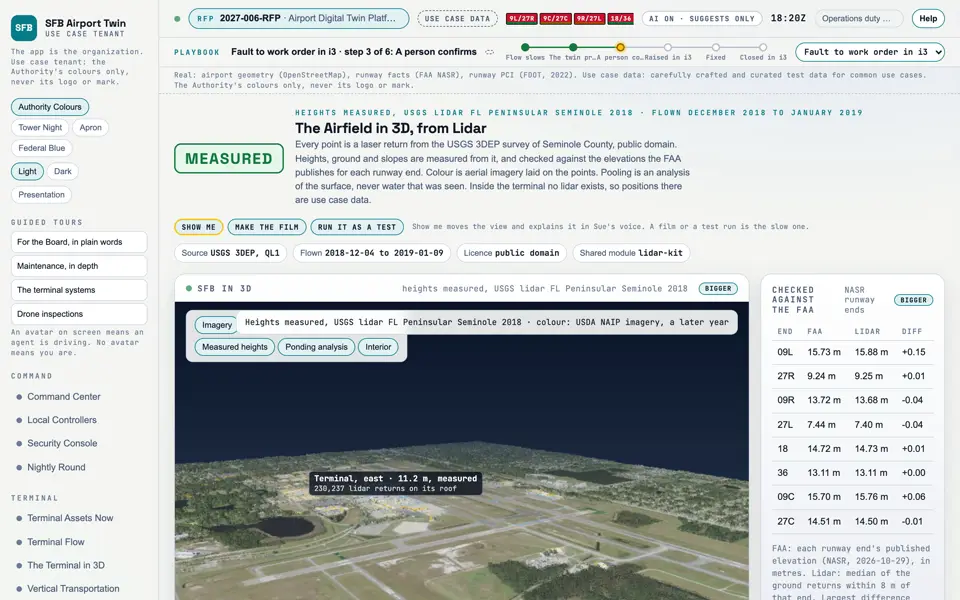
Picture: Headless capture of poc/index.html?v=airfield3d&m=light, as the proof of concept renders it, 1400 by 875 at 2x scale.
Clip: Excerpt of the film "The opener", 8 to 12 seconds (the airport from public lidar). No sound.

Screen · Proof of concept · Assets

The Airfield in 3D, from Lidar

The airport as the lidar measured it: ground, buildings and where water would gather, flown in close.

  1. Sources
  2. Interchange
  3. Twin
  4. Screens
  5. Plan
Kind
Screen
Status
not linked
Airport layer
Screens: the POC story and the spines
Airport area
not linked
System
not linked
Sensor type
not linked
How it worksHow it works: Data

Open the screen · Open the detail

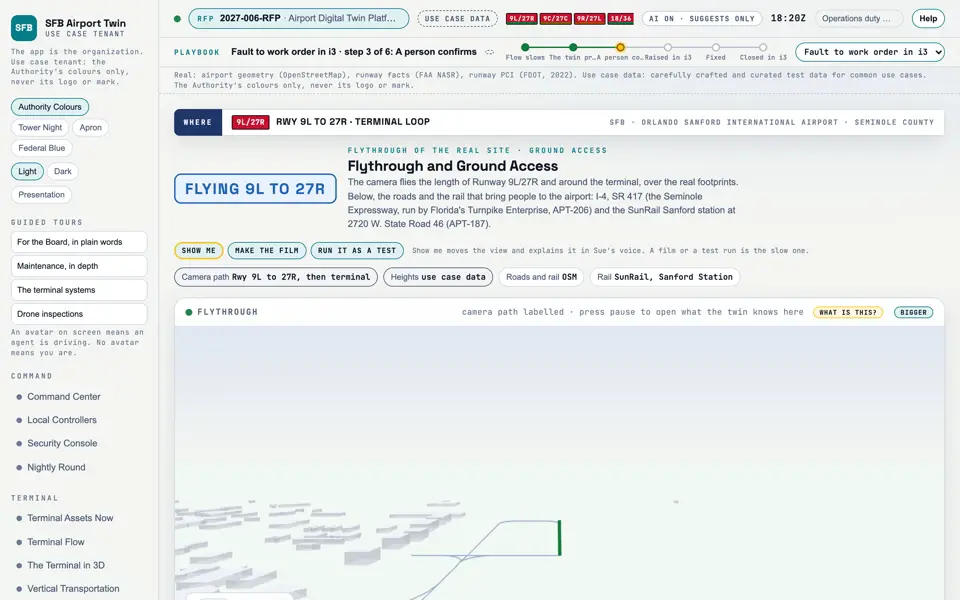
Picture: Headless capture of poc/index.html?v=fly&m=light, as the proof of concept renders it, 1400 by 875 at 2x scale.
Clip: Capture of poc/index.html?v=fly&m=light, 4 seconds of the screen as it runs, 10 frames a second. No sound.

Screen · Proof of concept · Assets

Flythrough and Ground Access

A flight over the airport, and the roads and rail that reach it.

  1. Sources
  2. Interchange
  3. Twin
  4. Screens
  5. Plan
Kind
Screen
Status
not linked
Airport layer
Screens: the POC story and the spines
Airport area
not linked
System
not linked
Sensor type
not linked

Open the screen · Open the detail

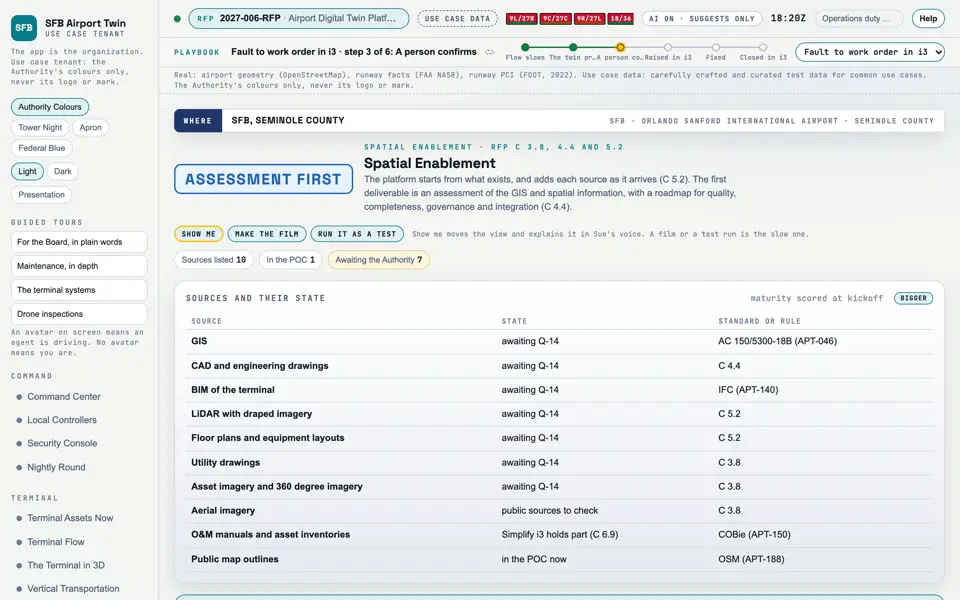
Picture: Headless capture of poc/index.html?v=spatial&m=light, as the proof of concept renders it, 1400 by 875 at 2x scale.

Screen · Proof of concept · Assets

Spatial Enablement

Which maps, drawings and models the twin can use today, and what to add next.

  1. Sources
  2. Interchange
  3. Twin
  4. Screens
  5. Plan
Kind
Screen
Status
partly met, target
Airport layer
Screens: the POC story and the spines
Airport area
not linked
System
not linked
Sensor type
not linked
How it worksHow it works: Data

Open the screen · Open the detail

Picture: Headless capture of poc/index.html?v=assets&m=light, as the proof of concept renders it, 1400 by 875 at 2x scale.

Screen · Proof of concept · Assets

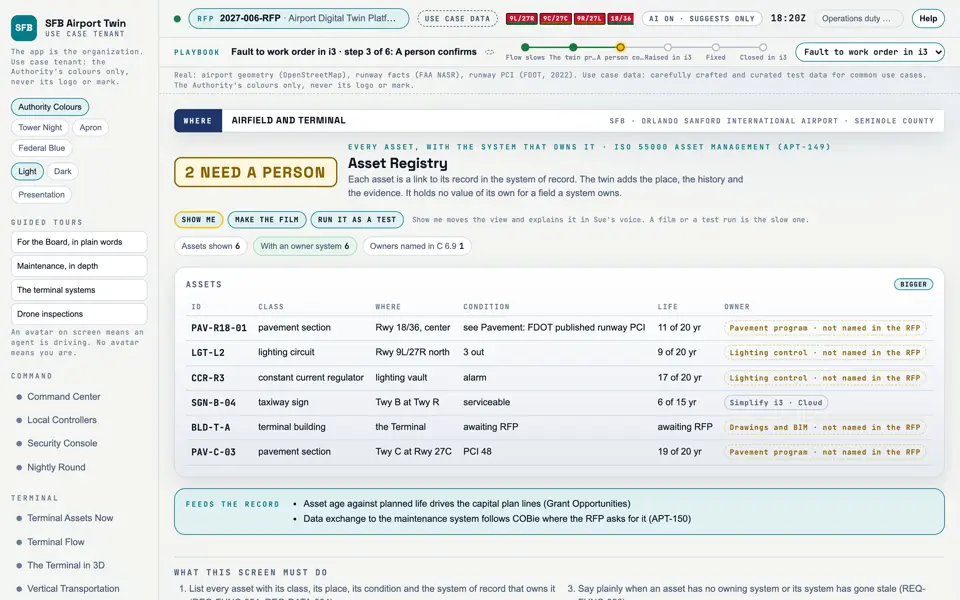
Asset Registry

Every asset, its condition and the system that holds its record.

  1. Sources
  2. Interchange
  3. Twin
  4. Screens
  5. Plan
Kind
Screen
Status
not linked
Airport layer
Screens: the POC story and the spines
Airport area
not linked
System
not linked
Sensor type
not linked
SheetA-10

Open the screen · Open the detail

Picture: Headless capture of poc/index.html?v=pavement&m=light, as the proof of concept renders it, 1400 by 875 at 2x scale.

Screen · Proof of concept · Assets

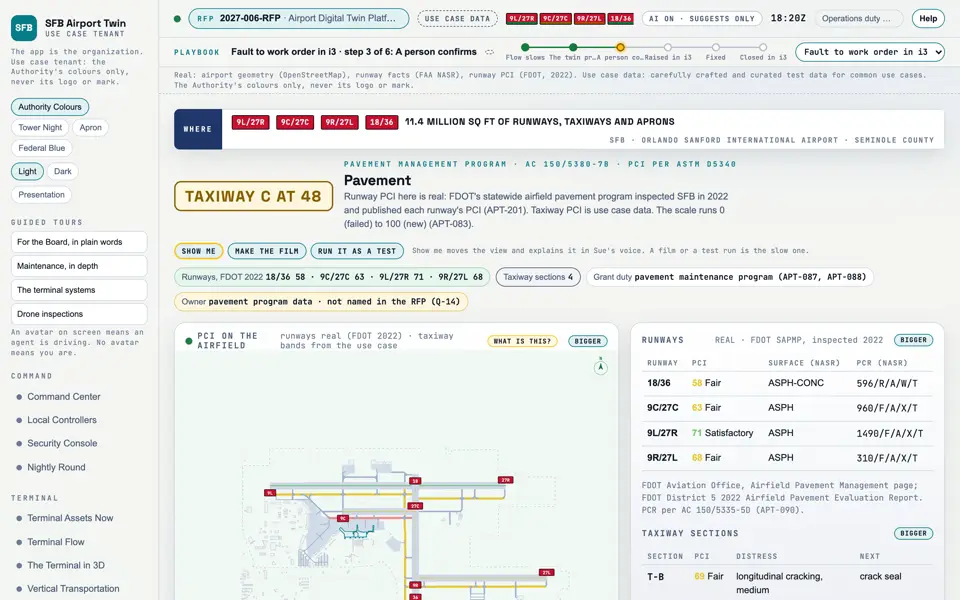
Pavement

The condition of the runways and taxiways, with the state's own scores for the runways.

  1. Sources
  2. Interchange
  3. Twin
  4. Screens
  5. Plan
Kind
Screen
Status
partly met
Airport layer
Screens: the POC story and the spines
Airport area
not linked
System
not linked
Sensor type
not linked
RFP rowsM-020
ScreensPavement

Open the screen · Open the detail

Picture: Headless capture of poc/index.html?v=work&m=light, as the proof of concept renders it, 1400 by 875 at 2x scale.

Screen · Proof of concept · Assets

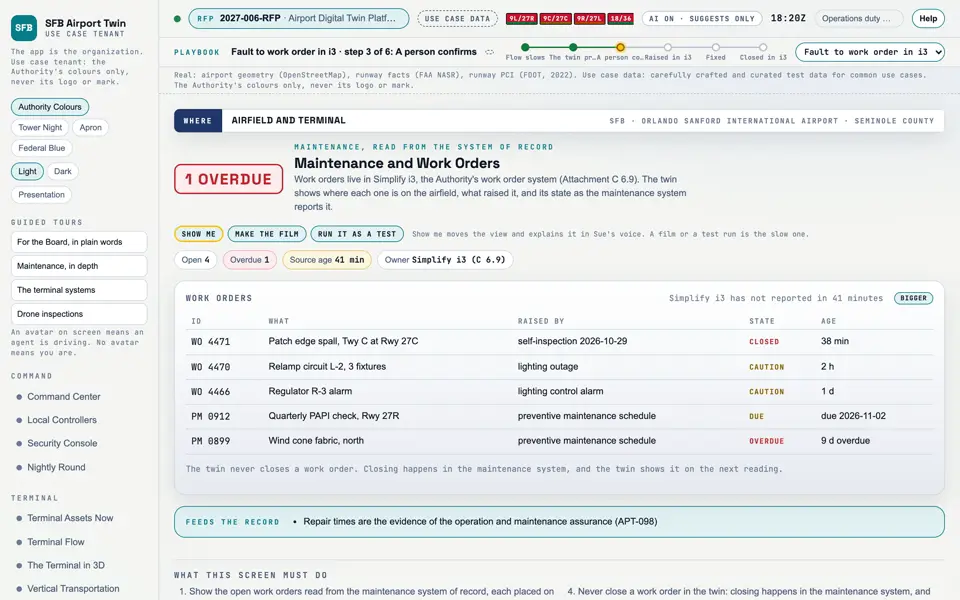
Maintenance and Work Orders

The repairs in progress, read from the Authority's work order system.

  1. Sources
  2. Interchange
  3. Twin
  4. Screens
  5. Plan
Kind
Screen
Status
partly met
Airport layer
Screens: the POC story and the spines
Airport area
not linked
System
not linked
Sensor type
not linked
RFP rowsM-004M-121
SheetA-10

Open the screen · Open the detail

Picture: Headless capture of poc/index.html?v=radar&m=light, as the proof of concept renders it, 1400 by 875 at 2x scale.

Screen · Proof of concept · Fund

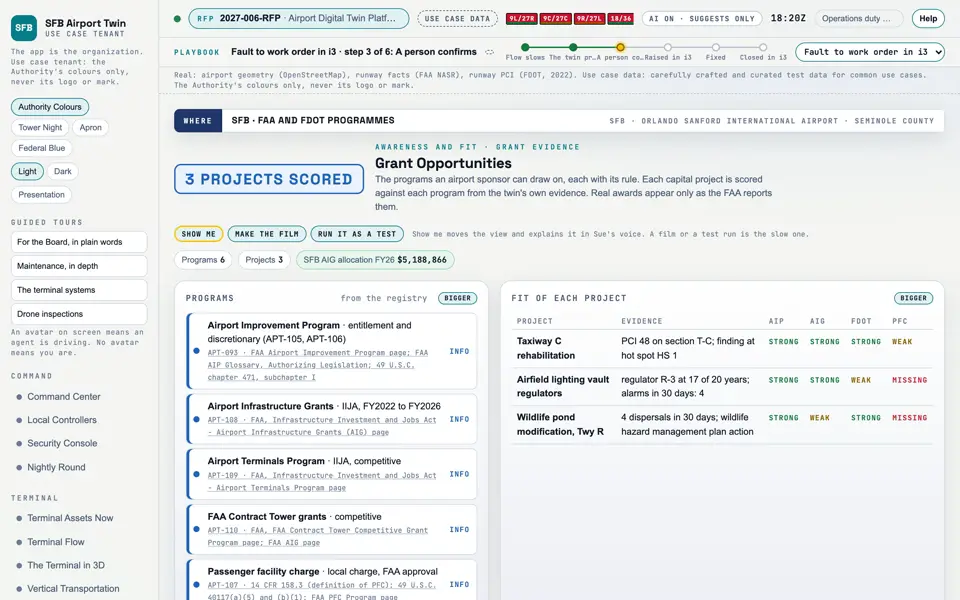
Grant Opportunities

The grants an airport can win, and which projects fit them.

  1. Sources
  2. Interchange
  3. Twin
  4. Screens
  5. Plan
Kind
Screen
Status
partly met
Airport layer
Screens: the POC story and the spines
Airport area
not linked
System
not linked
Sensor type
not linked
RFP rowsM-146

Open the screen · Open the detail

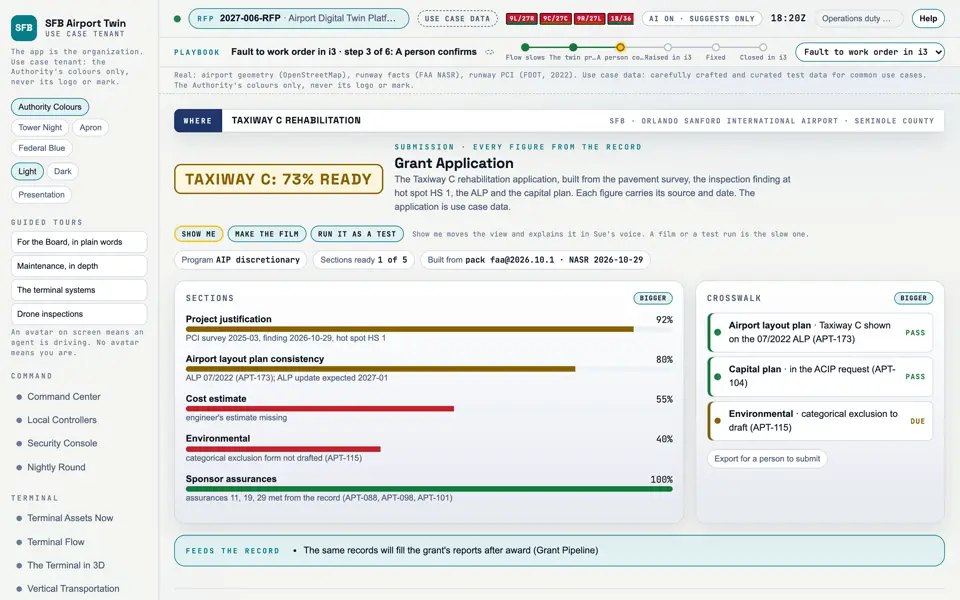
Picture: Headless capture of poc/index.html?v=builder&m=light, as the proof of concept renders it, 1400 by 875 at 2x scale.

Screen · Proof of concept · Fund

Grant Application

A grant application assembled from the airport's own records.

  1. Sources
  2. Interchange
  3. Twin
  4. Screens
  5. Plan
Kind
Screen
Status
partly met
Airport layer
Screens: the POC story and the spines
Airport area
not linked
System
not linked
Sensor type
not linked
RFP rowsM-146
SheetA-10

Open the screen · Open the detail

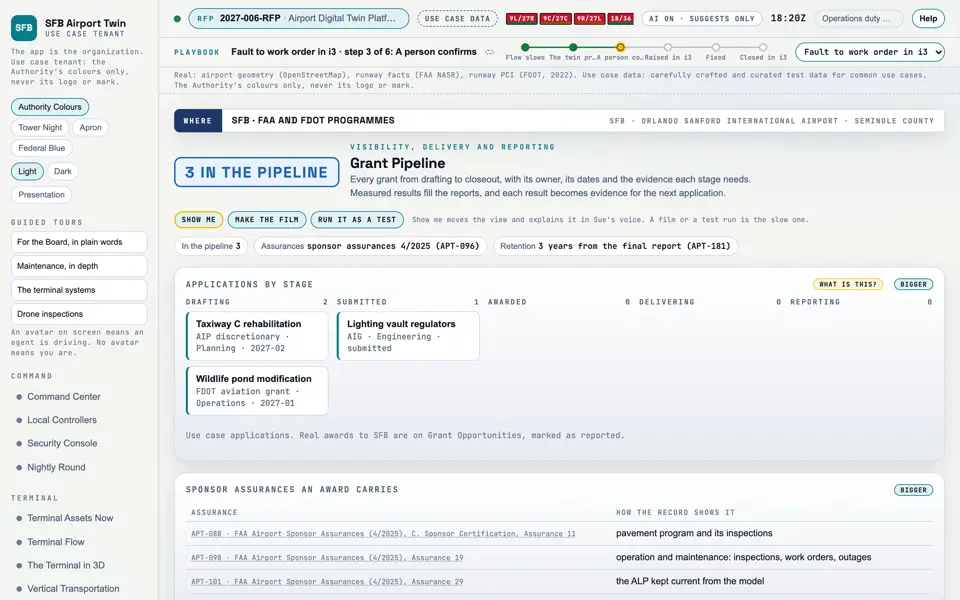
Picture: Headless capture of poc/index.html?v=grants&m=light, as the proof of concept renders it, 1400 by 875 at 2x scale.

Screen · Proof of concept · Fund

Grant Pipeline

Each grant from application to closeout.

  1. Sources
  2. Interchange
  3. Twin
  4. Screens
  5. Plan
Kind
Screen
Status
partly met
Airport layer
Screens: the POC story and the spines
Airport area
not linked
System
not linked
Sensor type
not linked
RFP rowsM-146

Open the screen · Open the detail

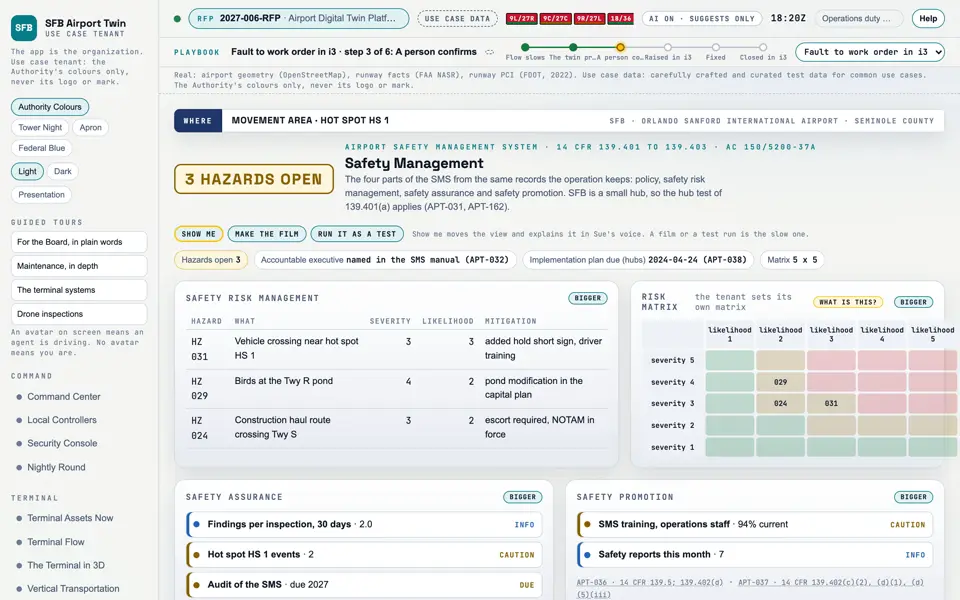
Picture: Headless capture of poc/index.html?v=sms&m=light, as the proof of concept renders it, 1400 by 875 at 2x scale.

Screen · Proof of concept · Prove

Safety Management

Hazards, their risk and what is being done about them.

  1. Sources
  2. Interchange
  3. Twin
  4. Screens
  5. Plan
Kind
Screen
Status
partly met
Airport layer
Screens: the POC story and the spines
Airport area
not linked
System
not linked
Sensor type
not linked
RFP rowsM-147

Open the screen · Open the detail

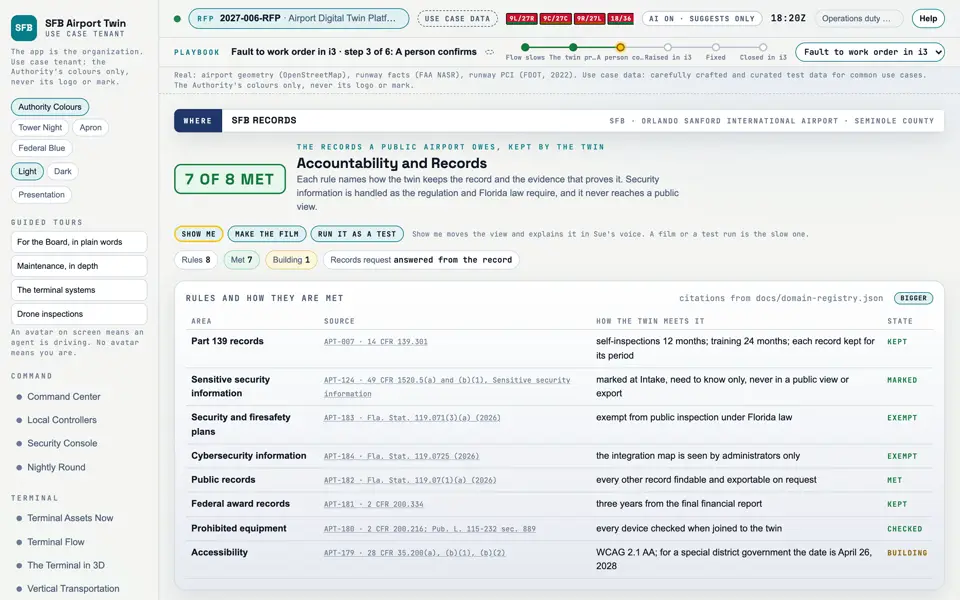
Picture: Headless capture of poc/index.html?v=records&m=light, as the proof of concept renders it, 1400 by 875 at 2x scale.

Screen · Proof of concept · Prove

Accountability and Records

The records the airport must keep, and the ones it must protect.

  1. Sources
  2. Interchange
  3. Twin
  4. Screens
  5. Plan
Kind
Screen
Status
not linked
Airport layer
Screens: the POC story and the spines
Airport area
not linked
System
not linked
Sensor type
not linked

Open the screen · Open the detail

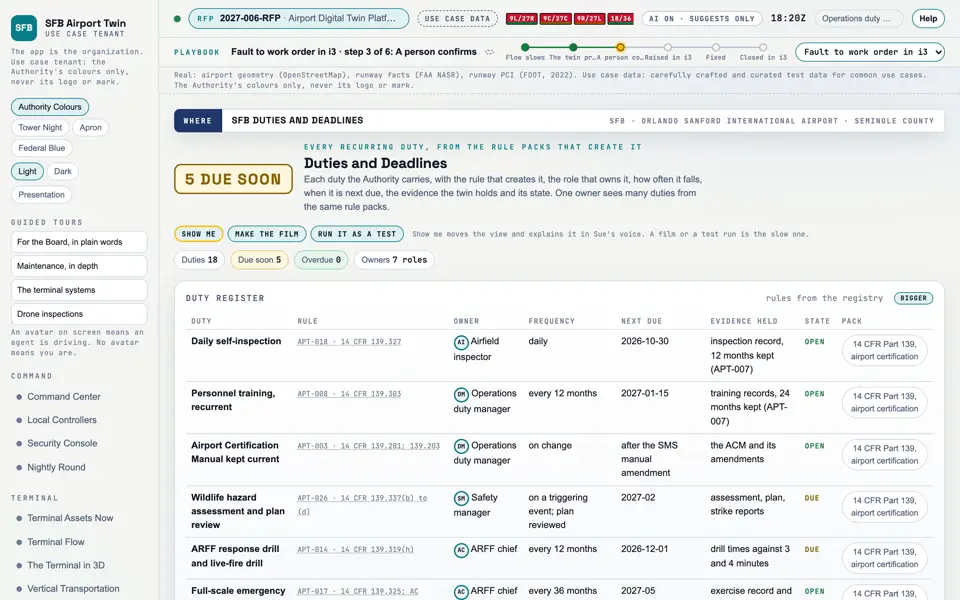
Picture: Headless capture of poc/index.html?v=duties&m=light, as the proof of concept renders it, 1400 by 875 at 2x scale.

Screen · Proof of concept · Prove

Duties and Deadlines

Every recurring duty, who owns it, when it is next due and the evidence held.

  1. Sources
  2. Interchange
  3. Twin
  4. Screens
  5. Plan
Kind
Screen
Status
partly met
Airport layer
Screens: the POC story and the spines
Airport area
not linked
System
not linked
Sensor type
not linked

Open the screen · Open the detail

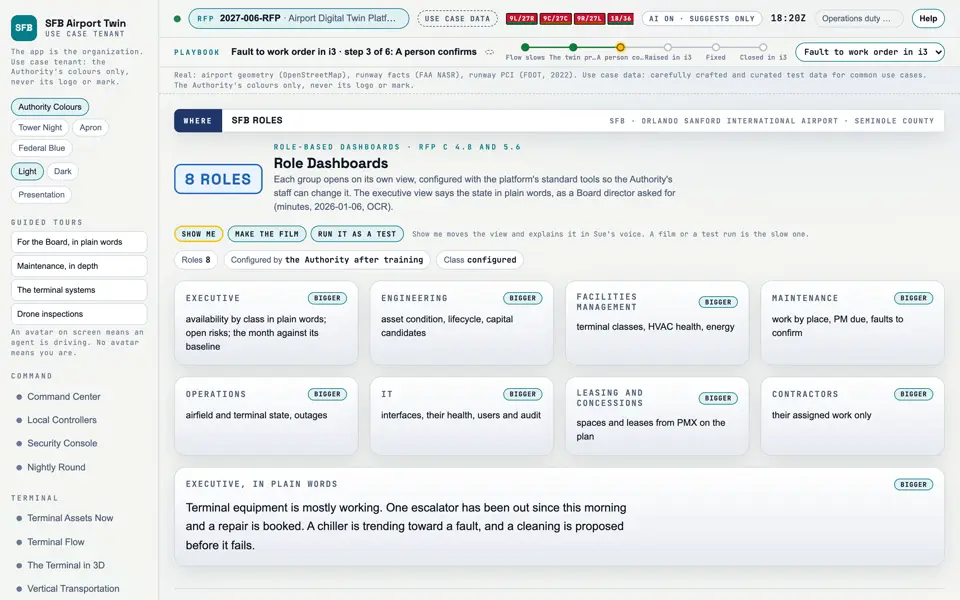
Picture: Headless capture of poc/index.html?v=roles&m=light, as the proof of concept renders it, 1400 by 875 at 2x scale.

Screen · Proof of concept · Prove

Role Dashboards

Each team sees its own page; the executive page says it in plain words.

  1. Sources
  2. Interchange
  3. Twin
  4. Screens
  5. Plan
Kind
Screen
Status
partly met, target
Airport layer
Screens: the POC story and the spines
Airport area
not linked
System
not linked
Sensor type
not linked
SheetA-10

Open the screen · Open the detail

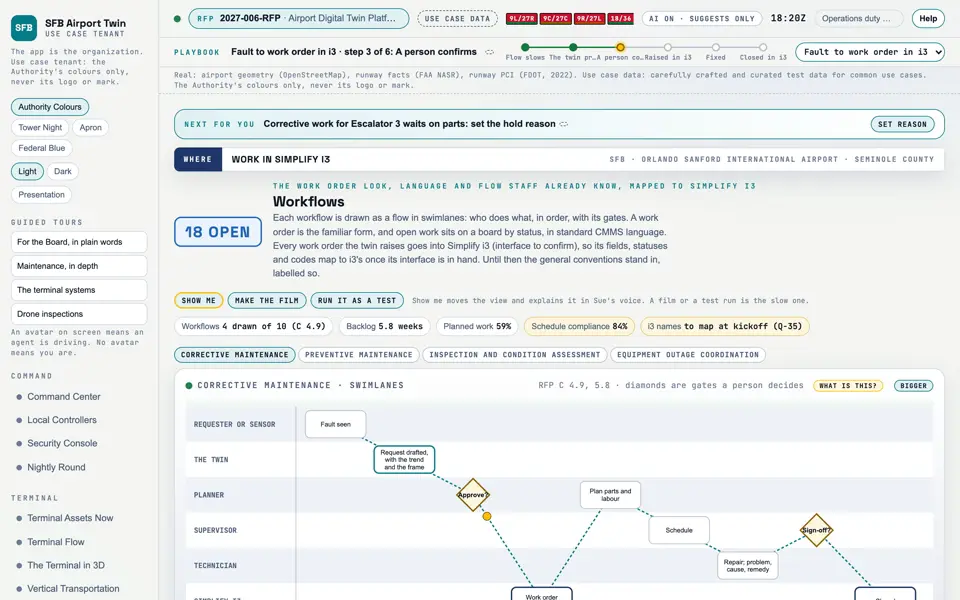
Picture: Headless capture of poc/index.html?v=workflows&m=light, as the proof of concept renders it, 1400 by 875 at 2x scale.
Clip: Capture of poc/index.html?v=workflows&m=light, 4 seconds of the screen as it runs, 10 frames a second. No sound.

Screen · Proof of concept · Prove

Workflows

How a fault becomes a repair: who is told and who approves it, and where the work is recorded.

  1. Sources
  2. Interchange
  3. Twin
  4. Screens
  5. Plan
Kind
Screen
Status
partly met, target
Airport layer
Screens: the POC story and the spines
Airport area
not linked
System
not linked
Sensor type
not linked
ScreensWorkflows

Open the screen · Open the detail

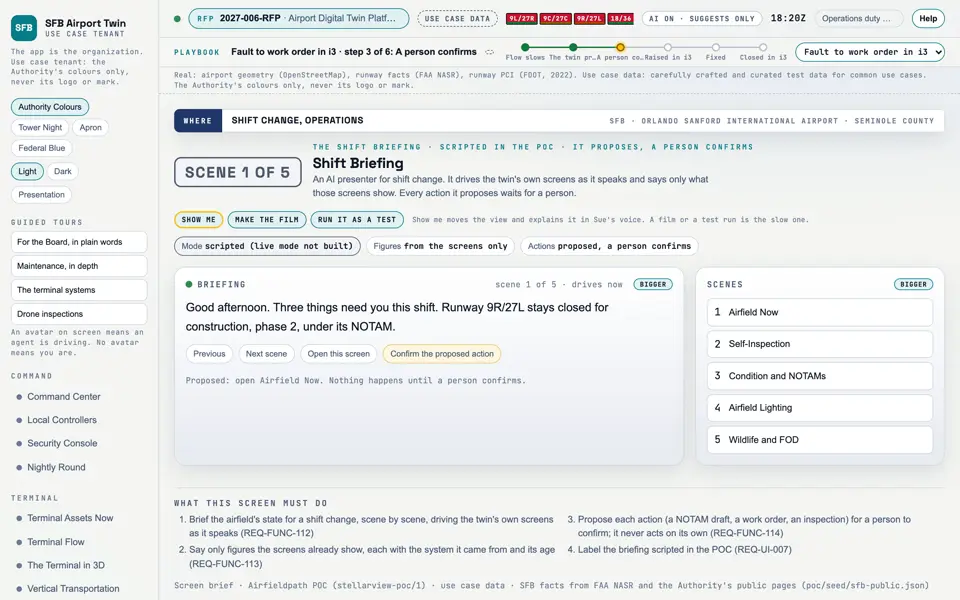
Picture: Headless capture of poc/index.html?v=brief&m=light, as the proof of concept renders it, 1400 by 875 at 2x scale.

Screen · Proof of concept · Prove

Shift Briefing

A shift briefing that walks the screens and asks a person to confirm each action.

  1. Sources
  2. Interchange
  3. Twin
  4. Screens
  5. Plan
Kind
Screen
Status
not linked
Airport layer
Screens: the POC story and the spines
Airport area
not linked
System
not linked
Sensor type
not linked

Open the screen · Open the detail

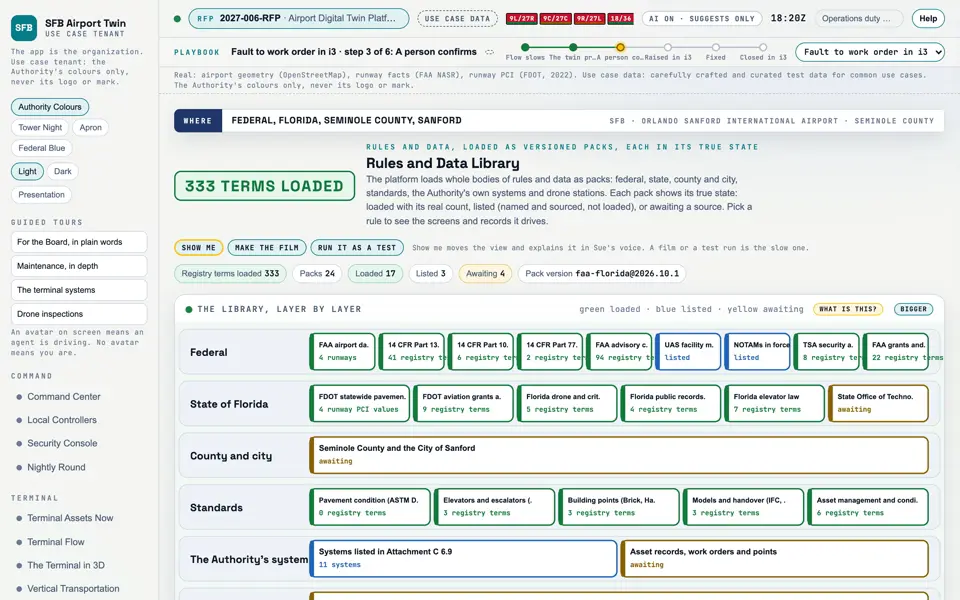
Picture: Headless capture of poc/index.html?v=library&m=light, as the proof of concept renders it, 1400 by 875 at 2x scale.

Screen · Proof of concept · Set up

Rules and Data Library

Every body of rules and data the platform has loaded, and what each one drives.

  1. Sources
  2. Interchange
  3. Twin
  4. Screens
  5. Plan
Kind
Screen
Status
partly met, target
Airport layer
Screens: the POC story and the spines
Airport area
not linked
System
not linked
Sensor type
not linked
SheetA-10
How it worksHow it works: Data

Open the screen · Open the detail

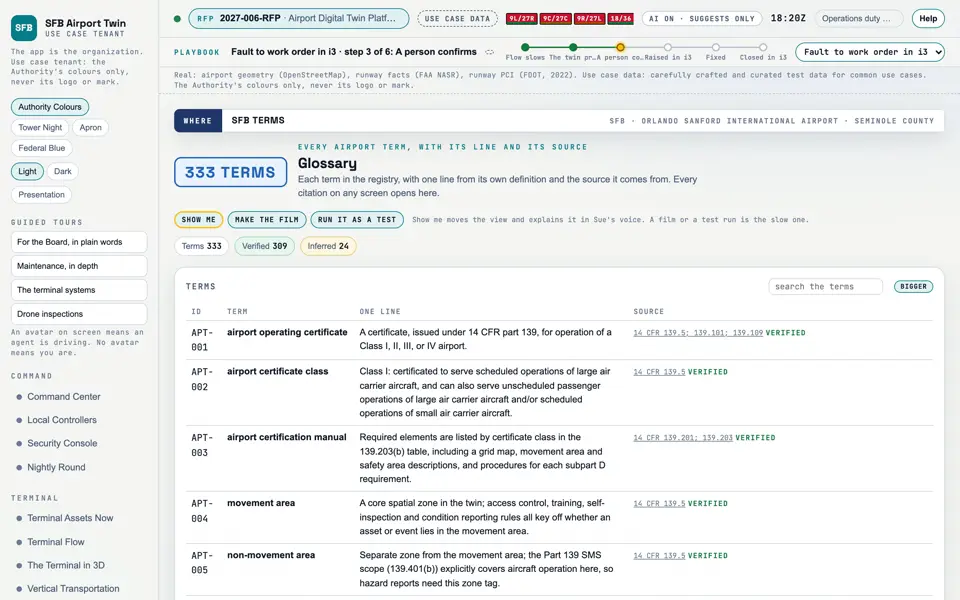
Picture: Headless capture of poc/index.html?v=glossary&m=light, as the proof of concept renders it, 1400 by 875 at 2x scale.

Screen · Proof of concept · Set up

Glossary

Every airport term the screens use, with one line and its source.

  1. Sources
  2. Interchange
  3. Twin
  4. Screens
  5. Plan
Kind
Screen
Status
partly met
Airport layer
Screens: the POC story and the spines
Airport area
not linked
System
not linked
Sensor type
not linked
RFP rowsM-071
ScreensGlossary

Open the screen · Open the detail

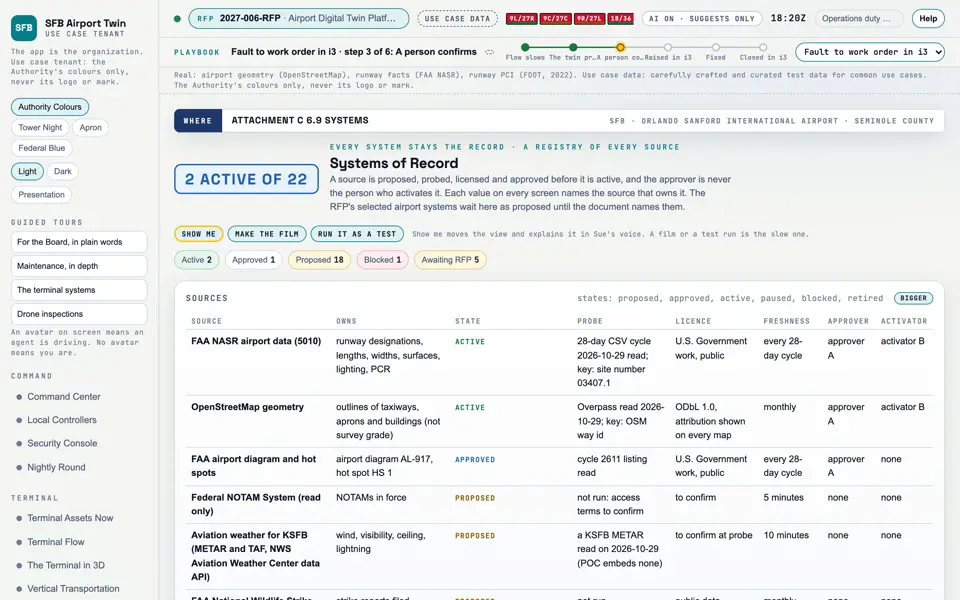
Picture: Headless capture of poc/index.html?v=sources&m=light, as the proof of concept renders it, 1400 by 875 at 2x scale.

Screen · Proof of concept · Set up

Systems of Record

Every system the twin reads, and proof that each one stays the record.

  1. Sources
  2. Interchange
  3. Twin
  4. Screens
  5. Plan
Kind
Screen
Status
partly met, target
Airport layer
Screens: the POC story and the spines
Airport area
not linked
System
not linked
Sensor type
not linked
SheetA-10

Open the screen · Open the detail

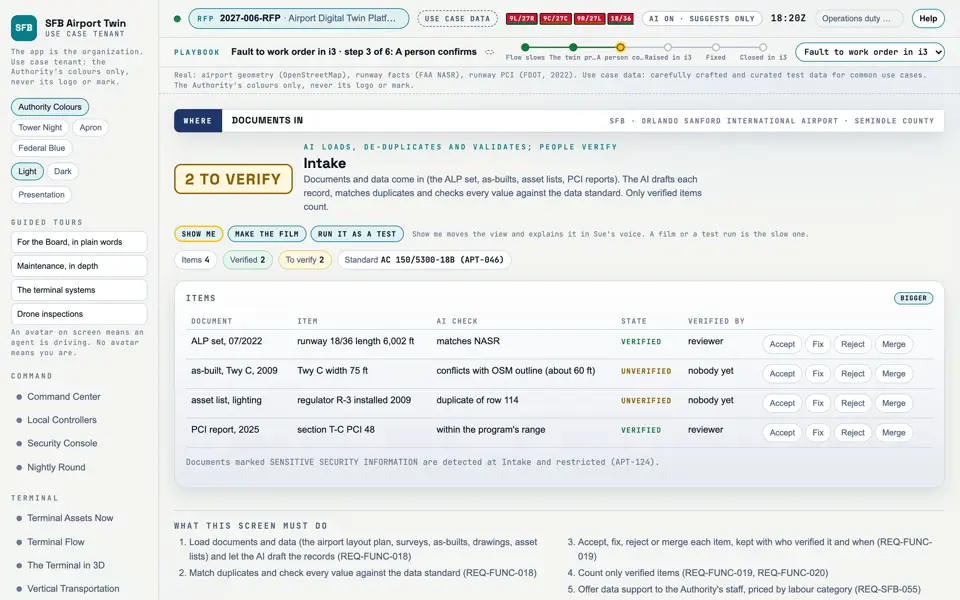
Picture: Headless capture of poc/index.html?v=intake&m=light, as the proof of concept renders it, 1400 by 875 at 2x scale.

Screen · Proof of concept · Set up

Intake

Documents and data loaded, checked and verified by a person.

  1. Sources
  2. Interchange
  3. Twin
  4. Screens
  5. Plan
Kind
Screen
Status
target
Airport layer
Screens: the POC story and the spines
Airport area
not linked
System
not linked
Sensor type
not linked
RFP rowsM-067
ScreensIntake
How it worksHow it works: Data

Open the screen · Open the detail

Picture: Headless capture of poc/index.html?v=standards&m=light, as the proof of concept renders it, 1400 by 875 at 2x scale.

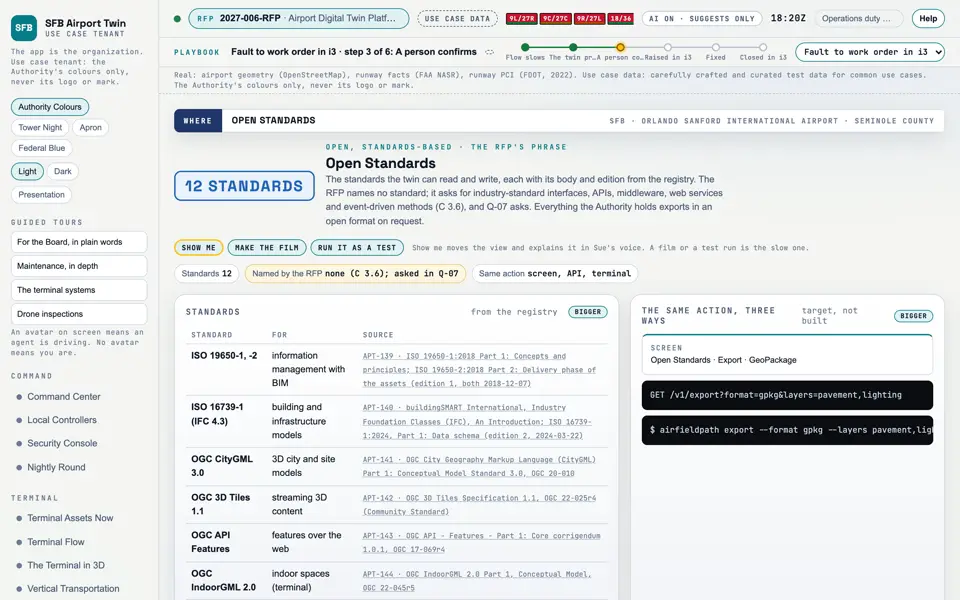
Screen · Proof of concept · Set up

Open Standards

The open standards the twin speaks, so the Authority is never locked in.

  1. Sources
  2. Interchange
  3. Twin
  4. Screens
  5. Plan
Kind
Screen
Status
partly met, target
Airport layer
Screens: the POC story and the spines
Airport area
not linked
System
not linked
Sensor type
not linked
SheetA-10

Open the screen · Open the detail

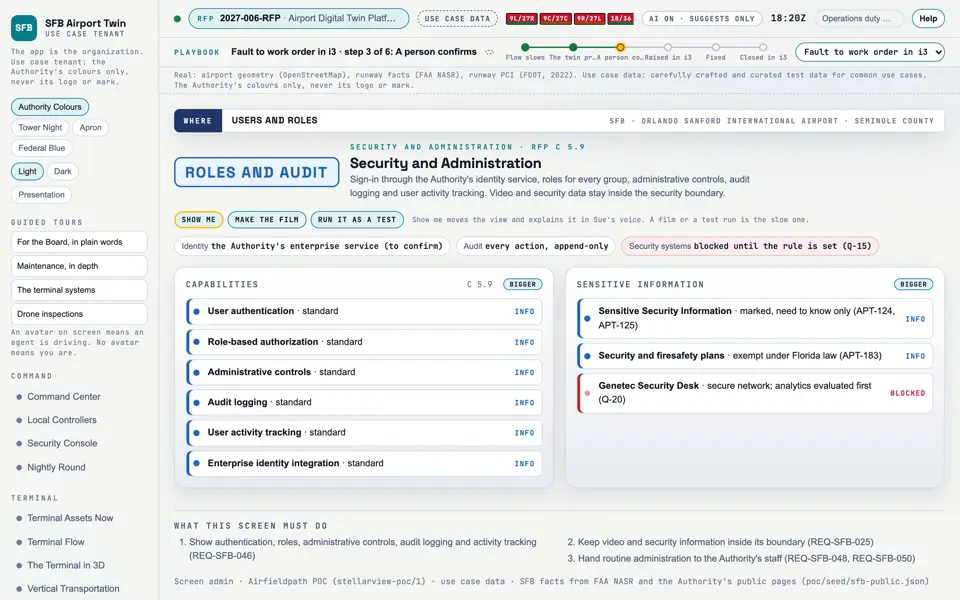
Picture: Headless capture of poc/index.html?v=admin&m=light, as the proof of concept renders it, 1400 by 875 at 2x scale.

Screen · Proof of concept · Set up

Security and Administration

Who can see what, and a record of everything anyone does.

  1. Sources
  2. Interchange
  3. Twin
  4. Screens
  5. Plan
Kind
Screen
Status
target, partly met
Airport layer
Screens: the POC story and the spines
Airport area
not linked
System
not linked
Sensor type
not linked
SheetA-10

Open the screen · Open the detail

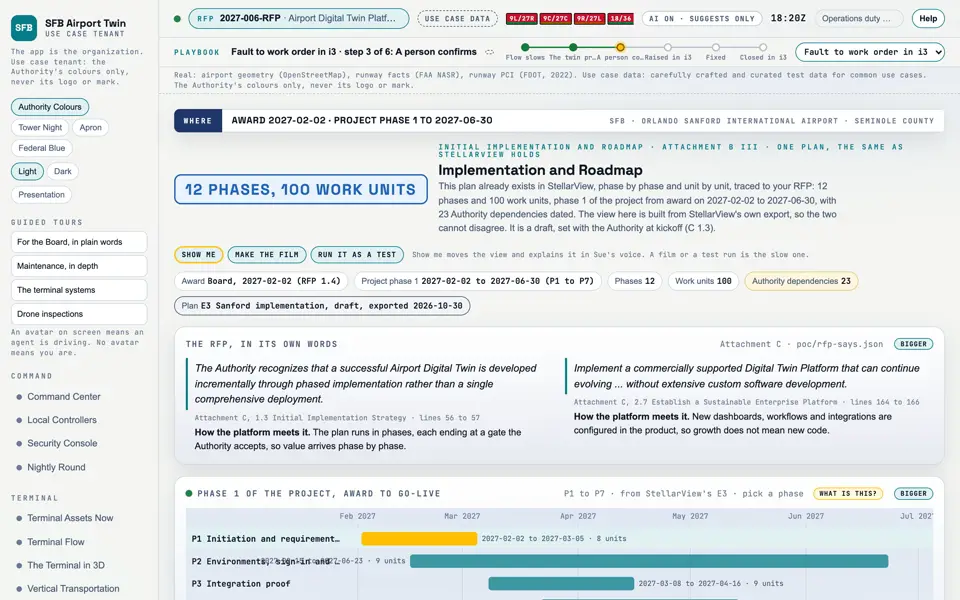
Picture: Headless capture of poc/index.html?v=roadmap&m=light, as the proof of concept renders it, 1400 by 875 at 2x scale.

Screen · Proof of concept · Set up

Implementation and Roadmap

The plan from award to go-live, and what comes after.

  1. Sources
  2. Interchange
  3. Twin
  4. Screens
  5. Plan
Kind
Screen
Status
partly met, target, met
Airport layer
Screens: the POC story and the spines
Airport area
not linked
System
not linked
Sensor type
not linked
SheetA-10

Open the screen · Open the detail

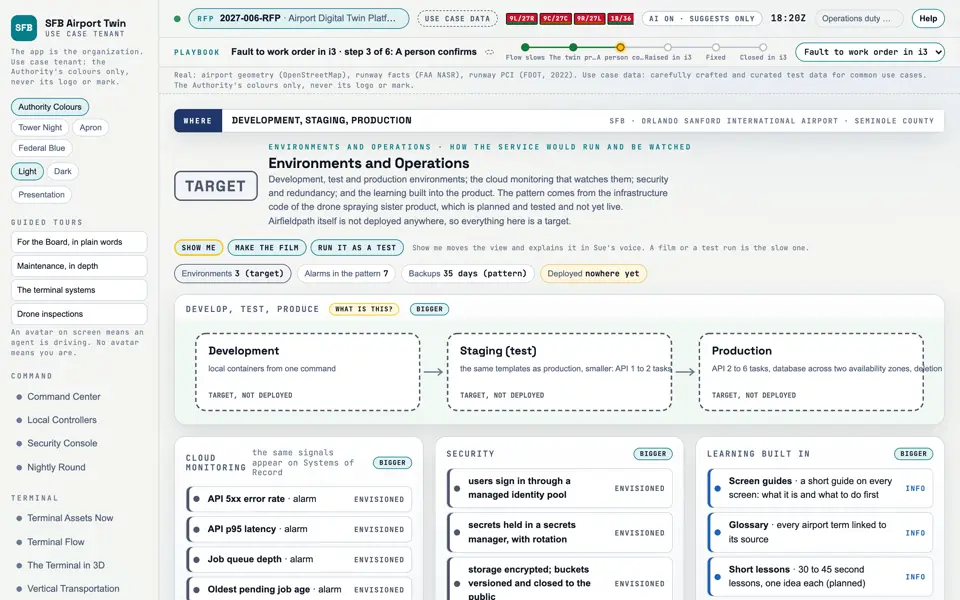
Picture: Headless capture of poc/index.html?v=envs&m=light, as the proof of concept renders it, 1400 by 875 at 2x scale.

Screen · Proof of concept · Set up

Environments and Operations

Where the service would run, how it would be watched and kept safe, and how staff learn it. A target, not deployed.

  1. Sources
  2. Interchange
  3. Twin
  4. Screens
  5. Plan
Kind
Screen
Status
target
Airport layer
Screens: the POC story and the spines
Airport area
not linked
System
not linked
Sensor type
not linked
RFP rowsM-073
SheetA-10

Open the screen · Open the detail

Picture: Headless capture of poc/index.html?v=support&m=light, as the proof of concept renders it, 1400 by 875 at 2x scale.

Screen · Proof of concept · Set up

Support

How staff get help, and how a problem found in use becomes a reviewed fix.

  1. Sources
  2. Interchange
  3. Twin
  4. Screens
  5. Plan
Kind
Screen
Status
target, partly met
Airport layer
Screens: the POC story and the spines
Airport area
not linked
System
not linked
Sensor type
not linked
ScreensSupport
SheetA-10

Open the screen · Open the detail

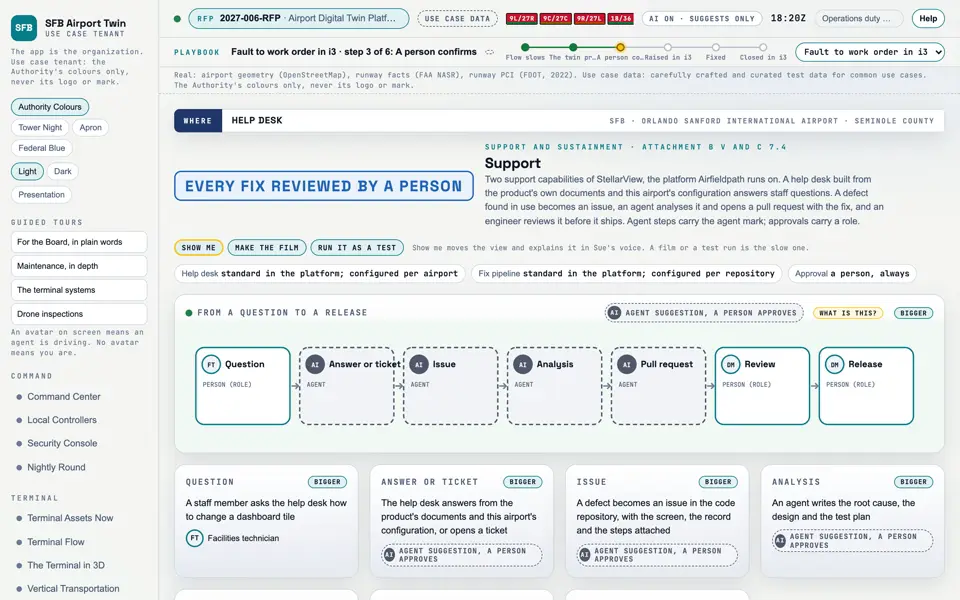
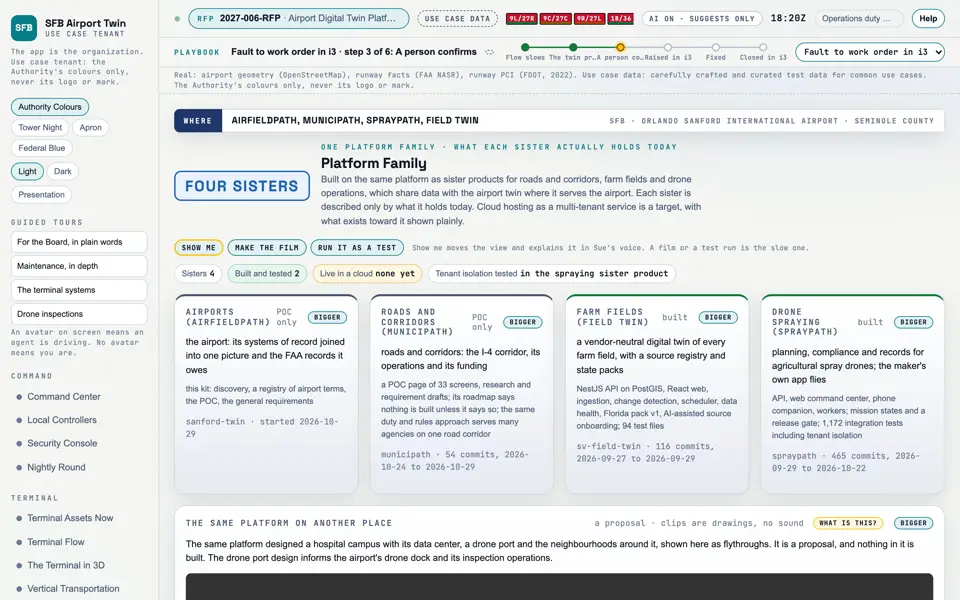
Picture: Headless capture of poc/index.html?v=family&m=light, as the proof of concept renders it, 1400 by 875 at 2x scale.

Screen · Proof of concept · Set up

Platform Family

The sister products this one is built beside, and what each actually holds.

  1. Sources
  2. Interchange
  3. Twin
  4. Screens
  5. Plan
Kind
Screen
Status
not offered, target, partly met
Airport layer
Screens: the POC story and the spines
Airport area
not linked
System
not linked
Sensor type
not linked
SheetA-10

Open the screen · Open the detail

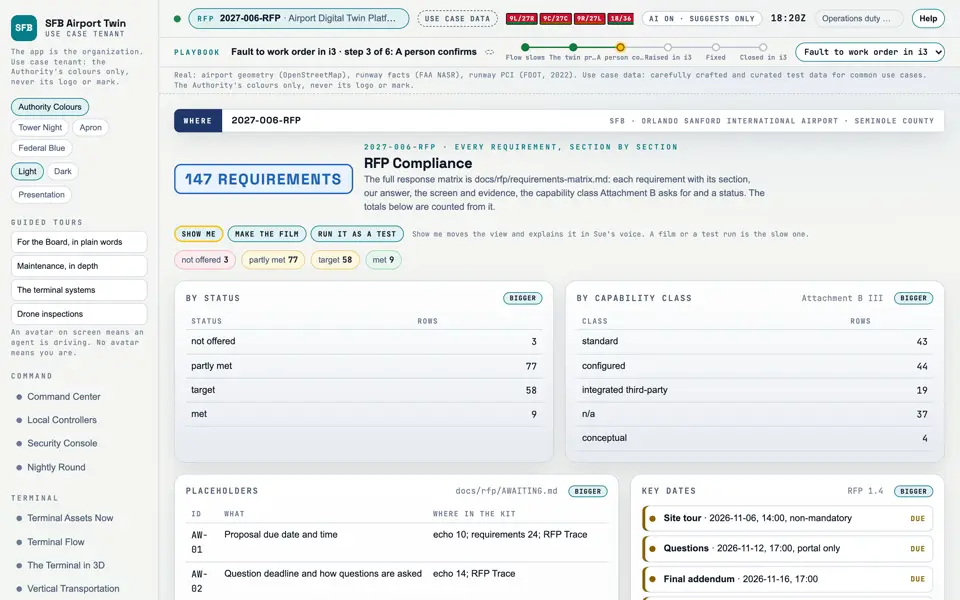
Picture: Headless capture of poc/index.html?v=rfp&m=light, as the proof of concept renders it, 1400 by 875 at 2x scale.

Screen · Proof of concept · Set up

RFP Compliance

Every requirement of the RFP, and where the work stands on each.

  1. Sources
  2. Interchange
  3. Twin
  4. Screens
  5. Plan
Kind
Screen
Status
met, partly met, target
Airport layer
Screens: the POC story and the spines
Airport area
not linked
System
not linked
Sensor type
not linked
SheetA-10

Open the screen · Open the detail

No picture for this component.

Data source · Proof of concept · Reference

Glossary terms

333 terms the screens use, each with a citation and a confidence word.

  1. Sources
  2. Interchange
  3. Twin
  4. Screens
  5. Plan
Kind
Data source
Status
not linked
Airport layer
not linked
Airport area
not linked
System
not linked
Sensor type
not linked

Open the detail

No picture for this component.

Data source · Proof of concept · Reference

Narration clips

403 recorded narration lines the screens and the References entries play.

  1. Sources
  2. Interchange
  3. Twin
  4. Screens
  5. Plan
Kind
Data source
Status
not linked
Airport layer
not linked
Airport area
not linked
System
not linked
Sensor type
not linked

Open the detail

No picture for this component.

Document · The RFP and the plan · RFP statements

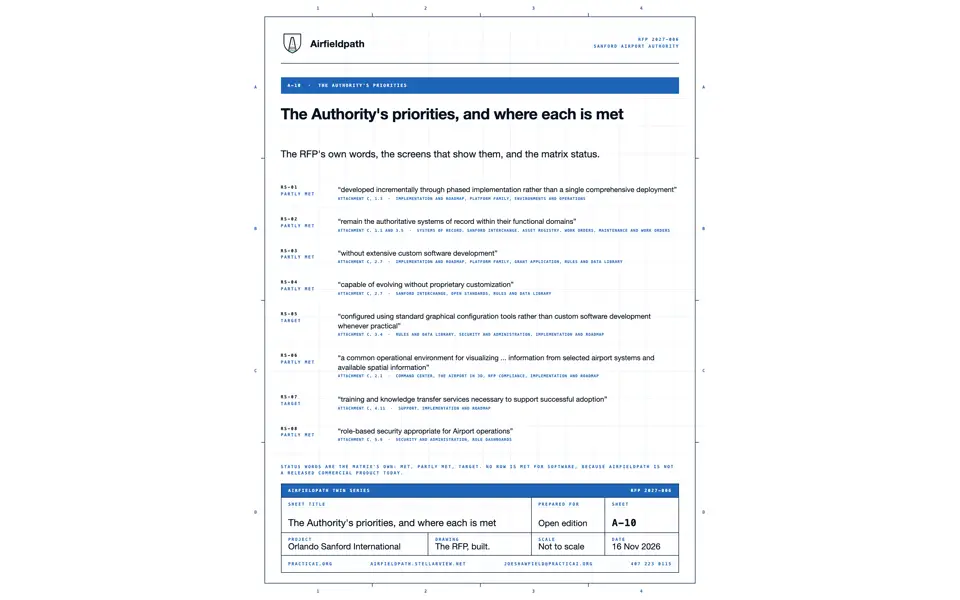
RS-01: Attachment C, 1.3 Initial Implementation Strategy

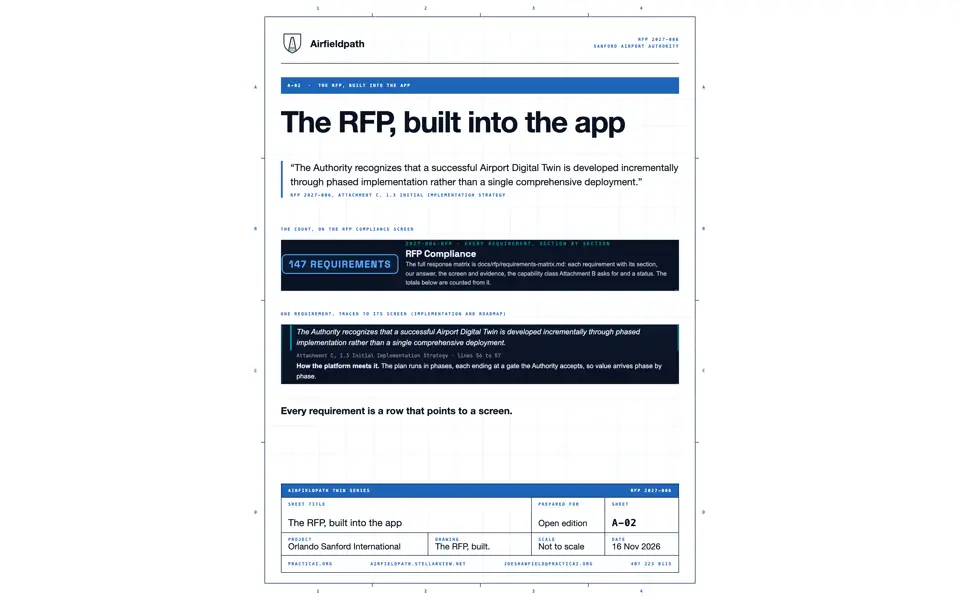
The Authority recognizes that a successful Airport Digital Twin is developed incrementally through phased implementation rather than a single comprehensive deployment.

  1. Sources
  2. Interchange
  3. Twin
  4. Screens
  5. Plan
Kind
Document
Status
partly met, target, met, not offered
Airport layer
not linked
Airport area
not linked
System
not linked
Sensor type
not linked
SheetA-10

Open the detail

No picture for this component.

Document · The RFP and the plan · RFP statements

RS-02: Attachment C, 1.1 Overview (repeated in 3.5 Existing Systems Remain Systems of Record)

Existing systems will continue to perform their respective operational functions and remain the authoritative systems of record within their functional domains.

  1. Sources
  2. Interchange
  3. Twin
  4. Screens
  5. Plan
Kind
Document
Status
partly met, target
Airport layer
not linked
Airport area
not linked
System
not linked
Sensor type
not linked
SheetA-10

Open the detail

No picture for this component.

Document · The RFP and the plan · RFP statements

RS-03: Attachment C, 2.7 Establish a Sustainable Enterprise Platform

Implement a commercially supported Digital Twin Platform that can continue evolving ... without extensive custom software development.

  1. Sources
  2. Interchange
  3. Twin
  4. Screens
  5. Plan
Kind
Document
Status
partly met, target, met, not offered
Airport layer
not linked
Airport area
not linked
System
not linked
Sensor type
not linked
SheetA-10

Open the detail

No picture for this component.

Document · The RFP and the plan · RFP statements

RS-04: Attachment C, 2.7 Establish a Sustainable Enterprise Platform (the sentence beginning "Implement a Digital Twin Platform that remains open, vendor-agnostic")

capable of evolving without proprietary customization, enabling future enterprise integrations and compatibility with emerging technologies

  1. Sources
  2. Interchange
  3. Twin
  4. Screens
  5. Plan
Kind
Document
Status
partly met, target
Airport layer
not linked
Airport area
not linked
System
not linked
Sensor type
not linked
SheetA-10

Open the detail

No picture for this component.

Document · The RFP and the plan · RFP statements

RS-05: Attachment C, 3.4 Configuration Before Customization

the Platform should be configured using standard graphical configuration tools rather than custom software development whenever practical.

  1. Sources
  2. Interchange
  3. Twin
  4. Screens
  5. Plan
Kind
Document
Status
partly met, target, met
Airport layer
not linked
Airport area
not linked
System
not linked
Sensor type
not linked
SheetA-10

Open the detail

No picture for this component.

Document · The RFP and the plan · RFP statements

RS-06: Attachment C, 2.1 Establish an Airport Digital Twin Platform

a common operational environment for visualizing ... information from selected airport systems and available spatial information

  1. Sources
  2. Interchange
  3. Twin
  4. Screens
  5. Plan
Kind
Document
Status
partly met, met, target
Airport layer
not linked
Airport area
not linked
System
not linked
Sensor type
not linked
SheetA-10

Open the detail

No picture for this component.

Document · The RFP and the plan · RFP statements

RS-07: Attachment C, 4.11 Training and Knowledge Transfer

The Solution Provider shall provide training and knowledge transfer services necessary to support successful adoption of the Airport Digital Twin Platform.

  1. Sources
  2. Interchange
  3. Twin
  4. Screens
  5. Plan
Kind
Document
Status
target, partly met, met
Airport layer
not linked
Airport area
not linked
System
not linked
Sensor type
not linked
SheetA-10

Open the detail

No picture for this component.

Document · The RFP and the plan · RFP statements

RS-08: Attachment C, 5.9 Security and User Administration

The Platform shall provide role-based security appropriate for Airport operations.

  1. Sources
  2. Interchange
  3. Twin
  4. Screens
  5. Plan
Kind
Document
Status
target, partly met
Airport layer
not linked
Airport area
not linked
System
not linked
Sensor type
not linked
SheetA-10

Open the detail

No picture for this component.

Plan · The RFP and the plan · The plan

The implementation plan

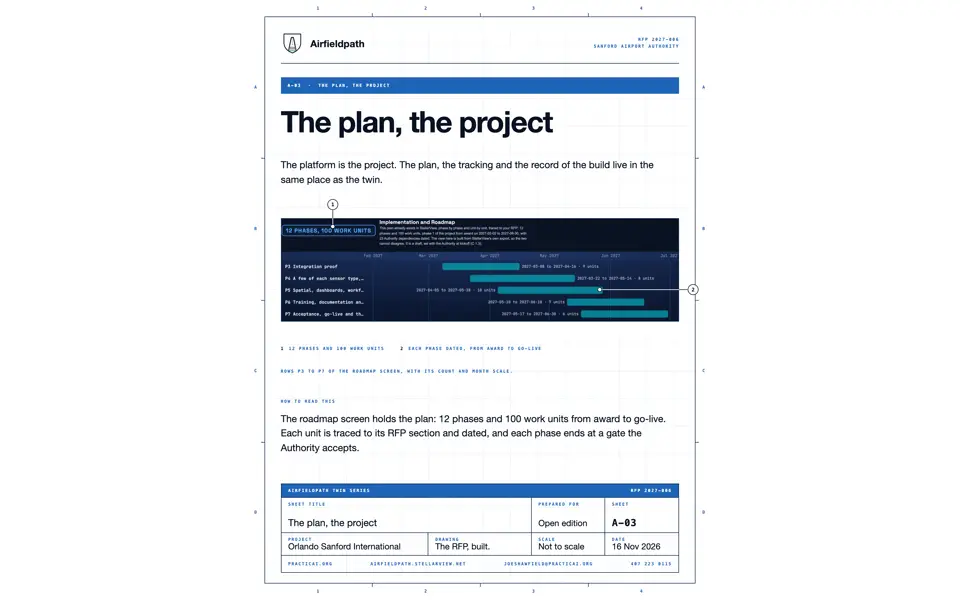
12 phases and 100 work units, from the Authority's written authorization to go-live.

  1. Sources
  2. Interchange
  3. Twin
  4. Screens
  5. Plan
Kind
Plan
Status
not linked
Airport layer
not linked
Airport area
not linked
System
not linked
Sensor type
not linked

Open the detail

No picture for this component.

Plan · The RFP and the plan · Phases

Phase 1: Initiation and requirements validation

Phase 1 starts only on the Authority's written authorization (RFP 6.15) and settles everything later phases build on: the kickoff, the systems inventory, the validated 70 E2 requirements, the...

  1. Sources
  2. Interchange
  3. Twin
  4. Screens
  5. Plan
Kind
Plan
Status
not linked
Airport layer
not linked
Airport area
not linked
System
not linked
Sensor type
not linked

Open the detail

No picture for this component.

Plan · The RFP and the plan · Phases

Phase 2: Environments, sign-in and the core platform

P2 stands up the development, staging and production environments from one set of infrastructure-as-code templates, with production on a two-zone database and 35-day backups proven by alarm and...

  1. Sources
  2. Interchange
  3. Twin
  4. Screens
  5. Plan
Kind
Plan
Status
not linked
Airport layer
not linked
Airport area
not linked
System
not linked
Sensor type
not linked

Open the detail

No picture for this component.

Plan · The RFP and the plan · Phases

Phase 3: Integration proof

Connects the Authority's systems to the twin and shows each one working end to end: Simplify i3 is read on a schedule and receives confirmed work requests, EcoStruxure is read through an...

  1. Sources
  2. Interchange
  3. Twin
  4. Screens
  5. Plan
Kind
Plan
Status
not linked
Airport layer
not linked
Airport area
not linked
System
not linked
Sensor type
not linked

Open the detail

No picture for this component.

Plan · The RFP and the plan · Phases

Phase 4: A few of each sensor type, end to end

Fits outbound-only edge gateways in the operational network's DMZ, then proves each of the five first asset classes (HVAC, boarding bridges, baggage, vertical transportation, airfield) with a...

  1. Sources
  2. Interchange
  3. Twin
  4. Screens
  5. Plan
Kind
Plan
Status
not linked
Airport layer
not linked
Airport area
not linked
System
not linked
Sensor type
not linked

Open the detail

No picture for this component.

Plan · The RFP and the plan · Phases

Phase 5: Spatial, dashboards, workflows, use cases and the backlog

Configures everything a person uses on the data read so far: spatial sources in plan and 3D with a GIS maturity assessment, role dashboards, maintenance workflows that hand work to Simplify i3,...

  1. Sources
  2. Interchange
  3. Twin
  4. Screens
  5. Plan
Kind
Plan
Status
not linked
Airport layer
not linked
Airport area
not linked
System
not linked
Sensor type
not linked

Open the detail

No picture for this component.

Plan · The RFP and the plan · Phases

Phase 6: Training, documentation and knowledge transfer

Plans and delivers training to the seven Authority groups on the configured platform built in P5, and proves knowledge transfer by having Authority staff make routine administration and...

  1. Sources
  2. Interchange
  3. Twin
  4. Screens
  5. Plan
Kind
Plan
Status
not linked
Airport layer
not linked
Airport area
not linked
System
not linked
Sensor type
not linked

Open the detail

No picture for this component.

Plan · The RFP and the plan · Phases

Phase 7: Acceptance, go-live and the phase 1 close-out

This phase agrees the acceptance criteria with the Authority, runs user acceptance testing with the Authority's testers, and fixes each defect through the reviewed pipeline.

  1. Sources
  2. Interchange
  3. Twin
  4. Screens
  5. Plan
Kind
Plan
Status
not linked
Airport layer
not linked
Airport area
not linked
System
not linked
Sensor type
not linked

Open the detail

No picture for this component.

Plan · The RFP and the plan · Phases

Phase 8: Support and the next asset classes, rest of year 1

It adds the next asset classes by configuration at the pace the Authority sets (DEP-22, needed by 2027-07-01), with no rebuild of phase 1, and offers data services by labour category.

  1. Sources
  2. Interchange
  3. Twin
  4. Screens
  5. Plan
Kind
Plan
Status
not linked
Airport layer
not linked
Airport area
not linked
System
not linked
Sensor type
not linked

Open the detail

No picture for this component.

Plan · The RFP and the plan · Phases

Phase 9: Year 2: every unit of the five classes, and the next systems

Phase 9 scales the phase 1 samples to every unit the Authority owns across HVAC, boarding bridges, baggage, vertical transportation and airfield, in the order the Authority sets.

  1. Sources
  2. Interchange
  3. Twin
  4. Screens
  5. Plan
Kind
Plan
Status
not linked
Airport layer
not linked
Airport area
not linked
System
not linked
Sensor type
not linked

Open the detail

No picture for this component.

Plan · The RFP and the plan · Phases

Phase 10: Year 3: the wider terminal systems and prediction across classes

Brings in fire alarm, electrical, utility and energy management systems read-only through the registry, with licensed maintainers keeping control.

  1. Sources
  2. Interchange
  3. Twin
  4. Screens
  5. Plan
Kind
Plan
Status
not linked
Airport layer
not linked
Airport area
not linked
System
not linked
Sensor type
not linked

Open the detail

No picture for this component.

Plan · The RFP and the plan · Phases

Phase 11: Year 4: the gaps no maker sensor reaches, and more facilities

It surveys the assets that no maker data reaches and fills those gaps with commercial retrofit sensors first, with the Inflector offered as an option.

  1. Sources
  2. Interchange
  3. Twin
  4. Screens
  5. Plan
Kind
Plan
Status
not linked
Airport layer
not linked
Airport area
not linked
System
not linked
Sensor type
not linked

Open the detail

No picture for this component.

Plan · The RFP and the plan · Phases

Phase 12: Year 5: real-time data on all Airport facilities

It renews the roadmap with the Authority for the years after the fifth and keeps support, sustainment and professional services running to 2032-01-31.

  1. Sources
  2. Interchange
  3. Twin
  4. Screens
  5. Plan
Kind
Plan
Status
not linked
Airport layer
not linked
Airport area
not linked
System
not linked
Sensor type
not linked

Open the detail

No picture for this component.

Plan · The RFP and the plan · The plan

Authority dependencies

23 things the plan needs from the Authority, each with the date it is needed by and the RFP section it comes from.

  1. Sources
  2. Interchange
  3. Twin
  4. Screens
  5. Plan
Kind
Plan
Status
not linked
Airport layer
not linked
Airport area
not linked
System
not linked
Sensor type
not linked

Open the detail

No picture for this component.

Document · The RFP and the plan · The plan

Requirement sets

The requirement sets the matrix and the plan draw on: E1 (177 identifiers), E2 (70 identifiers), E3 (141 identifiers).

  1. Sources
  2. Interchange
  3. Twin
  4. Screens
  5. Plan
Kind
Document
Status
not linked
Airport layer
not linked
Airport area
not linked
System
not linked
Sensor type
not linked

Open the detail

No picture for this component.

Document · The RFP and the plan · The RFP

The RFP documents

The four documents of RFP 2027-006 as the Authority published them.

  1. Sources
  2. Interchange
  3. Twin
  4. Screens
  5. Plan
Kind
Document
Status
not linked
Airport layer
not linked
Airport area
not linked
System
not linked
Sensor type
not linked

Open the detail

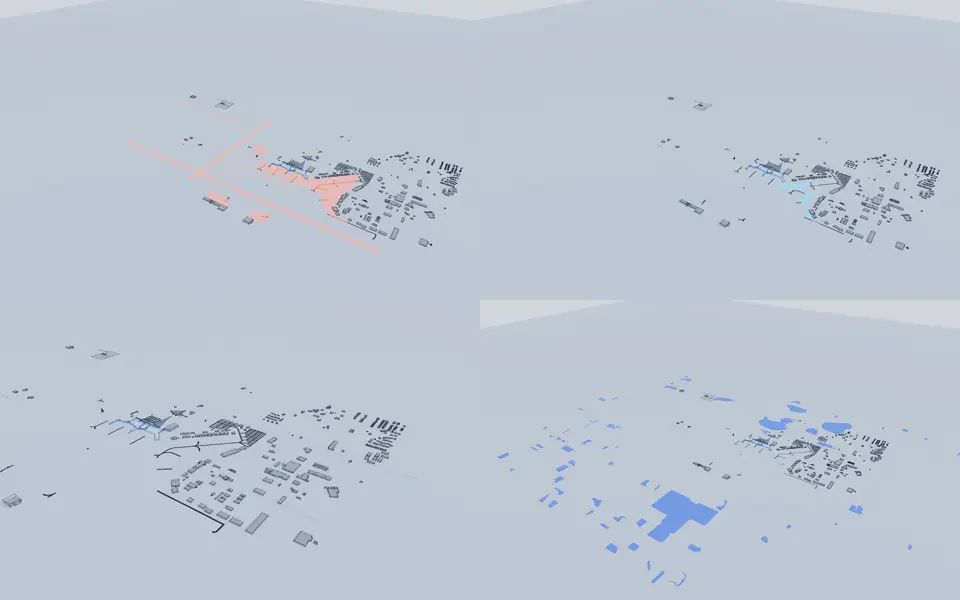
Picture: Montage of the Exploder stills of the first layers of the added views group, each rendered alone through the kit's film clock on the Light theme.

Exploder part · The Exploder · Layers

Layers: Added views

8 layers in the added views group of the Exploder.

  1. Sources
  2. Interchange
  3. Twin
  4. Screens
  5. Plan
Kind
Exploder part
Status
not linked
Airport layer
Traffic flow (illustrative pace), Heat (illustrative), Puddles and ponding (lidar), Drainage (route inferred) and 4 more
Airport area
Airfield and apron, Landside: roads and lots, Terminal, Level 1, Parking garage and 1 more
System
not linked
Sensor type
Constant current regulator (through the ALCMS), Lights out, read on a night drone pass, Escalator status from the maker's cloud, Wireless vibration and temperature (retrofit) and 46 more

Open the detail

Picture: Montage of the Exploder stills of the first layers of the evidence group, each rendered alone through the kit's film clock on the Light theme.

Exploder part · The Exploder · Layers

Layers: Evidence

2 layers in the evidence group of the Exploder.

  1. Sources
  2. Interchange
  3. Twin
  4. Screens
  5. Plan
Kind
Exploder part
Status
not linked
Airport layer
Evidence: the plan sheets, Evidence: the trace
Airport area
Terminal, Level 1
System
not linked
Sensor type
not linked

Open the detail

Picture: Montage of the Exploder stills of the first layers of the parts group, each rendered alone through the kit's film clock on the Light theme.

Exploder part · The Exploder · Layers

Layers: Parts

6 layers in the parts group of the Exploder.

  1. Sources
  2. Interchange
  3. Twin
  4. Screens
  5. Plan
Kind
Exploder part
Status
not linked
Airport layer
Frame (structure), Windows (envelope), Roofs, Large systems: baggage, lifts, escalators, bridges and 2 more
Airport area
Terminal, Level 1, Support buildings, Parking garage, Airfield and apron and 1 more
System
Escalator, Hydraulic elevator, Baggage claim device, Make-up unit and 5 more
Sensor type
Escalator status from the maker's cloud, Wireless vibration and temperature (retrofit), Step-chain elongation (retrofit), Elevator status from the maker's cloud and 10 more

Open the detail

Picture: Montage of the Exploder stills of the first layers of the infrastructure group, each rendered alone through the kit's film clock on the Light theme.

Exploder part · The Exploder · Layers

Layers: Infrastructure

10 layers in the infrastructure group of the Exploder.

  1. Sources
  2. Interchange
  3. Twin
  4. Screens
  5. Plan
Kind
Exploder part
Status
not linked
Airport layer
Parking, Surface: roads, apron, pavement, Lighting, Signage and 6 more
Airport area
Landside: roads and lots, Parking garage, Airfield and apron, On record, place not public and 1 more
System
Parking garage, Runway, Airfield light, Overhead digital sign and 4 more
Sensor type
Constant current regulator (through the ALCMS), Lights out, read on a night drone pass, Room temperature and humidity (retrofit), Generator controller and 2 more

Open the detail

Picture: Montage of the Exploder stills of the first layers of the network group, each rendered alone through the kit's film clock on the Light theme.

Exploder part · The Exploder · Layers

Layers: Network

4 layers in the network group of the Exploder.

  1. Sources
  2. Interchange
  3. Twin
  4. Screens
  5. Plan
Kind
Exploder part
Status
not linked
Airport layer
Sensors on the roads (concept), IT rooms and backbone, Wi-Fi, RFID and NFC tags (proposed)
Airport area
Landside: roads and lots, Terminal, Level 1, Airfield and apron
System
The road-stud sensor, IT room, Wi-Fi access point
Sensor type
Room temperature and humidity (retrofit), UPS status

Open the detail

No picture for this component.

Picture: Montage of the Exploder stills of the first layers of the platforms group, each rendered alone through the kit's film clock on the Light theme.

Exploder part · The Exploder · Layers

Layers: Platforms

3 layers in the platforms group of the Exploder.

  1. Sources
  2. Interchange
  3. Twin
  4. Screens
  5. Plan
Kind
Exploder part
Status
not linked
Airport layer
Drones, Screens: the POC story and the spines, Routes: perches, drone paths, doors, rounds
Airport area
Airfield and apron, Terminal, Level 1, On record, place not public
System
Drone dock, Inspection drone, A MissionSight Lens
Sensor type
not linked

Open the detail

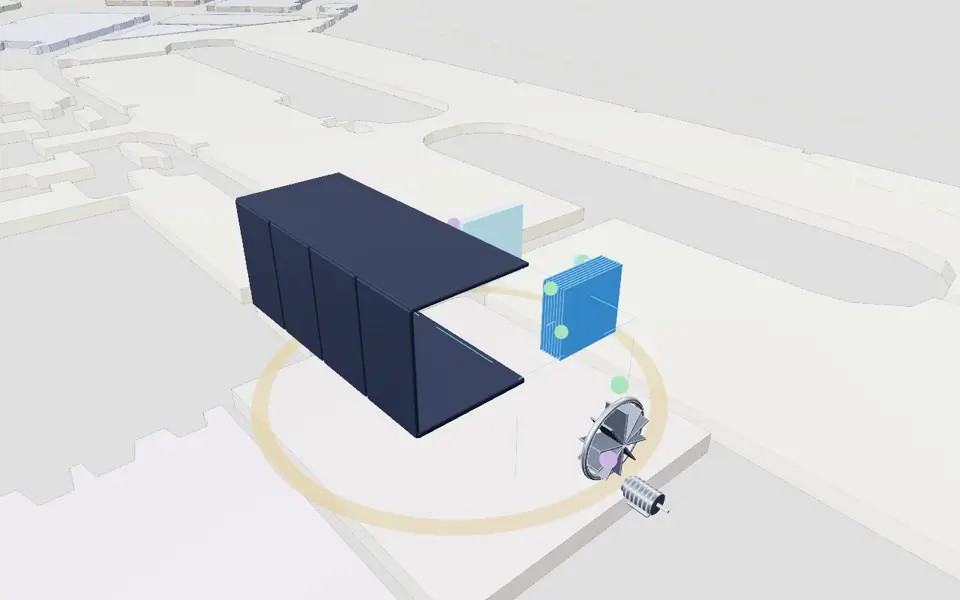
Picture: Frame at 3.5 seconds of the flyby film escalator.mp4, rendered by the Exploder kit's flyby tool.
Clip: Excerpt of the flyby film escalator.mp4, 2.0 to 6.0 seconds, rendered by the Exploder kit's flyby tool. No sound.

Exploder part · The Exploder · Component flybys

Escalator

Escalator 3, ticketing to the checkpoint

  1. Sources
  2. Interchange
  3. Twin
  4. Screens
  5. Plan
Kind
Exploder part
Status
not linked
Airport layer
Large systems: baggage, lifts, escalators, bridges
Airport area
Terminal, Level 1
System
Escalator
Sensor type
Escalator status from the maker's cloud, Wireless vibration and temperature (retrofit), Step-chain elongation (retrofit)
SheetA-07

Open the detail

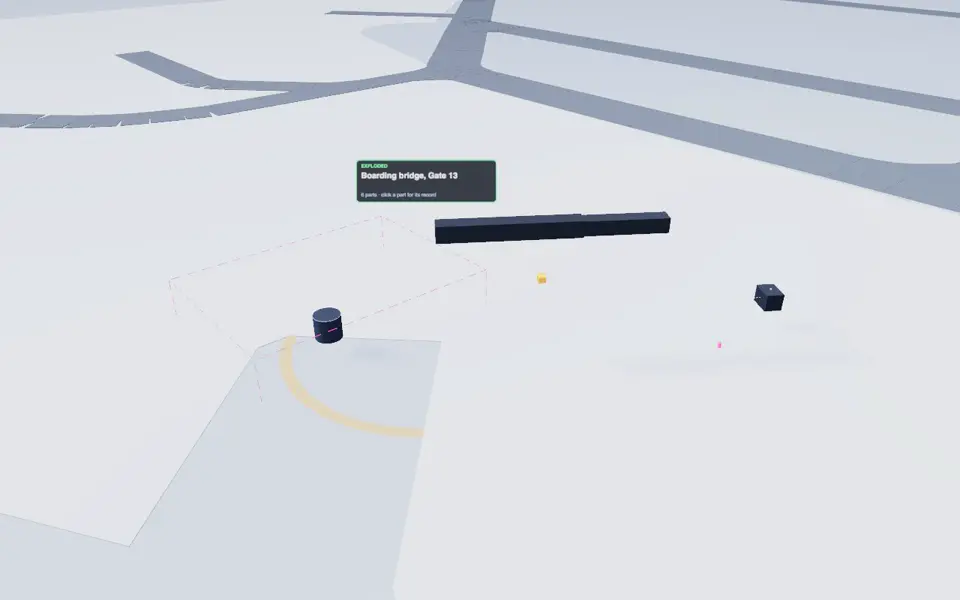
Picture: Frame at 3.5 seconds of the flyby film boarding-bridge.mp4, rendered by the Exploder kit's flyby tool.
Clip: Excerpt of the flyby film boarding-bridge.mp4, 2.0 to 6.0 seconds, rendered by the Exploder kit's flyby tool. No sound.

Exploder part · The Exploder · Component flybys

Passenger boarding bridge

Gate 12

  1. Sources
  2. Interchange
  3. Twin
  4. Screens
  5. Plan
Kind
Exploder part
Status
not linked
Airport layer
Large systems: baggage, lifts, escalators, bridges
Airport area
Airfield and apron
System
Passenger boarding bridge
Sensor type
Boarding bridge PLC tags

Open the detail

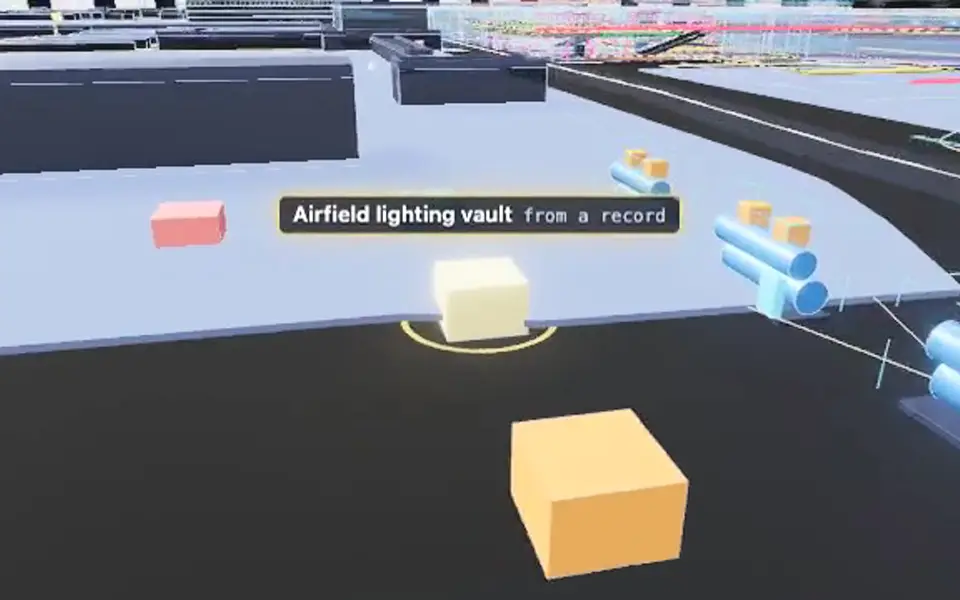
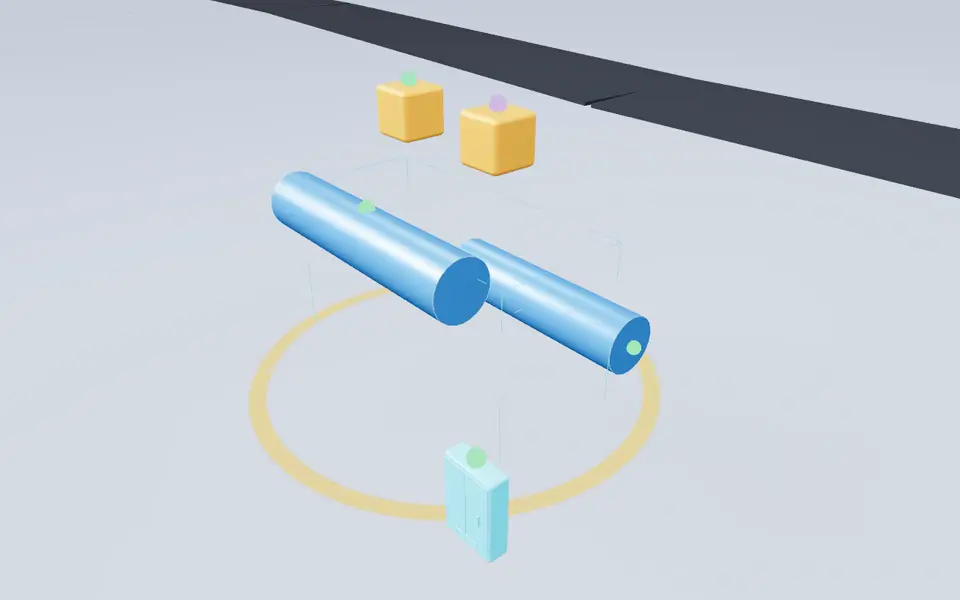
Picture: Frame at 3.5 seconds of the flyby film lighting-vault.mp4, rendered by the Exploder kit's flyby tool. Exposure raised.
Clip: Excerpt of the flyby film lighting-vault.mp4, 2.0 to 6.0 seconds, rendered by the Exploder kit's flyby tool. No sound.

Exploder part · The Exploder · Component flybys

Airfield lighting vault

The vault that holds the regulators feeding the airfield light circuits

  1. Sources
  2. Interchange
  3. Twin
  4. Screens
  5. Plan
Kind
Exploder part
Status
not linked
Airport layer
not linked
Airport area
not linked
System
not linked
Sensor type
not linked

Open the detail

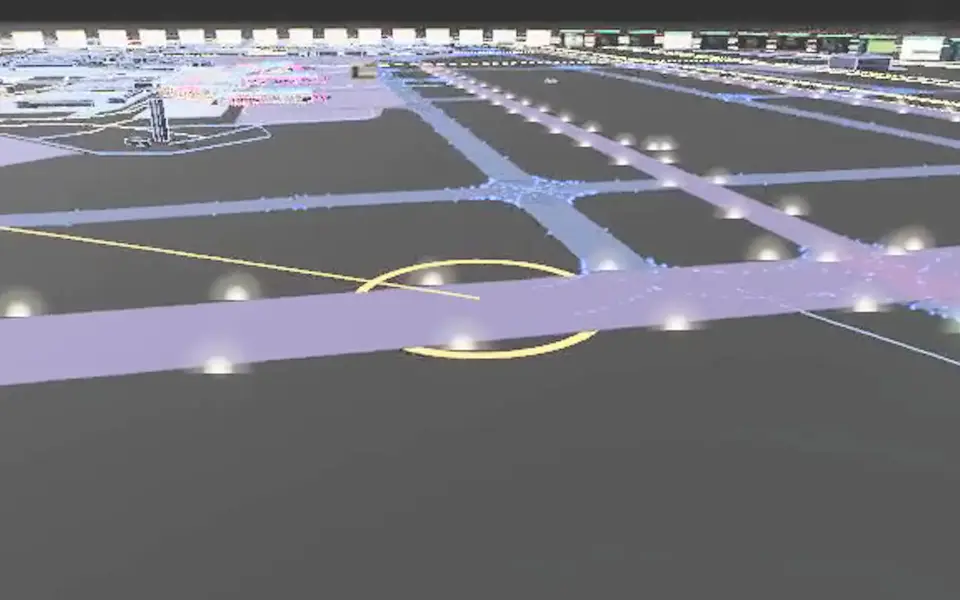
Picture: Frame at 3.5 seconds of the flyby film runway-edge-light.mp4, rendered by the Exploder kit's flyby tool. Exposure raised.
Clip: Excerpt of the flyby film runway-edge-light.mp4, 2.0 to 6.0 seconds, rendered by the Exploder kit's flyby tool. No sound.

Exploder part · The Exploder · Component flybys

Runway edge lights

All four runways; the subject is the light layout as a whole

  1. Sources
  2. Interchange
  3. Twin
  4. Screens
  5. Plan
Kind
Exploder part
Status
not linked
Airport layer
not linked
Airport area
not linked
System
not linked
Sensor type
not linked

Open the detail

No picture for this component.

Exploder part · The Exploder · Files

Handover files

The asset register and the formats an owner asks for, written from the Exploder.

  1. Sources
  2. Interchange
  3. Twin
  4. Screens
  5. Plan
Kind
Exploder part
Status
not linked
Airport layer
not linked
Airport area
not linked
System
not linked
Sensor type
not linked

Open the detail

No picture for this component.

Exploder part · The Exploder · Files

IFC model

The terminal as an IFC4 file. Identifiers match the handover files.

  1. Sources
  2. Interchange
  3. Twin
  4. Screens
  5. Plan
Kind
Exploder part
Status
not linked
Airport layer
not linked
Airport area
not linked
System
not linked
Sensor type
not linked

Open the detail

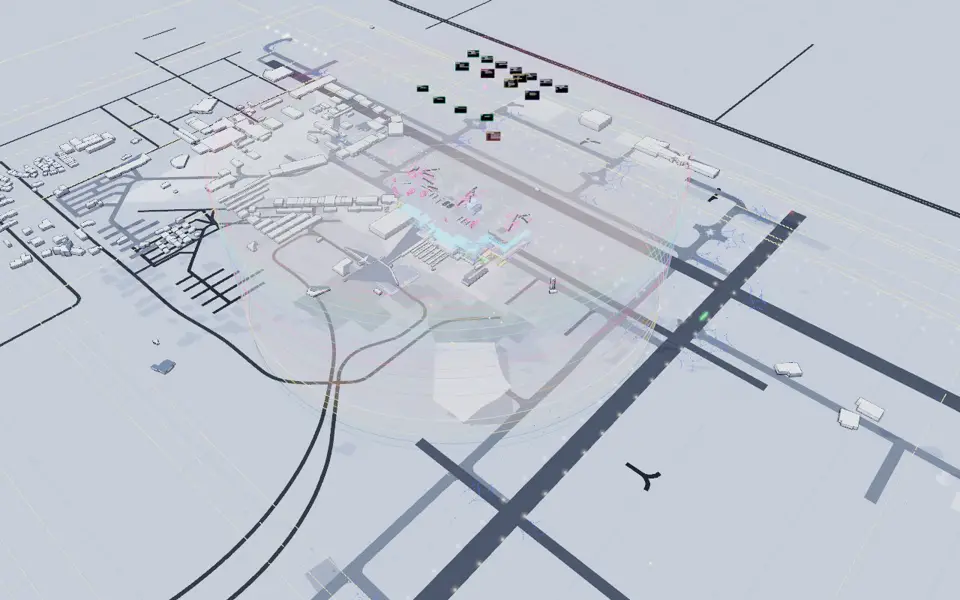
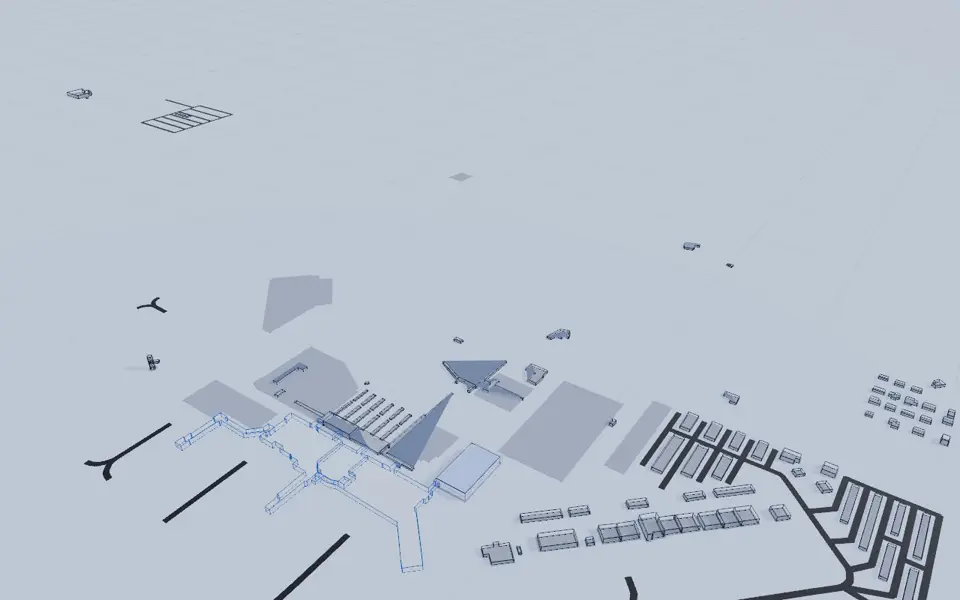
Picture: Exploder still of the whole airport scene, the scene these exports write.

Exploder part · The Exploder · Files

3D exports

The whole Exploder scene as glb, obj, stl and usdz, plus an IFC file, DXF plan lines and a review PDF.

  1. Sources
  2. Interchange
  3. Twin
  4. Screens
  5. Plan
Kind
Exploder part
Status
not linked
Airport layer
not linked
Airport area
not linked
System
not linked
Sensor type
not linked

Open the detail

Picture: Exploder still of the Routes layer, which holds the rounds.

Exploder part · The Exploder · Files

Rounds and walks

6 routes through the airport: round-airfield, round-bhs, round-mep, round-vt, walk-arrive, walk-depart.

  1. Sources
  2. Interchange
  3. Twin
  4. Screens
  5. Plan
Kind
Exploder part
Status
not linked
Airport layer
not linked
Airport area
not linked
System
not linked
Sensor type
not linked

Open the detail

No picture for this component.

Exploder part · The Exploder · The kit

The Exploder kit

The shared engine every 3D scene and exploded view is built on.

  1. Sources
  2. Interchange
  3. Twin
  4. Screens
  5. Plan
Kind
Exploder part
Status
not linked
Airport layer
not linked
Airport area
not linked
System
not linked
Sensor type
not linked

Open the detail

No picture for this component.

Exploder part · The Exploder · The kit

Kit schemas

25 JSON schemas that every Exploder project is validated against.

  1. Sources
  2. Interchange
  3. Twin
  4. Screens
  5. Plan
Kind
Exploder part
Status
not linked
Airport layer
not linked
Airport area
not linked
System
not linked
Sensor type
not linked

Open the detail

No picture for this component.

Exploder part · The Exploder · The kit

Equipment library

10 asset classes, each with the maker families whose published documents say how they connect.

  1. Sources
  2. Interchange
  3. Twin
  4. Screens
  5. Plan
Kind
Exploder part
Status
not linked
Airport layer
not linked
Airport area
not linked
System
not linked
Sensor type
not linked

Open the detail

Picture: Exploder still of the airport lifted apart into layers (Explode everything), through the kit's film clock on the Light theme.
Clip: Exploder clip: the airport lifting apart into layers (Explode everything), through the kit's film clock on the Light theme. No sound.

Exploder part · The Exploder · The airport

The SFB airport scene

930 items in 305 places and 25 sections, drawn in 34 layers.

  1. Sources
  2. Interchange
  3. Twin
  4. Screens
  5. Plan
Kind
Exploder part
Status
not linked
Airport layer
Parking, Surface: roads, apron, pavement, Lighting, Signage and 30 more
Airport area
Airfield and apron, On record, place not public, Landside: roads and lots, Parking garage and 2 more
System
not linked
Sensor type
not linked

Open the detail

No picture for this component.

Document · The Interchange · Documents

The Jira side of the Interchange

The Jira side of the Interchange: Jira and Jira Service Management Assets as the Interchange's primary hub inside the design, the flows both ways and the state of each part.

  1. Sources
  2. Interchange
  3. Twin
  4. Screens
  5. Plan
Kind
Document
Status
not linked
Airport layer
not linked
Airport area
not linked
System
not linked
Sensor type
not linked

Open the detail

No picture for this component.

Document · The Interchange · Documents

The AI hook

Where a model judgement enters the Interchange and how a person confirms it.

  1. Sources
  2. Interchange
  3. Twin
  4. Screens
  5. Plan
Kind
Document
Status
not linked
Airport layer
not linked
Airport area
not linked
System
not linked
Sensor type
not linked

Open the detail

No picture for this component.

Document · The Interchange · Documents

Document rules

How the Collector reads a document and what each kind becomes.

  1. Sources
  2. Interchange
  3. Twin
  4. Screens
  5. Plan
Kind
Document
Status
not linked
Airport layer
not linked
Airport area
not linked
System
not linked
Sensor type
not linked

Open the detail

No picture for this component.

Document · The Interchange · Documents

Overview

What the Interchange and the Collector are and how to run them.

  1. Sources
  2. Interchange
  3. Twin
  4. Screens
  5. Plan
Kind
Document
Status
not linked
Airport layer
not linked
Airport area
not linked
System
not linked
Sensor type
not linked

Open the detail

No picture for this component.

Document · The Interchange · Documents

Setup

What each connection needs before it can run live.

  1. Sources
  2. Interchange
  3. Twin
  4. Screens
  5. Plan
Kind
Document
Status
not linked
Airport layer
not linked
Airport area
not linked
System
not linked
Sensor type
not linked

Open the detail

No picture for this component.

Interchange contract · The Interchange · Adapters

Alert channels adapter

The interface for sending an alert to a channel, and the stub that stands in for one.

  1. Sources
  2. Interchange
  3. Twin
  4. Screens
  5. Plan
Kind
Interchange contract
Status
not linked
Airport layer
not linked
Airport area
not linked
System
not linked
Sensor type
not linked

Open the detail

No picture for this component.

Interchange contract · The Interchange · Adapters

ETL adapters

Adapters for Allen-Bradley controllers, building management systems and i3 records, with a template for the next one.

  1. Sources
  2. Interchange
  3. Twin
  4. Screens
  5. Plan
Kind
Interchange contract
Status
not linked
Airport layer
not linked
Airport area
not linked
System
not linked
Sensor type
not linked

Open the detail

No picture for this component.

Interchange contract · The Interchange · Adapters

Jira adapter

The Jira side of the Interchange: client, Assets, issues, credentials and the fixture site.

  1. Sources
  2. Interchange
  3. Twin
  4. Screens
  5. Plan
Kind
Interchange contract
Status
not linked
Airport layer
not linked
Airport area
not linked
System
not linked
Sensor type
not linked

Open the detail

No picture for this component.

Interchange contract · The Interchange · Adapters

Simplify i3 adapter

The boundary to Simplify i3, the system the RFP names. The interface is to be confirmed (Q-35).

  1. Sources
  2. Interchange
  3. Twin
  4. Screens
  5. Plan
Kind
Interchange contract
Status
not linked
Airport layer
not linked
Airport area
not linked
System
not linked
Sensor type
not linked

Open the detail

No picture for this component.

Interchange contract · The Interchange · Contracts

Contracts

22 contracts and 5 mapping schemas, each a JSON schema.

  1. Sources
  2. Interchange
  3. Twin
  4. Screens
  5. Plan
Kind
Interchange contract
Status
not linked
Airport layer
not linked
Airport area
not linked
System
not linked
Sensor type
not linked

Open the detail

No picture for this component.

Interchange contract · The Interchange · Mappings

Mappings

5 mappings held as data: catalogue, events, rules, tags, types.

  1. Sources
  2. Interchange
  3. Twin
  4. Screens
  5. Plan
Kind
Interchange contract
Status
not linked
Airport layer
not linked
Airport area
not linked
System
not linked
Sensor type
not linked

Open the detail

No picture for this component.

Interchange contract · The Interchange · Mappings

Templates

6 record templates: asset, contact_role, maintenance_policy, room, sensor_point, work_order.

  1. Sources
  2. Interchange
  3. Twin
  4. Screens
  5. Plan
Kind
Interchange contract
Status
not linked
Airport layer
not linked
Airport area
not linked
System
not linked
Sensor type
not linked

Open the detail

No picture for this component.

Code and tests · The Interchange · Code

Source modules

25 source modules in the Collector and the Interchange.

  1. Sources
  2. Interchange
  3. Twin
  4. Screens
  5. Plan
Kind
Code and tests
Status
not linked
Airport layer
not linked
Airport area
not linked
System
not linked
Sensor type
not linked

Open the detail

No picture for this component.

Code and tests · The Interchange · Code

Demo runs

5 runs that print each stage and write one evidence line per stage.

  1. Sources
  2. Interchange
  3. Twin
  4. Screens
  5. Plan
Kind
Code and tests
Status
not linked
Airport layer
not linked
Airport area
not linked
System
not linked
Sensor type
not linked

Open the detail

No picture for this component.

Data source · Data and sources · Source families

Public documents

8 sources of the kind: public document.

  1. Sources
  2. Interchange
  3. Twin
  4. Screens
  5. Plan
Kind
Data source
Status
not linked
Airport layer
not linked
Airport area
not linked
System
not linked
Sensor type
not linked
How it worksHow it works: Data

Open the detail

No picture for this component.

Data source · Data and sources · Source families

Public datas

8 sources of the kind: public data.

  1. Sources
  2. Interchange
  3. Twin
  4. Screens
  5. Plan
Kind
Data source
Status
not linked
Airport layer
not linked
Airport area
not linked
System
not linked
Sensor type
not linked
How it worksHow it works: Data

Open the detail

No picture for this component.

Data source · Data and sources · Source families

Secondarys

2 sources of the kind: secondary.

  1. Sources
  2. Interchange
  3. Twin
  4. Screens
  5. Plan
Kind
Data source
Status
not linked
Airport layer
not linked
Airport area
not linked
System
not linked
Sensor type
not linked

Open the detail

No picture for this component.

Data source · Data and sources · Source families

Research notes

6 sources of the kind: research note.

  1. Sources
  2. Interchange
  3. Twin
  4. Screens
  5. Plan
Kind
Data source
Status
not linked
Airport layer
not linked
Airport area
not linked
System
not linked
Sensor type
not linked

Open the detail

No picture for this component.

Data source · Data and sources · Source families

Standards

2 sources of the kind: standard.

  1. Sources
  2. Interchange
  3. Twin
  4. Screens
  5. Plan
Kind
Data source
Status
not linked
Airport layer
not linked
Airport area
not linked
System
not linked
Sensor type
not linked

Open the detail

No picture for this component.

Data source · Data and sources · Source families

Sources

3 sources of the kind: source.

  1. Sources
  2. Interchange
  3. Twin
  4. Screens
  5. Plan
Kind
Data source
Status
not linked
Airport layer
not linked
Airport area
not linked
System
not linked
Sensor type
not linked

Open the detail

No picture for this component.

Data source · Data and sources · Source families

Designs

6 sources of the kind: design.

  1. Sources
  2. Interchange
  3. Twin
  4. Screens
  5. Plan
Kind
Data source
Status
not linked
Airport layer
not linked
Airport area
not linked
System
not linked
Sensor type
not linked

Open the detail

No picture for this component.

Data source · Data and sources · Source families

Maker documents

1 sources of the kind: maker document.

  1. Sources
  2. Interchange
  3. Twin
  4. Screens
  5. Plan
Kind
Data source
Status
not linked
Airport layer
not linked
Airport area
not linked
System
not linked
Sensor type
not linked

Open the detail

No picture for this component.

Data source · Data and sources · Source families

Captures

1 sources of the kind: capture.

  1. Sources
  2. Interchange
  3. Twin
  4. Screens
  5. Plan
Kind
Data source
Status
not linked
Airport layer
not linked
Airport area
not linked
System
not linked
Sensor type
not linked

Open the detail

No picture for this component.

Data source · Data and sources · Register

The source register

All 37 sources behind the Exploder, each with its link, how it was read and when it was last validated.

  1. Sources
  2. Interchange
  3. Twin
  4. Screens
  5. Plan
Kind
Data source
Status
not linked
Airport layer
not linked
Airport area
not linked
System
not linked
Sensor type
not linked
How it worksHow it works: Data

Open the detail

No picture for this component.

Data source · Data and sources · Data

USGS 3DEP lidar

Public lidar over the airfield. Every runway end agrees with the FAA published elevation to within 15 centimetres.

  1. Sources
  2. Interchange
  3. Twin
  4. Screens
  5. Plan
Kind
Data source
Status
not linked
Airport layer
not linked
Airport area
not linked
System
not linked
Sensor type
not linked
How it worksHow it works: Data

Open the detail

No picture for this component.

Document · Data and sources · Research notes

Master plan database

passes traced the six terminal floor plans (Figures 2-16 to 2-21) and took the facts the Exploder needed. This pass

  1. Sources
  2. Interchange
  3. Twin
  4. Screens
  5. Plan
Kind
Document
Status
not linked
Airport layer
not linked
Airport area
not linked
System
not linked
Sensor type
not linked

Open the detail

No picture for this component.

Document · Data and sources · Research notes

Airport facilities

Desk research, read 2026-10-29 and 2026-10-30. Nobody was contacted. Every row names its source and carries a

  1. Sources
  2. Interchange
  3. Twin
  4. Screens
  5. Plan
Kind
Document
Status
not linked
Airport layer
not linked
Airport area
not linked
System
not linked
Sensor type
not linked

Open the detail

No picture for this component.

Document · Data and sources · Research notes

Terminal interior: where each part comes from

poc/build/interior.json is our drawing of the inside of the Orlando Sanford terminal. It is also the first load of

  1. Sources
  2. Interchange
  3. Twin
  4. Screens
  5. Plan
Kind
Document
Status
not linked
Airport layer
not linked
Airport area
not linked
System
not linked
Sensor type
not linked

Open the detail

No picture for this component.

Document · Data and sources · Research notes

Accuracy gates: entrances and crosswalks

2026-11-07. Stage 3, Validate. An automated cross-check against independent sources. Nobody visited the site.

  1. Sources
  2. Interchange
  3. Twin
  4. Screens
  5. Plan
Kind
Document
Status
not linked
Airport layer
not linked
Airport area
not linked
System
not linked
Sensor type
not linked

Open the detail

No picture for this component.

Document · Data and sources · Research notes

Maytown Road

Research for R46 (Maytown Road, ripe for new connected communities), with R19, R22, R23, R25, R45 and R47 in

  1. Sources
  2. Interchange
  3. Twin
  4. Screens
  5. Plan
Kind
Document
Status
not linked
Airport layer
not linked
Airport area
not linked
System
not linked
Sensor type
not linked

Open the detail

No picture for this component.

Document · Data and sources · Research notes

What to sense

Research for the Mission Studio plan (stellarview/docs/plans/mission-studio-interchange-collector.md, "Also now"). Public sources only. Nobody at the Authority, its board or any vendor was...

  1. Sources
  2. Interchange
  3. Twin
  4. Screens
  5. Plan
Kind
Document
Status
not linked
Airport layer
not linked
Airport area
not linked
System
not linked
Sensor type
not linked

Open the detail

No picture for this component.

Data source · Data and sources · Data

The Authority's public record

The strategic plan the Authority published, as a download, with the 2021 Airport Master Plan Update as a source.

  1. Sources
  2. Interchange
  3. Twin
  4. Screens
  5. Plan
Kind
Data source
Status
not linked
Airport layer
not linked
Airport area
not linked
System
not linked
Sensor type
not linked

Open the detail

No picture for this component.

Platform repository · The platform · Components

lidar-kit

One lidar module for the drone products: Airfieldpath, Municipath, SprayPath and Field Twin. It reads public lidar

  1. Sources
  2. Interchange
  3. Twin
  4. Screens
  5. Plan
Kind
Platform repository
Status
not linked
Airport layer
not linked
Airport area
not linked
System
not linked
Sensor type
not linked

Open the detail

No picture for this component.

Platform repository · The platform · Components

MissionSight

MissionSight gets mission data in from any platform, and lets each product decide what to do with it. A drone,

  1. Sources
  2. Interchange
  3. Twin
  4. Screens
  5. Plan
Kind
Platform repository
Status
not linked
Airport layer
not linked
Airport area
not linked
System
not linked
Sensor type
not linked

Open the detail

No picture for this component.

Platform repository · The platform · Components

Municipath

  1. Sources
  2. Interchange
  3. Twin
  4. Screens
  5. Plan
Kind
Platform repository
Status
not linked
Airport layer
not linked
Airport area
not linked
System
not linked
Sensor type
not linked

Open the detail

No picture for this component.

Platform repository · The platform · Components

SprayPath

Planning, compliance and records for any agricultural spray drone, whatever the make: the operator plans, checks,

  1. Sources
  2. Interchange
  3. Twin
  4. Screens
  5. Plan
Kind
Platform repository
Status
not linked
Airport layer
not linked
Airport area
not linked
System
not linked
Sensor type
not linked

Open the detail

No picture for this component.

Platform repository · The platform · Components

Field Twin

A persistent, vendor-neutral digital twin of every farm field, for precision application.

  1. Sources
  2. Interchange
  3. Twin
  4. Screens
  5. Plan
Kind
Platform repository
Status
not linked
Airport layer
not linked
Airport area
not linked
System
not linked
Sensor type
not linked

Open the detail

No picture for this component.

Platform repository · The platform · Components

Film Studio

Every film in progress, by department, in one Control Room. The pattern is in docs/patterns/control-room.md, and the

  1. Sources
  2. Interchange
  3. Twin
  4. Screens
  5. Plan
Kind
Platform repository
Status
not linked
Airport layer
not linked
Airport area
not linked
System
not linked
Sensor type
not linked

Open the detail

No picture for this component.

Platform repository · The platform · Components

Slingshot

The SV Alpha launch assistant. It gets you into orbit without asking you to know

  1. Sources
  2. Interchange
  3. Twin
  4. Screens
  5. Plan
Kind
Platform repository
Status
not linked
Airport layer
not linked
Airport area
not linked
System
not linked
Sensor type
not linked

Open the detail

No picture for this component.

Platform repository · The platform · Components

Asset Interchange and Collector

The platform speaks one language, to one place: the Interchange. The Collector is the way in. It takes any form an

  1. Sources
  2. Interchange
  3. Twin
  4. Screens
  5. Plan
Kind
Platform repository
Status
not linked
Airport layer
not linked
Airport area
not linked
System
not linked
Sensor type
not linked

Open the detail

No picture for this component.

Document · The platform · Components

StellarView public documentation

3 top-level files, 19 concept pages and 10 reference pages from the platform's public documentation, 14 how-to pages not listed here.

  1. Sources
  2. Interchange
  3. Twin
  4. Screens
  5. Plan
Kind
Document
Status
not linked
Airport layer
not linked
Airport area
not linked
System
not linked
Sensor type
not linked

Open the detail

No picture for this component.

Document · The platform · Components

Platform components without a public page

Two further components, the Conductor and the Review, have no public page or repository to point to yet. They are listed here when they have one.

  1. Sources
  2. Interchange
  3. Twin
  4. Screens
  5. Plan
Kind
Document
Status
not linked
Airport layer
not linked
Airport area
not linked
System
not linked
Sensor type
not linked

Open the detail

Picture: Preview image of sheet A-01, the PNG the sheet build writes beside the PDF, centred on a white frame.

Document · Documents · Sheets

A-01: One picture of the airport

The picture is built from lidar returns over the airfield, and the terminal roof is measured at 11.2 m. Runways, taxiways and buildings sit in one view, so the systems can be read against the same...

  1. Sources
  2. Interchange
  3. Twin
  4. Screens
  5. Plan
Kind
Document
Status
not linked
Airport layer
not linked
Airport area
not linked
System
not linked
Sensor type
not linked
SheetA-01
How it worksHow it works: Data

Open the detail

Picture: Preview image of sheet A-02, the PNG the sheet build writes beside the PDF, centred on a white frame.

Document · Documents · Sheets

A-02: The RFP, built into the app

Every requirement is a row that points to a screen.

  1. Sources
  2. Interchange
  3. Twin
  4. Screens
  5. Plan
Kind
Document
Status
not linked
Airport layer
not linked
Airport area
not linked
System
not linked
Sensor type
not linked
SheetA-02

Open the detail

Picture: Preview image of sheet A-03, the PNG the sheet build writes beside the PDF, centred on a white frame.

Document · Documents · Sheets

A-03: The plan, the project

The platform is the project. The plan, the tracking and the record of the build live in the same place as the twin.

  1. Sources
  2. Interchange
  3. Twin
  4. Screens
  5. Plan
Kind
Document
Status
not linked
Airport layer
not linked
Airport area
not linked
System
not linked
Sensor type
not linked
SheetA-03

Open the detail

Picture: Preview image of sheet A-04, the PNG the sheet build writes beside the PDF, centred on a white frame.

Document · Documents · Sheets

A-04: Off the shelf

The Interchange is ours. Jira, off the shelf and used by most teams, feeds it from the platform side, and it carries work to the owner's systems on the other.

  1. Sources
  2. Interchange
  3. Twin
  4. Screens
  5. Plan
Kind
Document
Status
not linked
Airport layer
not linked
Airport area
not linked
System
not linked
Sensor type
not linked
SheetA-04

Open the detail

Picture: Preview image of sheet A-07, the PNG the sheet build writes beside the PDF, centred on a white frame.

Document · Documents · Sheets

A-07: Exploded asset systems

The terminal main hall seen from above with the floor fills off, so the systems inside it show.

  1. Sources
  2. Interchange
  3. Twin
  4. Screens
  5. Plan
Kind
Document
Status
not linked
Airport layer
not linked
Airport area
not linked
System
not linked
Sensor type
not linked
SheetA-07

Open the detail

Picture: Preview image of sheet A-08, the PNG the sheet build writes beside the PDF, centred on a white frame.

Document · Documents · Sheets

A-08: Exploded systems

Building systems lifted apart, each part named from the kit model.

  1. Sources
  2. Interchange
  3. Twin
  4. Screens
  5. Plan
Kind
Document
Status
not linked
Airport layer
not linked
Airport area
not linked
System
not linked
Sensor type
not linked
SheetA-08

Open the detail

Picture: Preview image of sheet A-10, the PNG the sheet build writes beside the PDF, centred on a white frame.

Picture: Preview image of sheet A-11, the PNG the sheet build writes beside the PDF, centred on a white frame.

Document · Documents · Sheets

A-11: Configuration, training and security

  1. Sources
  2. Interchange
  3. Twin
  4. Screens
  5. Plan
Kind
Document
Status
not linked
Airport layer
not linked
Airport area
not linked
System
not linked
Sensor type
not linked
SheetA-11

Open the detail

Picture: Preview image of sheet A-12, the PNG the sheet build writes beside the PDF, centred on a white frame.

Document · Documents · Sheets

A-12: What was done

  1. Sources
  2. Interchange
  3. Twin
  4. Screens
  5. Plan
Kind
Document
Status
not linked
Airport layer
not linked
Airport area
not linked
System
not linked
Sensor type
not linked
SheetA-12

Open the detail

No picture for this component.

Document · Documents · Documents

RFP and Authority documents

The four RFP documents and the Authority strategic plan.

  1. Sources
  2. Interchange
  3. Twin
  4. Screens
  5. Plan
Kind
Document
Status
not linked
Airport layer
not linked
Airport area
not linked
System
not linked
Sensor type
not linked

Open the detail

Picture: Exploder still of the layer "Parking" alone, through the kit's film clock on the Light theme (exploder/?film=1, setOnly).
Clip: Exploder clip: the layer "Parking" alone, a slow orbit, 4 seconds, through the kit's film clock on the Light theme. No sound.

Exploder layer · The Exploder

Layer: Parking

11 items in the infrastructure group of the Exploder.

  1. Sources
  2. Interchange
  3. Twin
  4. Screens
  5. Plan
Kind
Exploder layer
Status
not linked
Airport layer
Parking
Airport area
Landside: roads and lots, Parking garage
System
Parking garage
Sensor type
not linked

Open in the Exploder

Picture: Exploder still of the layer "Surface: roads, apron, pavement" alone, through the kit's film clock on the Light theme (exploder/?film=1, setOnly).
Clip: Exploder clip: the layer "Surface: roads, apron, pavement" alone, a slow orbit, 4 seconds, through the kit's film clock on the Light theme. No sound.

Exploder layer · The Exploder

Layer: Surface: roads, apron, pavement

7 items in the infrastructure group of the Exploder.

  1. Sources
  2. Interchange
  3. Twin
  4. Screens
  5. Plan
Kind
Exploder layer
Status
not linked
Airport layer
Surface: roads, apron, pavement
Airport area
Airfield and apron, Landside: roads and lots
System
Runway
Sensor type
Constant current regulator (through the ALCMS), Lights out, read on a night drone pass
How it worksHow it works: Data

Open in the Exploder

Picture: Exploder still of the layer "Lighting" alone, through the kit's film clock on the Light theme (exploder/?film=1, setOnly).
Clip: Exploder clip: the layer "Lighting" alone, a slow orbit, 4 seconds, through the kit's film clock on the Light theme. No sound.

Exploder layer · The Exploder

Layer: Lighting

13 items in the infrastructure group of the Exploder.

  1. Sources
  2. Interchange
  3. Twin
  4. Screens
  5. Plan
Kind
Exploder layer
Status
not linked
Airport layer
Lighting
Airport area
Airfield and apron, On record, place not public, Terminal, Level 1
System
Airfield light
Sensor type
not linked

Open in the Exploder

Picture: Exploder still of the layer "Signage" alone, through the kit's film clock on the Light theme (exploder/?film=1, setOnly).
Clip: Exploder clip: the layer "Signage" alone, a slow orbit, 4 seconds, through the kit's film clock on the Light theme. No sound.

Exploder layer · The Exploder

Layer: Signage

5 items in the infrastructure group of the Exploder.

  1. Sources
  2. Interchange
  3. Twin
  4. Screens
  5. Plan
Kind
Exploder layer
Status
not linked
Airport layer
Signage
Airport area
Landside: roads and lots, On record, place not public
System
Overhead digital sign
Sensor type
not linked

Open in the Exploder

No picture for this component.

Exploder layer · The Exploder

Layer: Markings and signs: runway designators

69 items in the infrastructure group of the Exploder.

  1. Sources
  2. Interchange
  3. Twin
  4. Screens
  5. Plan
Kind
Exploder layer
Status
not linked
Airport layer
Markings and signs: runway designators
Airport area
Airfield and apron
System
not linked
Sensor type
not linked

Open in the Exploder

Picture: Exploder still of the layer "Sensors on the roads (concept)" alone, through the kit's film clock on the Light theme (exploder/?film=1, setOnly).
Clip: Exploder clip: the layer "Sensors on the roads (concept)" alone, a slow orbit, 4 seconds, through the kit's film clock on the Light theme. No sound.

Exploder layer · The Exploder

Layer: Sensors on the roads (concept)

1 items in the network group of the Exploder.

  1. Sources
  2. Interchange
  3. Twin
  4. Screens
  5. Plan
Kind
Exploder layer
Status
not linked
Airport layer
Sensors on the roads (concept)
Airport area
Landside: roads and lots
System
The road-stud sensor
Sensor type
not linked

Open in the Exploder

Picture: Exploder still of the layer "Electrical" alone, through the kit's film clock on the Light theme (exploder/?film=1, setOnly).
Clip: Exploder clip: the layer "Electrical" alone, a slow orbit, 4 seconds, through the kit's film clock on the Light theme. No sound.

Exploder layer · The Exploder

Layer: Electrical

4 items in the infrastructure group of the Exploder.

  1. Sources
  2. Interchange
  3. Twin
  4. Screens
  5. Plan
Kind
Exploder layer
Status
not linked
Airport layer
Electrical
Airport area
Terminal, Level 1, On record, place not public
System
Electrical room, Emergency generator
Sensor type
Room temperature and humidity (retrofit), Generator controller, Transfer switch controller

Open in the Exploder

Picture: Exploder still of the layer "Frame (structure)" alone, through the kit's film clock on the Light theme (exploder/?film=1, setOnly).
Clip: Exploder clip: the layer "Frame (structure)" alone, a slow orbit, 4 seconds, through the kit's film clock on the Light theme. No sound.

Exploder layer · The Exploder

Layer: Frame (structure)

5 items in the parts group of the Exploder.

  1. Sources
  2. Interchange
  3. Twin
  4. Screens
  5. Plan
Kind
Exploder layer
Status
not linked
Airport layer
Frame (structure)
Airport area
Terminal, Level 1, Support buildings
System
not linked
Sensor type
not linked

Open in the Exploder

Picture: Exploder still of the layer "Windows (envelope)" alone, through the kit's film clock on the Light theme (exploder/?film=1, setOnly).
Clip: Exploder clip: the layer "Windows (envelope)" alone, a slow orbit, 4 seconds, through the kit's film clock on the Light theme. No sound.

Exploder layer · The Exploder

Layer: Windows (envelope)

5 items in the parts group of the Exploder.

  1. Sources
  2. Interchange
  3. Twin
  4. Screens
  5. Plan
Kind
Exploder layer
Status
not linked
Airport layer
Windows (envelope)
Airport area
Terminal, Level 1, Support buildings
System
not linked
Sensor type
not linked

Open in the Exploder

Picture: Exploder still of the layer "Roofs" alone, through the kit's film clock on the Light theme (exploder/?film=1, setOnly).
Clip: Exploder clip: the layer "Roofs" alone, a slow orbit, 4 seconds, through the kit's film clock on the Light theme. No sound.

Exploder layer · The Exploder

Layer: Roofs

5 items in the parts group of the Exploder.

  1. Sources
  2. Interchange
  3. Twin
  4. Screens
  5. Plan
Kind
Exploder layer
Status
not linked
Airport layer
Roofs
Airport area
Terminal, Level 1, Support buildings
System
not linked
Sensor type
not linked

Open in the Exploder

Picture: Exploder still of the layer "Large systems: baggage, lifts, escalators, bridges" alone, through the kit's film clock on the Light theme (exploder/?film=1, setOnly).
Clip: Exploder clip: the layer "Large systems: baggage, lifts, escalators, bridges" alone, a slow orbit, 4 seconds, through the kit's film clock on the Light theme. No sound.

Exploder layer · The Exploder

Layer: Large systems: baggage, lifts, escalators, bridges

46 items in the parts group of the Exploder.

  1. Sources
  2. Interchange
  3. Twin
  4. Screens
  5. Plan
Kind
Exploder layer
Status
not linked
Airport layer
Large systems: baggage, lifts, escalators, bridges
Airport area
Terminal, Level 1, Parking garage, Support buildings, Airfield and apron
System
Escalator, Hydraulic elevator, Baggage claim device, Make-up unit and 2 more
Sensor type
Escalator status from the maker's cloud, Wireless vibration and temperature (retrofit), Step-chain elongation (retrofit), Elevator status from the maker's cloud and 6 more

Open in the Exploder

Picture: Exploder still of the layer "Cooling (HVAC plant)" alone, through the kit's film clock on the Light theme (exploder/?film=1, setOnly).
Clip: Exploder clip: the layer "Cooling (HVAC plant)" alone, a slow orbit, 4 seconds, through the kit's film clock on the Light theme. No sound.

Exploder layer · The Exploder

Layer: Cooling (HVAC plant)

13 items in the parts group of the Exploder.

  1. Sources
  2. Interchange
  3. Twin
  4. Screens
  5. Plan
Kind
Exploder layer
Status
not linked
Airport layer
Cooling (HVAC plant)
Airport area
Terminal, Level 1, On record, place not public
System
Air handling unit, Mechanical room, Chiller
Sensor type
Duct air temperature (BMS point), Filter differential pressure transmitter, Wireless vibration and temperature (retrofit), Room temperature and humidity (retrofit) and 1 more

Open in the Exploder

Picture: Exploder still of the layer "Water, gas and drains" alone, through the kit's film clock on the Light theme (exploder/?film=1, setOnly).
Clip: Exploder clip: the layer "Water, gas and drains" alone, a slow orbit, 4 seconds, through the kit's film clock on the Light theme. No sound.

Exploder layer · The Exploder

Layer: Water, gas and drains

10 items in the infrastructure group of the Exploder.

  1. Sources
  2. Interchange
  3. Twin
  4. Screens
  5. Plan
Kind
Exploder layer
Status
not linked
Airport layer
Water, gas and drains
Airport area
Terminal, Level 1, On record, place not public
System
Water service, Restroom
Sensor type
Water flow meter

Open in the Exploder

Picture: Exploder still of the layer "IT rooms and backbone" alone, through the kit's film clock on the Light theme (exploder/?film=1, setOnly).
Clip: Exploder clip: the layer "IT rooms and backbone" alone, a slow orbit, 4 seconds, through the kit's film clock on the Light theme. No sound.

Exploder layer · The Exploder

Layer: IT rooms and backbone

5 items in the network group of the Exploder.

  1. Sources
  2. Interchange
  3. Twin
  4. Screens
  5. Plan
Kind
Exploder layer
Status
not linked
Airport layer
IT rooms and backbone
Airport area
Terminal, Level 1
System
IT room
Sensor type
Room temperature and humidity (retrofit), UPS status

Open in the Exploder

Picture: Exploder still of the layer "Wi-Fi" alone, through the kit's film clock on the Light theme (exploder/?film=1, setOnly).
Clip: Exploder clip: the layer "Wi-Fi" alone, a slow orbit, 4 seconds, through the kit's film clock on the Light theme. No sound.

Exploder layer · The Exploder

Layer: Wi-Fi

1 items in the network group of the Exploder.

  1. Sources
  2. Interchange
  3. Twin
  4. Screens
  5. Plan
Kind
Exploder layer
Status
not linked
Airport layer
Wi-Fi
Airport area
Terminal, Level 1
System
Wi-Fi access point
Sensor type
not linked

Open in the Exploder

Picture: Exploder still of the layer "Drones" alone, through the kit's film clock on the Light theme (exploder/?film=1, setOnly).
Clip: Exploder clip: the layer "Drones" alone, a slow orbit, 4 seconds, through the kit's film clock on the Light theme. No sound.

Exploder layer · The Exploder

Layer: Drones

5 items in the platforms group of the Exploder.

  1. Sources
  2. Interchange
  3. Twin
  4. Screens
  5. Plan
Kind
Exploder layer
Status
not linked
Airport layer
Drones
Airport area
Airfield and apron
System
Drone dock, Inspection drone, A MissionSight Lens
Sensor type
not linked

Open in the Exploder

Picture: Exploder still of the layer "Fire, security and life safety (systems only)" alone, through the kit's film clock on the Light theme (exploder/?film=1, setOnly).
Clip: Exploder clip: the layer "Fire, security and life safety (systems only)" alone, a slow orbit, 4 seconds, through the kit's film clock on the Light theme. No sound.

Exploder layer · The Exploder

Layer: Fire, security and life safety (systems only)

7 items in the parts group of the Exploder.

  1. Sources
  2. Interchange
  3. Twin
  4. Screens
  5. Plan
Kind
Exploder layer
Status
not linked
Airport layer
Fire, security and life safety (systems only)
Airport area
On record, place not public, Terminal, Level 1
System
not linked
Sensor type
not linked

Open in the Exploder

Picture: Exploder still of the layer "Live: events and analysis" alone, through the kit's film clock on the Light theme (exploder/?film=1, setOnly).
Clip: Exploder clip: the layer "Live: events and analysis" alone, a slow orbit, 4 seconds, through the kit's film clock on the Light theme. No sound.

Picture: Exploder still of the layer "Screens: the POC story and the spines" alone, through the kit's film clock on the Light theme (exploder/?film=1, setOnly).
Clip: Exploder clip: the layer "Screens: the POC story and the spines" alone, a slow orbit, 4 seconds, through the kit's film clock on the Light theme. No sound.

Exploder layer · The Exploder

Layer: Screens: the POC story and the spines

79 items in the platforms group of the Exploder.

  1. Sources
  2. Interchange
  3. Twin
  4. Screens
  5. Plan
Kind
Exploder layer
Status
partly met, target, met, not offered
Airport layer
Screens: the POC story and the spines
Airport area
not linked
System
not linked
Sensor type
not linked

Open in the Exploder

Picture: Exploder still of the layer "Evidence: the plan sheets" alone, through the kit's film clock on the Light theme (exploder/?film=1, setOnly).
Clip: Exploder clip: the layer "Evidence: the plan sheets" alone, a slow orbit, 4 seconds, through the kit's film clock on the Light theme. No sound.

Exploder layer · The Exploder

Layer: Evidence: the plan sheets

6 items in the evidence group of the Exploder.

  1. Sources
  2. Interchange
  3. Twin
  4. Screens
  5. Plan
Kind
Exploder layer
Status
not linked
Airport layer
Evidence: the plan sheets
Airport area
Terminal, Level 1
System
not linked
Sensor type
not linked

Open in the Exploder

Picture: Exploder still of the layer "Evidence: the trace" alone, through the kit's film clock on the Light theme (exploder/?film=1, setOnly).
Clip: Exploder clip: the layer "Evidence: the trace" alone, a slow orbit, 4 seconds, through the kit's film clock on the Light theme. No sound.

Exploder layer · The Exploder

Layer: Evidence: the trace

6 items in the evidence group of the Exploder.

  1. Sources
  2. Interchange
  3. Twin
  4. Screens
  5. Plan
Kind
Exploder layer
Status
not linked
Airport layer
Evidence: the trace
Airport area
Terminal, Level 1
System
not linked
Sensor type
not linked

Open in the Exploder

Picture: Exploder still of the layer "Roads and perimeter" alone, through the kit's film clock on the Light theme (exploder/?film=1, setOnly).
Clip: Exploder clip: the layer "Roads and perimeter" alone, a slow orbit, 4 seconds, through the kit's film clock on the Light theme. No sound.

Exploder layer · The Exploder

Layer: Roads and perimeter

5 items in the infrastructure group of the Exploder.

  1. Sources
  2. Interchange
  3. Twin
  4. Screens
  5. Plan
Kind
Exploder layer
Status
not linked
Airport layer
Roads and perimeter
Airport area
Landside: roads and lots, Airfield and apron
System
not linked
Sensor type
not linked

Open in the Exploder

Picture: Exploder still of the layer "Routes: perches, drone paths, doors, rounds" alone, through the kit's film clock on the Light theme (exploder/?film=1, setOnly).
Clip: Exploder clip: the layer "Routes: perches, drone paths, doors, rounds" alone, a slow orbit, 4 seconds, through the kit's film clock on the Light theme. No sound.

Exploder layer · The Exploder

Layer: Routes: perches, drone paths, doors, rounds

22 items in the platforms group of the Exploder.

  1. Sources
  2. Interchange
  3. Twin
  4. Screens
  5. Plan
Kind
Exploder layer
Status
not linked
Airport layer
Routes: perches, drone paths, doors, rounds
Airport area
Terminal, Level 1, Airfield and apron, On record, place not public
System
not linked
Sensor type
not linked

Open in the Exploder

Picture: Exploder still of the layer "RFID and NFC tags (proposed)" alone, through the kit's film clock on the Light theme (exploder/?film=1, setOnly).
Clip: Exploder clip: the layer "RFID and NFC tags (proposed)" alone, a slow orbit, 4 seconds, through the kit's film clock on the Light theme. No sound.

Exploder layer · The Exploder

Layer: RFID and NFC tags (proposed)

1 items in the network group of the Exploder.

  1. Sources
  2. Interchange
  3. Twin
  4. Screens
  5. Plan
Kind
Exploder layer
Status
not linked
Airport layer
RFID and NFC tags (proposed)
Airport area
Airfield and apron
System
not linked
Sensor type
not linked

Open in the Exploder

Picture:

Exploder layer · The Exploder

Layer: Traffic flow (illustrative pace)

0 items in the added views group of the Exploder.

  1. Sources
  2. Interchange
  3. Twin
  4. Screens
  5. Plan
Kind
Exploder layer
Status
not linked
Airport layer
Traffic flow (illustrative pace)
Airport area
not linked
System
not linked
Sensor type
not linked

Open in the Exploder

Picture: Exploder still of the layer "Heat (illustrative)" alone, through the kit's film clock on the Light theme (exploder/?film=1, setOnly).
Clip: Exploder clip: the layer "Heat (illustrative)" alone, a slow orbit, 4 seconds, through the kit's film clock on the Light theme. No sound.

Exploder layer · The Exploder

Layer: Heat (illustrative)

1 items in the added views group of the Exploder.

  1. Sources
  2. Interchange
  3. Twin
  4. Screens
  5. Plan
Kind
Exploder layer
Status
not linked
Airport layer
Heat (illustrative)
Airport area
Airfield and apron
System
not linked
Sensor type
not linked

Open in the Exploder

Picture: Exploder still of the layer "Puddles and ponding (lidar)" alone, through the kit's film clock on the Light theme (exploder/?film=1, setOnly).
Clip: Exploder clip: the layer "Puddles and ponding (lidar)" alone, a slow orbit, 4 seconds, through the kit's film clock on the Light theme. No sound.

Exploder layer · The Exploder

Layer: Puddles and ponding (lidar)

1 items in the added views group of the Exploder.

  1. Sources
  2. Interchange
  3. Twin
  4. Screens
  5. Plan
Kind
Exploder layer
Status
not linked
Airport layer
Puddles and ponding (lidar)
Airport area
Airfield and apron
System
not linked
Sensor type
not linked

Open in the Exploder

Picture: Exploder still of the layer "Drainage (route inferred)" alone, through the kit's film clock on the Light theme (exploder/?film=1, setOnly).
Clip: Exploder clip: the layer "Drainage (route inferred)" alone, a slow orbit, 4 seconds, through the kit's film clock on the Light theme. No sound.

Exploder layer · The Exploder

Layer: Drainage (route inferred)

1 items in the added views group of the Exploder.

  1. Sources
  2. Interchange
  3. Twin
  4. Screens
  5. Plan
Kind
Exploder layer
Status
not linked
Airport layer
Drainage (route inferred)
Airport area
Landside: roads and lots
System
not linked
Sensor type
not linked

Open in the Exploder

Picture: Exploder still of the layer "Ponds and retention (OSM)" alone, through the kit's film clock on the Light theme (exploder/?film=1, setOnly).
Clip: Exploder clip: the layer "Ponds and retention (OSM)" alone, a slow orbit, 4 seconds, through the kit's film clock on the Light theme. No sound.

Exploder layer · The Exploder

Layer: Ponds and retention (OSM)

1 items in the added views group of the Exploder.

  1. Sources
  2. Interchange
  3. Twin
  4. Screens
  5. Plan
Kind
Exploder layer
Status
not linked
Airport layer
Ponds and retention (OSM)
Airport area
Airfield and apron
System
not linked
Sensor type
not linked

Open in the Exploder

Picture: Exploder still of the layer "Crossings and entrances (proposed sensing points)" alone, through the kit's film clock on the Light theme (exploder/?film=1, setOnly).
Clip: Exploder clip: the layer "Crossings and entrances (proposed sensing points)" alone, a slow orbit, 4 seconds, through the kit's film clock on the Light theme. No sound.

Exploder layer · The Exploder

Layer: Crossings and entrances (proposed sensing points)

40 items in the infrastructure group of the Exploder.

  1. Sources
  2. Interchange
  3. Twin
  4. Screens
  5. Plan
Kind
Exploder layer
Status
not linked
Airport layer
Crossings and entrances (proposed sensing points)
Airport area
Terminal, Level 1
System
not linked
Sensor type
not linked

Open in the Exploder

Picture: Exploder still of the layer "The plan: proposed sensors" alone, through the kit's film clock on the Light theme (exploder/?film=1, setOnly).
Clip: Exploder clip: the layer "The plan: proposed sensors" alone, a slow orbit, 4 seconds, through the kit's film clock on the Light theme. No sound.

Exploder layer · The Exploder

Layer: The plan: proposed sensors

195 items in the added views group of the Exploder.

  1. Sources
  2. Interchange
  3. Twin
  4. Screens
  5. Plan
Kind
Exploder layer
Status
not linked
Airport layer
The plan: proposed sensors
Airport area
Airfield and apron, Terminal, Level 1, Parking garage, Support buildings
System
not linked
Sensor type
Constant current regulator (through the ALCMS), Lights out, read on a night drone pass, Escalator status from the maker's cloud, Wireless vibration and temperature (retrofit) and 17 more

Open in the Exploder

Picture: Exploder still of the layer "Inside: rooms and places (pass 2)" alone, through the kit's film clock on the Light theme (exploder/?film=1, setOnly).
Clip: Exploder clip: the layer "Inside: rooms and places (pass 2)" alone, a slow orbit, 4 seconds, through the kit's film clock on the Light theme. No sound.

Exploder layer · The Exploder

Layer: Inside: rooms and places (pass 2)

236 items in the infrastructure group of the Exploder.

  1. Sources
  2. Interchange
  3. Twin
  4. Screens
  5. Plan
Kind
Exploder layer
Status
not linked
Airport layer
Inside: rooms and places (pass 2)
Airport area
Terminal, Level 1, Landside: roads and lots
System
not linked
Sensor type
not linked

Open in the Exploder

Picture:

Exploder layer · The Exploder

Layer: Traffic (simulated): aircraft and vehicles

65 items in the added views group of the Exploder.

  1. Sources
  2. Interchange
  3. Twin
  4. Screens
  5. Plan
Kind
Exploder layer
Status
not linked
Airport layer
Traffic (simulated): aircraft and vehicles
Airport area
not linked
System
not linked
Sensor type
ADS-B Out (aircraft) on SIM301, ADS-B Out (aircraft) on SIM302, ADS-B Out (aircraft) on SIM303, ADS-B Out (aircraft) on SIM404 and 25 more

Open in the Exploder

Picture: Exploder still of "Escalator, exploded" through the kit's film clock on the Light theme (exploder/?film=1, select and explode).
Clip: Exploder clip: "Escalator, exploded" lifted apart and orbited, 4 seconds, through the kit's film clock on the Light theme. No sound.

Exploded view · The Exploder

Escalator, exploded

11 parts in 4 layers. 3 read from a source, 8 from the kit's class model.

  1. Sources
  2. Interchange
  3. Twin
  4. Screens
  5. Plan
Kind
Exploded view
Status
not linked
Airport layer
Large systems: baggage, lifts, escalators, bridges
Airport area
Terminal, Level 1
System
Escalator
Sensor type
Escalator status from the maker's cloud, Wireless vibration and temperature (retrofit), Step-chain elongation (retrofit)
SheetA-07

Open in the Exploder

Picture: Exploder still of "Hydraulic elevator, exploded" through the kit's film clock on the Light theme (exploder/?film=1, select and explode).
Clip: Exploder clip: "Hydraulic elevator, exploded" lifted apart and orbited, 4 seconds, through the kit's film clock on the Light theme. No sound.

Exploded view · The Exploder

Hydraulic elevator, exploded

12 parts in 5 layers. 4 read from a source, 8 from the kit's class model.

  1. Sources
  2. Interchange
  3. Twin
  4. Screens
  5. Plan
Kind
Exploded view
Status
not linked
Airport layer
Large systems: baggage, lifts, escalators, bridges
Airport area
Terminal, Level 1, Parking garage, Support buildings
System
Hydraulic elevator
Sensor type
Elevator status from the maker's cloud
SheetA-07

Open in the Exploder

Picture: Exploder still of "Make-up unit, exploded" through the kit's film clock on the Light theme (exploder/?film=1, select and explode).
Clip: Exploder clip: "Make-up unit, exploded" lifted apart and orbited, 4 seconds, through the kit's film clock on the Light theme. No sound.

Exploded view · The Exploder

Make-up unit, exploded

7 parts in 3 layers. 3 read from a source, 4 from the kit's class model.

  1. Sources
  2. Interchange
  3. Twin
  4. Screens
  5. Plan
Kind
Exploded view
Status
not linked
Airport layer
Large systems: baggage, lifts, escalators, bridges
Airport area
Terminal, Level 1
System
Make-up unit
Sensor type
Motor run and fault (PLC tag), Emergency stop (PLC tag), Wireless vibration and temperature (retrofit)

Open in the Exploder

Picture: Exploder still of "Belt conveyor, exploded" through the kit's film clock on the Light theme (exploder/?film=1, select and explode).
Clip: Exploder clip: "Belt conveyor, exploded" lifted apart and orbited, 4 seconds, through the kit's film clock on the Light theme. No sound.

Exploded view · The Exploder

Belt conveyor, exploded

6 parts in 3 layers. 2 read from a source, 4 from the kit's class model.

  1. Sources
  2. Interchange
  3. Twin
  4. Screens
  5. Plan
Kind
Exploded view
Status
not linked
Airport layer
Large systems: baggage, lifts, escalators, bridges
Airport area
Terminal, Level 1
System
Belt conveyor
Sensor type
Motor run and fault (PLC tag), Belt tracking switch
SheetA-08

Open in the Exploder

Picture: Exploder still of "Passenger boarding bridge, exploded" through the kit's film clock on the Light theme (exploder/?film=1, select and explode).
Clip: Exploder clip: "Passenger boarding bridge, exploded" lifted apart and orbited, 4 seconds, through the kit's film clock on the Light theme. No sound.

Exploded view · The Exploder

Passenger boarding bridge, exploded

9 parts in 4 layers. 2 read from a source, 7 from the kit's class model.

  1. Sources
  2. Interchange
  3. Twin
  4. Screens
  5. Plan
Kind
Exploded view
Status
not linked
Airport layer
Large systems: baggage, lifts, escalators, bridges
Airport area
Airfield and apron
System
Passenger boarding bridge
Sensor type
Boarding bridge PLC tags

Open in the Exploder

Picture: Exploder still of "Chiller, exploded" through the kit's film clock on the Light theme (exploder/?film=1, select and explode).
Clip: Exploder clip: "Chiller, exploded" lifted apart and orbited, 4 seconds, through the kit's film clock on the Light theme. No sound.

Exploded view · The Exploder

Chiller, exploded

7 parts in 3 layers. 2 read from a source, 5 from the kit's class model.

  1. Sources
  2. Interchange
  3. Twin
  4. Screens
  5. Plan
Kind
Exploded view
Status
not linked
Airport layer
Cooling (HVAC plant)
Airport area
On record, place not public
System
Chiller
Sensor type
not linked
SheetA-08

Open in the Exploder

Picture: Exploder still of "Air handling unit, exploded" through the kit's film clock on the Light theme (exploder/?film=1, select and explode).
Clip: Exploder clip: "Air handling unit, exploded" lifted apart and orbited, 4 seconds, through the kit's film clock on the Light theme. No sound.

Exploded view · The Exploder

Air handling unit, exploded

8 parts in 3 layers. 1 read from a source, 7 from the kit's class model.

  1. Sources
  2. Interchange
  3. Twin
  4. Screens
  5. Plan
Kind
Exploded view
Status
not linked
Airport layer
Cooling (HVAC plant)
Airport area
Terminal, Level 1
System
Air handling unit
Sensor type
Duct air temperature (BMS point), Filter differential pressure transmitter, Wireless vibration and temperature (retrofit)
SheetA-08

Open in the Exploder

Picture: Exploder still of "Mechanical room, exploded" through the kit's film clock on the Light theme (exploder/?film=1, select and explode).
Clip: Exploder clip: "Mechanical room, exploded" lifted apart and orbited, 4 seconds, through the kit's film clock on the Light theme. No sound.

Exploded view · The Exploder

Mechanical room, exploded

4 parts in 1 layers. 0 read from a source, 4 from the kit's class model.

  1. Sources
  2. Interchange
  3. Twin
  4. Screens
  5. Plan
Kind
Exploded view
Status
not linked
Airport layer
Cooling (HVAC plant)
Airport area
Terminal, Level 1
System
Mechanical room
Sensor type
Room temperature and humidity (retrofit), Water leak rope or spot sensor

Open in the Exploder

Picture: Exploder still of "Electrical room, exploded" through the kit's film clock on the Light theme (exploder/?film=1, select and explode).
Clip: Exploder clip: "Electrical room, exploded" lifted apart and orbited, 4 seconds, through the kit's film clock on the Light theme. No sound.

Exploded view · The Exploder

Electrical room, exploded

6 parts in 2 layers. 0 read from a source, 6 from the kit's class model.

  1. Sources
  2. Interchange
  3. Twin
  4. Screens
  5. Plan
Kind
Exploded view
Status
not linked
Airport layer
Electrical
Airport area
Terminal, Level 1
System
Electrical room
Sensor type
Room temperature and humidity (retrofit)

Open in the Exploder

Picture: Exploder still of "Emergency generator, exploded" through the kit's film clock on the Light theme (exploder/?film=1, select and explode).
Clip: Exploder clip: "Emergency generator, exploded" lifted apart and orbited, 4 seconds, through the kit's film clock on the Light theme. No sound.

Exploded view · The Exploder

Emergency generator, exploded

6 parts in 3 layers. 1 read from a source, 5 from the kit's class model.

  1. Sources
  2. Interchange
  3. Twin
  4. Screens
  5. Plan
Kind
Exploded view
Status
not linked
Airport layer
Electrical
Airport area
Terminal, Level 1
System
Emergency generator
Sensor type
Generator controller, Transfer switch controller

Open in the Exploder

Picture: Exploder still of "IT room, exploded" through the kit's film clock on the Light theme (exploder/?film=1, select and explode).
Clip: Exploder clip: "IT room, exploded" lifted apart and orbited, 4 seconds, through the kit's film clock on the Light theme. No sound.

Exploded view · The Exploder

IT room, exploded

5 parts in 3 layers. 3 read from a source, 2 from the kit's class model.

  1. Sources
  2. Interchange
  3. Twin
  4. Screens
  5. Plan
Kind
Exploded view
Status
not linked
Airport layer
IT rooms and backbone
Airport area
Terminal, Level 1
System
IT room
Sensor type
Room temperature and humidity (retrofit), UPS status

Open in the Exploder

Picture: Exploder still of "Wi-Fi access point, exploded" through the kit's film clock on the Light theme (exploder/?film=1, select and explode).
Clip: Exploder clip: "Wi-Fi access point, exploded" lifted apart and orbited, 4 seconds, through the kit's film clock on the Light theme. No sound.

Exploded view · The Exploder

Wi-Fi access point, exploded

5 parts in 2 layers. 1 read from a source, 4 from the kit's class model.

  1. Sources
  2. Interchange
  3. Twin
  4. Screens
  5. Plan
Kind
Exploded view
Status
not linked
Airport layer
Wi-Fi
Airport area
Terminal, Level 1
System
Wi-Fi access point
Sensor type
not linked

Open in the Exploder

Picture: Exploder still of "Overhead digital sign, exploded" through the kit's film clock on the Light theme (exploder/?film=1, select and explode).
Clip: Exploder clip: "Overhead digital sign, exploded" lifted apart and orbited, 4 seconds, through the kit's film clock on the Light theme. No sound.

Exploded view · The Exploder

Overhead digital sign, exploded

4 parts in 2 layers. 1 read from a source, 3 from the kit's class model.

  1. Sources
  2. Interchange
  3. Twin
  4. Screens
  5. Plan
Kind
Exploded view
Status
not linked
Airport layer
Signage
Airport area
Landside: roads and lots
System
Overhead digital sign
Sensor type
not linked

Open in the Exploder

Picture: Exploder still of "The road-stud sensor, exploded (concept)" through the kit's film clock on the Light theme (exploder/?film=1, select and explode).
Clip: Exploder clip: "The road-stud sensor, exploded (concept)" lifted apart and orbited, 4 seconds, through the kit's film clock on the Light theme. No sound.

Exploded view · The Exploder

The road-stud sensor, exploded (concept)

4 parts in 1 layers. 0 read from a source, 4 from the kit's class model.

  1. Sources
  2. Interchange
  3. Twin
  4. Screens
  5. Plan
Kind
Exploded view
Status
not linked
Airport layer
Sensors on the roads (concept)
Airport area
Landside: roads and lots
System
The road-stud sensor
Sensor type
not linked

Open in the Exploder

Picture: Exploder still of "Parking garage, exploded" through the kit's film clock on the Light theme (exploder/?film=1, select and explode).
Clip: Exploder clip: "Parking garage, exploded" lifted apart and orbited, 4 seconds, through the kit's film clock on the Light theme. No sound.

Exploded view · The Exploder

Parking garage, exploded

5 parts in 2 layers. 3 read from a source, 2 from the kit's class model.

  1. Sources
  2. Interchange
  3. Twin
  4. Screens
  5. Plan
Kind
Exploded view
Status
not linked
Airport layer
Parking
Airport area
Parking garage
System
Parking garage
Sensor type
not linked

Open in the Exploder

Picture: Exploder still of "Water service, exploded" through the kit's film clock on the Light theme (exploder/?film=1, select and explode).
Clip: Exploder clip: "Water service, exploded" lifted apart and orbited, 4 seconds, through the kit's film clock on the Light theme. No sound.

Exploded view · The Exploder

Water service, exploded

5 parts in 2 layers. 2 read from a source, 3 from the kit's class model.

  1. Sources
  2. Interchange
  3. Twin
  4. Screens
  5. Plan
Kind
Exploded view
Status
not linked
Airport layer
Water, gas and drains
Airport area
Terminal, Level 1
System
Water service
Sensor type
Water flow meter

Open in the Exploder

Picture: Exploder still of "Restroom, exploded" through the kit's film clock on the Light theme (exploder/?film=1, select and explode).
Clip: Exploder clip: "Restroom, exploded" lifted apart and orbited, 4 seconds, through the kit's film clock on the Light theme. No sound.

Exploded view · The Exploder

Restroom, exploded

3 parts in 1 layers. 1 read from a source, 2 from the kit's class model.

  1. Sources
  2. Interchange
  3. Twin
  4. Screens
  5. Plan
Kind
Exploded view
Status
not linked
Airport layer
Water, gas and drains
Airport area
Terminal, Level 1
System
Restroom
Sensor type
not linked

Open in the Exploder

Picture: Exploder still of "Drone dock, exploded (concept)" through the kit's film clock on the Light theme (exploder/?film=1, select and explode).
Clip: Exploder clip: "Drone dock, exploded (concept)" lifted apart and orbited, 4 seconds, through the kit's film clock on the Light theme. No sound.

Exploded view · The Exploder

Drone dock, exploded (concept)

6 parts in 2 layers. 1 read from a source, 5 from the kit's class model.

  1. Sources
  2. Interchange
  3. Twin
  4. Screens
  5. Plan
Kind
Exploded view
Status
not linked
Airport layer
Drones
Airport area
Airfield and apron
System
Drone dock
Sensor type
not linked

Open in the Exploder

Picture: Exploder still of "Inspection drone, exploded (concept)" through the kit's film clock on the Light theme (exploder/?film=1, select and explode).
Clip: Exploder clip: "Inspection drone, exploded (concept)" lifted apart and orbited, 4 seconds, through the kit's film clock on the Light theme. No sound.

Exploded view · The Exploder

Inspection drone, exploded (concept)

6 parts in 3 layers. 1 read from a source, 5 from the kit's class model.

  1. Sources
  2. Interchange
  3. Twin
  4. Screens
  5. Plan
Kind
Exploded view
Status
not linked
Airport layer
Drones
Airport area
Airfield and apron
System
Inspection drone
Sensor type
not linked

Open in the Exploder

Picture: Exploder still of "A MissionSight Lens, exploded (designed)" through the kit's film clock on the Light theme (exploder/?film=1, select and explode).
Clip: Exploder clip: "A MissionSight Lens, exploded (designed)" lifted apart and orbited, 4 seconds, through the kit's film clock on the Light theme. No sound.
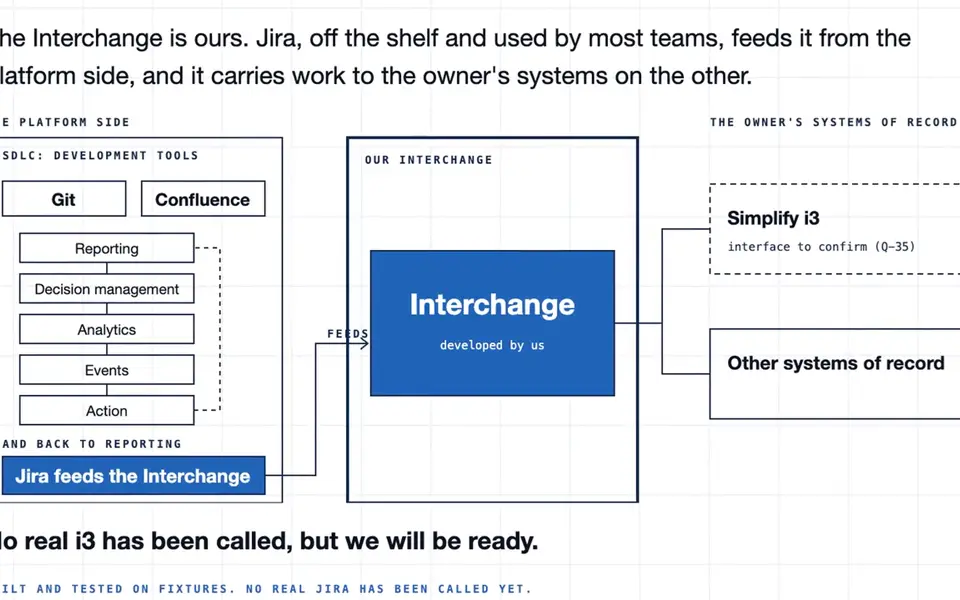
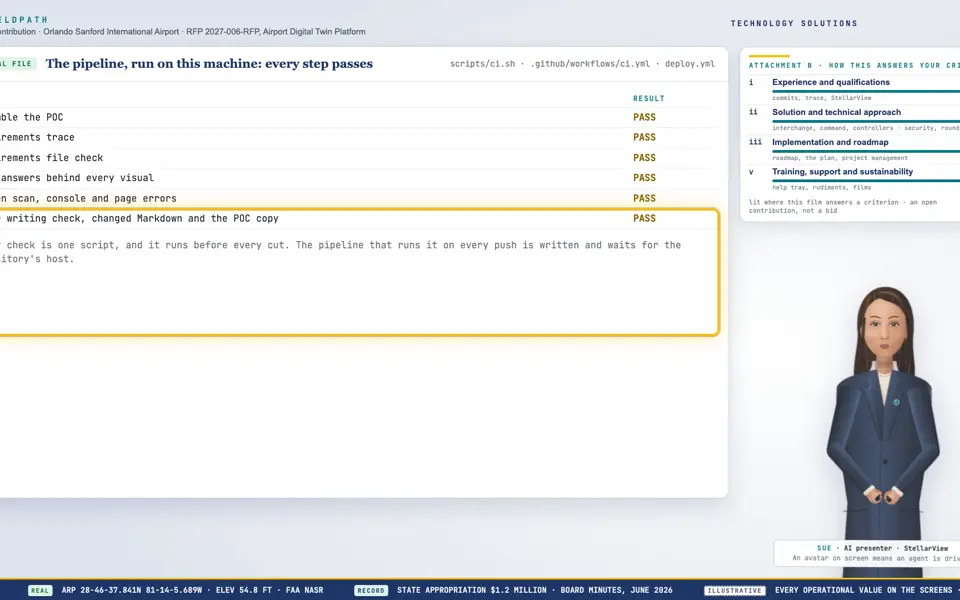
Exploded view · The Exploder

A MissionSight Lens, exploded (designed)

8 parts in 3 layers. 8 read from a source, 0 from the kit's class model.

  1. Sources
  2. Interchange
  3. Twin
  4. Screens
  5. Plan
Kind
Exploded view
Status
not linked
Airport layer
Drones
Airport area
Airfield and apron
System
A MissionSight Lens
Sensor type
not linked

Open in the Exploder

Picture: Exploder still of "Runway, exploded" through the kit's film clock on the Light theme (exploder/?film=1, select and explode).
Clip: Exploder clip: "Runway, exploded" lifted apart and orbited, 4 seconds, through the kit's film clock on the Light theme. No sound.
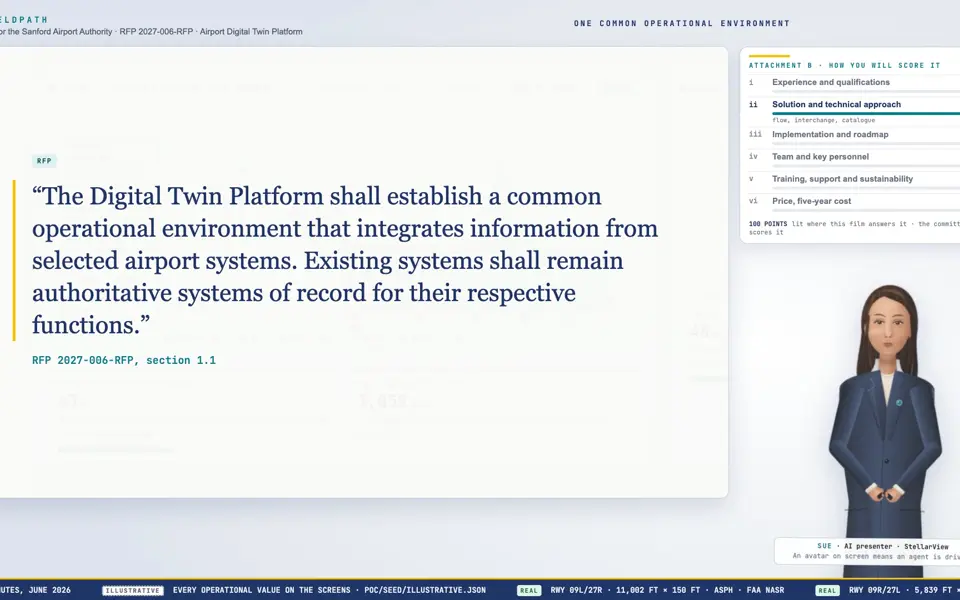
Exploded view · The Exploder

Runway, exploded

14 parts in 4 layers. 7 read from a source, 7 from the kit's class model.

  1. Sources
  2. Interchange
  3. Twin
  4. Screens
  5. Plan
Kind
Exploded view
Status
not linked
Airport layer
Surface: roads, apron, pavement
Airport area
Airfield and apron
System
Runway
Sensor type
Constant current regulator (through the ALCMS), Lights out, read on a night drone pass

Open in the Exploder

Picture: Exploder still of "Airfield light, exploded" through the kit's film clock on the Light theme (exploder/?film=1, select and explode).
Clip: Exploder clip: "Airfield light, exploded" lifted apart and orbited, 4 seconds, through the kit's film clock on the Light theme. No sound.

Exploded view · The Exploder

Airfield light, exploded

6 parts in 2 layers. 1 read from a source, 5 from the kit's class model.

  1. Sources
  2. Interchange
  3. Twin
  4. Screens
  5. Plan
Kind
Exploded view
Status
not linked
Airport layer
Lighting
Airport area
Airfield and apron
System
Airfield light
Sensor type
not linked

Open in the Exploder

Picture: Exploder still of "Gateway, exploded (designed)" through the kit's film clock on the Light theme (exploder/?film=1, select and explode).
Clip: Exploder clip: "Gateway, exploded (designed)" lifted apart and orbited, 4 seconds, through the kit's film clock on the Light theme. No sound.
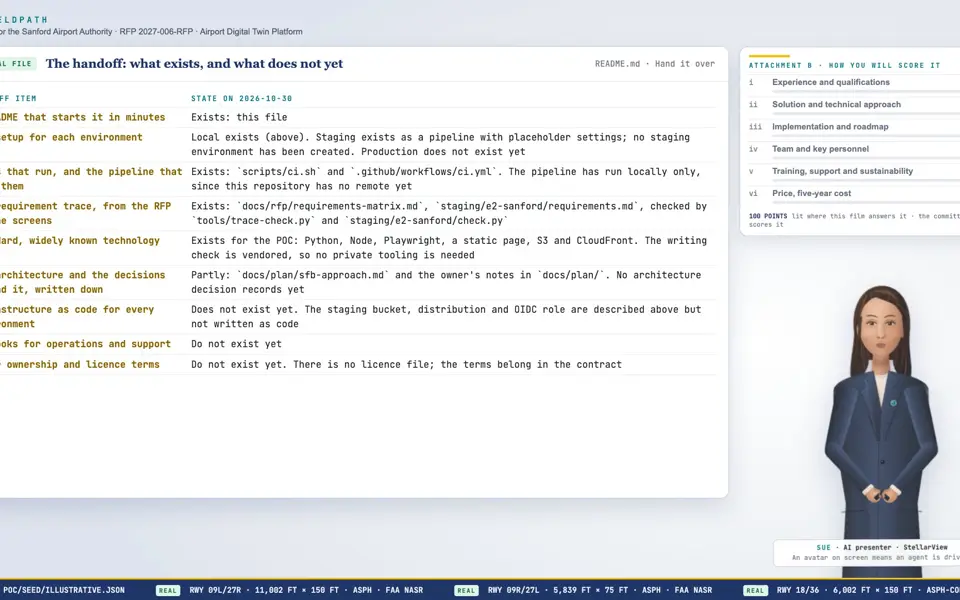
Exploded view · The Exploder

Gateway, exploded (designed)

4 parts in 3 layers. 0 read from a source, 4 from the kit's class model.
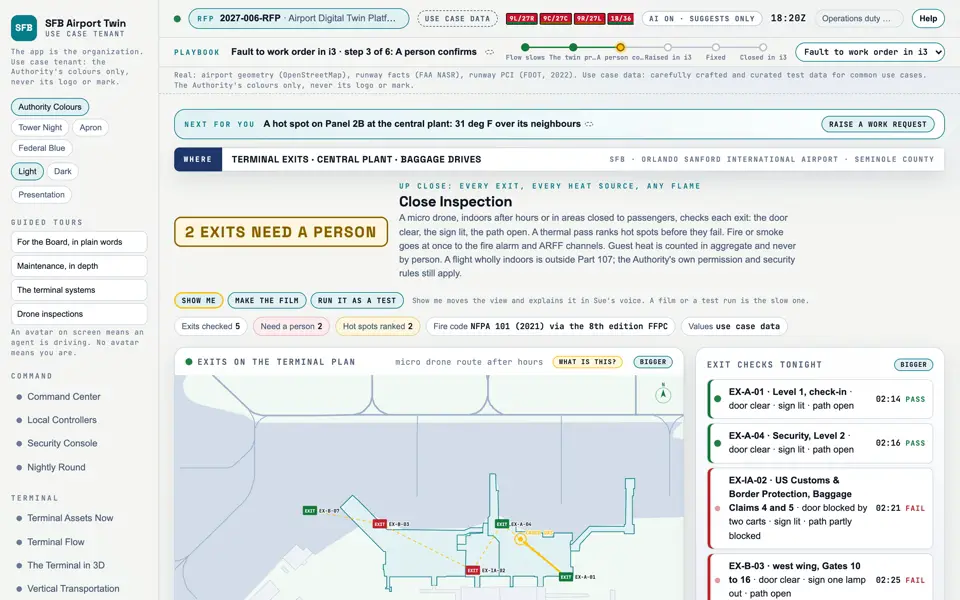
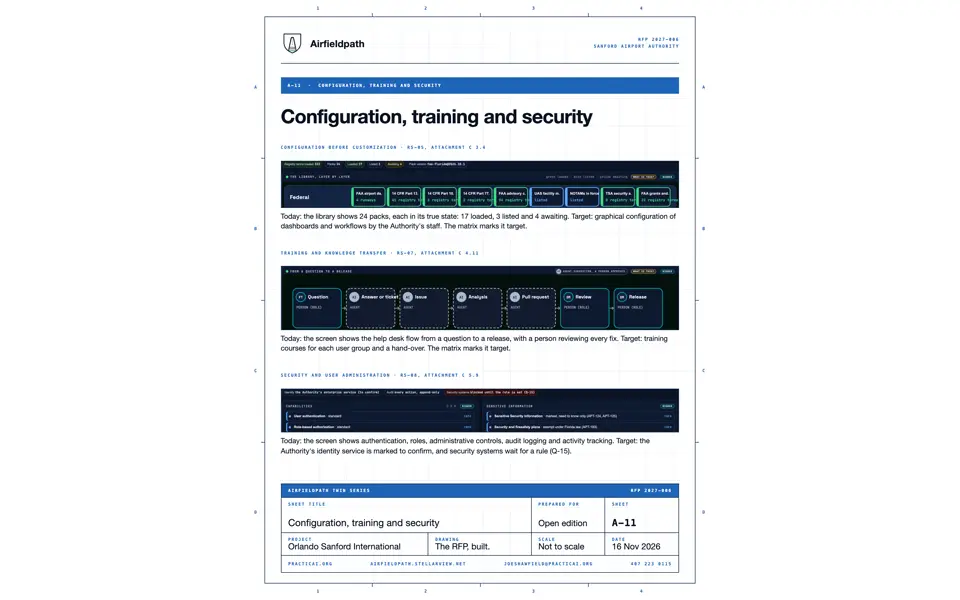
  1. Sources
  2. Interchange
  3. Twin
  4. Screens
  5. Plan
Kind
Exploded view
Status
not linked
Airport layer
Live: events and analysis
Airport area
not linked
System
Gateway
Sensor type
not linked

Open in the Exploder