AirfieldpathOrlando Sanford International

How it works · 2 of 6

Data

Where the twin's data comes from, and which system owns each value.

The Sources screen of the proof of concept: the systems of record and where each value comes from
Data. Headless capture of poc/index.html?v=sources&m=light, as the proof of concept renders it, 1400 by 875 at 2x scale.
From public records to the twin, each value with its owner
Public recordsOpenStreetMap geometry, FAANASR runway facts, FDOTpavement condition, USGSlidar terrainThe source register37 sources, each with alink, how it was read and avalidation dateThe points registryevery reading, where itcomes from and who owns itScreenseach value shown with itssystem of recordPublic recordsOpenStreetMap geometry, FAA NASR runwayfacts, FDOT pavement condition, USGS lidarterrainThe source register37 sources, each with a link, how it wasread and a validation dateThe points registryevery reading, where it comes from and whoowns itScreenseach value shown with its system of record

The twin is built from public records before any contract. The airport geometry is OpenStreetMap. The runway facts are the FAA's NASR record. Pavement condition is the FDOT inspection of 2022. The terrain is USGS 3DEP lidar, and every runway end agrees with the FAA published elevation to within 15 centimetres.

The source register lists each source with its link, how it was read, and when it was last validated. A value on a screen cites its source. Where the Exploder draws a part from the kit's class model and not from a source, it says designed.

The twin never owns the data it reads. The RFP says the owner's existing systems stay the authoritative systems of record within their domains (Attachment C 1.1). Matrix row M-006 asks that each source is registered with the values it owns, and that two sources cannot own one value. The Systems of Record screen and the Point Registry show this.

The screens run on carefully crafted and curated test data for common use cases. Only the drone screens are simulated.

Components for Data

15 components on this site relate to this explainer: 7 screen, 4 data source, 1 exploder layer, 1 exploder part, 2 document. The best 6 are shown.

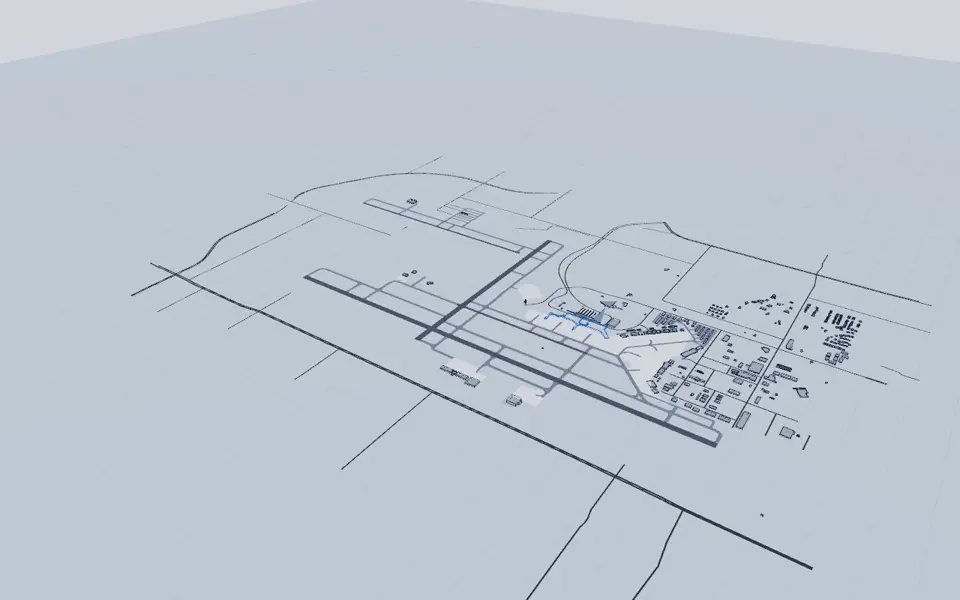
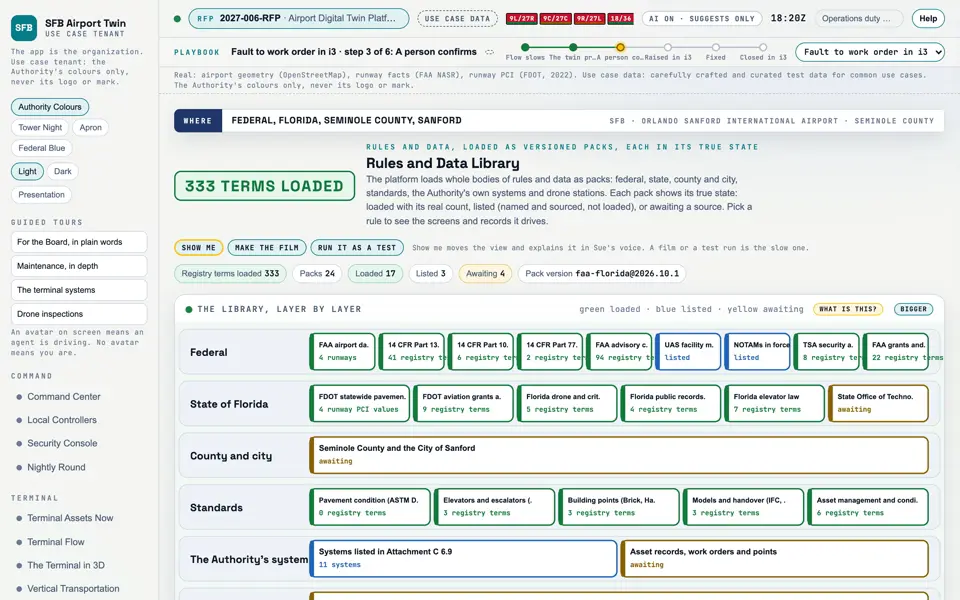
Picture: Headless capture of poc/index.html?v=register&m=light, as the proof of concept renders it, 1400 by 875 at 2x scale.

Screen · Proof of concept · Connect

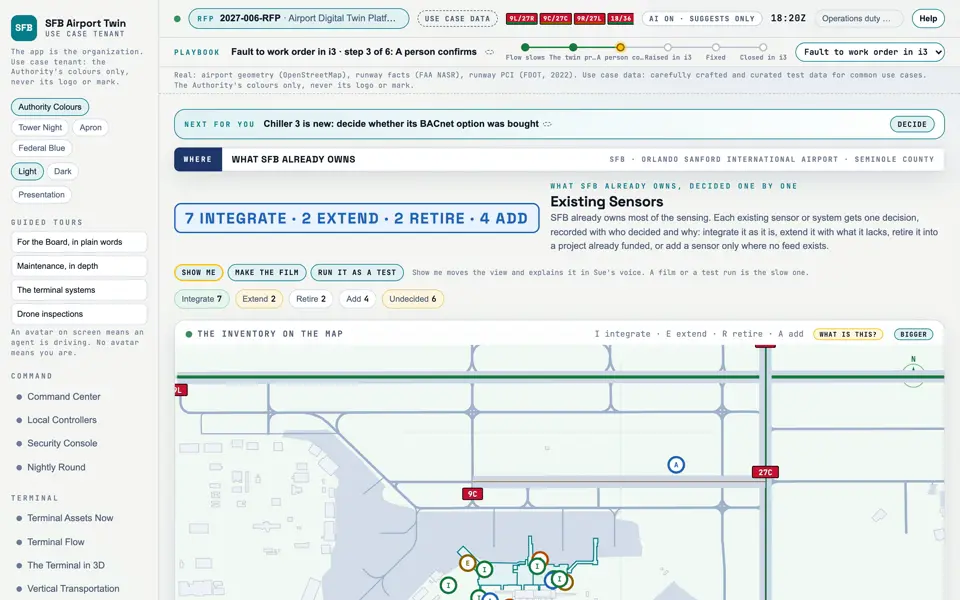
Existing Sensors

What SFB already owns, and the decision on each: integrate, extend, retire or add.

  1. Sources
  2. Interchange
  3. Twin
  4. Screens
  5. Plan
Kind
Screen
Status
not linked
Airport layer
Screens: the POC story and the spines
Airport area
not linked
System
not linked
Sensor type
not linked

Open the screen · Open the detail

Picture: Exploder still of the layer "Surface: roads, apron, pavement" alone, through the kit's film clock on the Light theme (exploder/?film=1, setOnly).
Clip: Exploder clip: the layer "Surface: roads, apron, pavement" alone, a slow orbit, 4 seconds, through the kit's film clock on the Light theme. No sound.

Exploder layer · The Exploder

Layer: Surface: roads, apron, pavement

7 items in the infrastructure group of the Exploder.

  1. Sources
  2. Interchange
  3. Twin
  4. Screens
  5. Plan
Kind
Exploder layer
Status
not linked
Airport layer
Surface: roads, apron, pavement
Airport area
Airfield and apron, Landside: roads and lots
System
Runway
Sensor type
Constant current regulator (through the ALCMS), Lights out, read on a night drone pass
How it worksHow it works: Data

Open in the Exploder

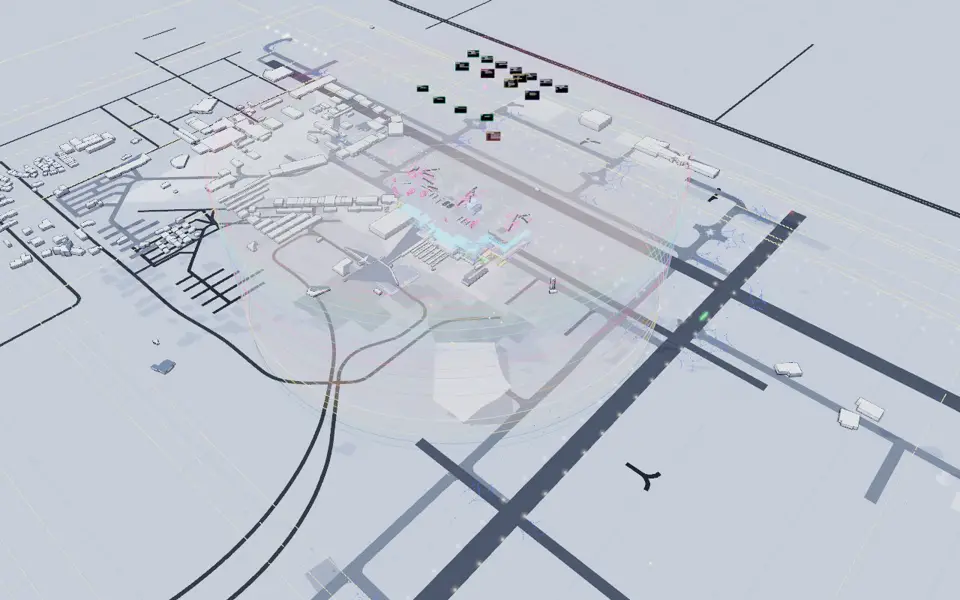
Picture: Exploder still of the airport lifted apart into layers (Explode everything), through the kit's film clock on the Light theme.
Clip: Exploder clip: the airport lifting apart into layers (Explode everything), through the kit's film clock on the Light theme. No sound.

Exploder part · The Exploder · The airport

The SFB airport scene

930 items in 305 places and 25 sections, drawn in 34 layers.

  1. Sources
  2. Interchange
  3. Twin
  4. Screens
  5. Plan
Kind
Exploder part
Status
not linked
Airport layer
Parking, Surface: roads, apron, pavement, Lighting, Signage and 30 more
Airport area
Airfield and apron, On record, place not public, Landside: roads and lots, Parking garage and 2 more
System
not linked
Sensor type
not linked

Open the detail

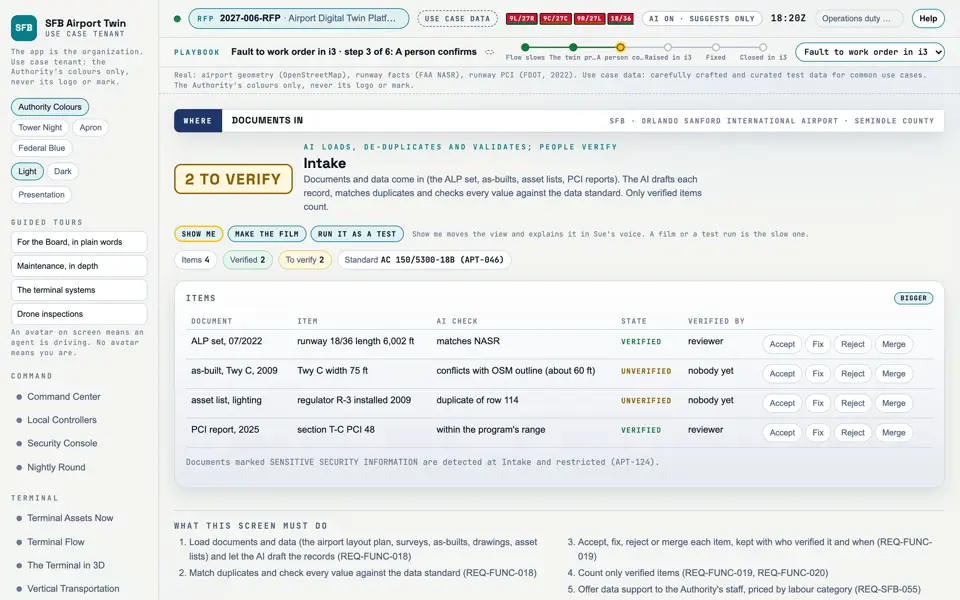
Picture: Headless capture of poc/index.html?v=points&m=light, as the proof of concept renders it, 1400 by 875 at 2x scale.

Screen · Proof of concept · Terminal

Point Registry

Every reading the twin uses, where it comes from, and who owns it.

  1. Sources
  2. Interchange
  3. Twin
  4. Screens
  5. Plan
Kind
Screen
Status
partly met, target
Airport layer
Screens: the POC story and the spines
Airport area
not linked
System
not linked
Sensor type
not linked

Open the screen · Open the detail

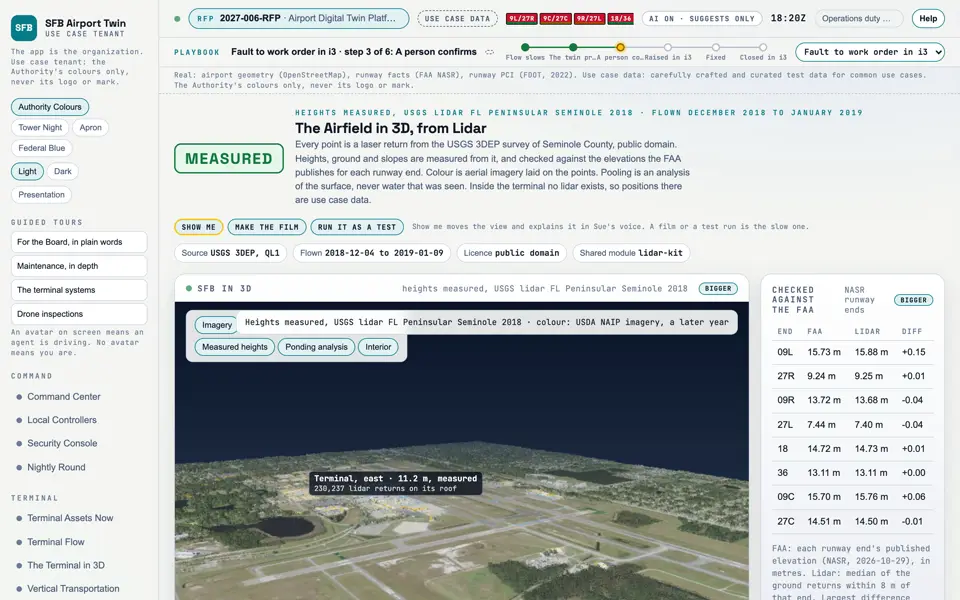
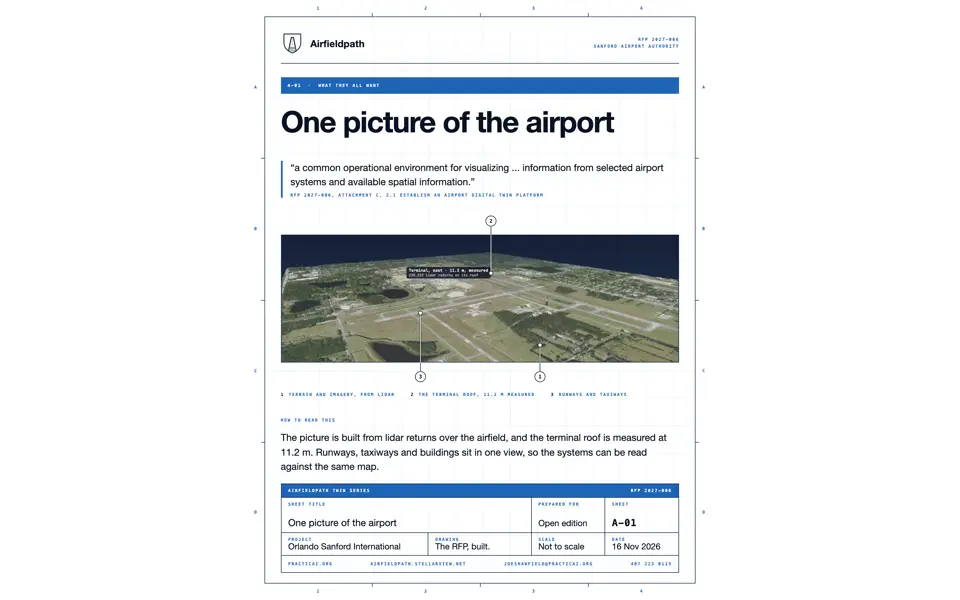
Picture: Headless capture of poc/index.html?v=airfield3d&m=light, as the proof of concept renders it, 1400 by 875 at 2x scale.
Clip: Excerpt of the film "The opener", 8 to 12 seconds (the airport from public lidar). No sound.

Screen · Proof of concept · Assets

The Airfield in 3D, from Lidar

The airport as the lidar measured it: ground, buildings and where water would gather, flown in close.

  1. Sources
  2. Interchange
  3. Twin
  4. Screens
  5. Plan
Kind
Screen
Status
not linked
Airport layer
Screens: the POC story and the spines
Airport area
not linked
System
not linked
Sensor type
not linked
How it worksHow it works: Data

Open the screen · Open the detail

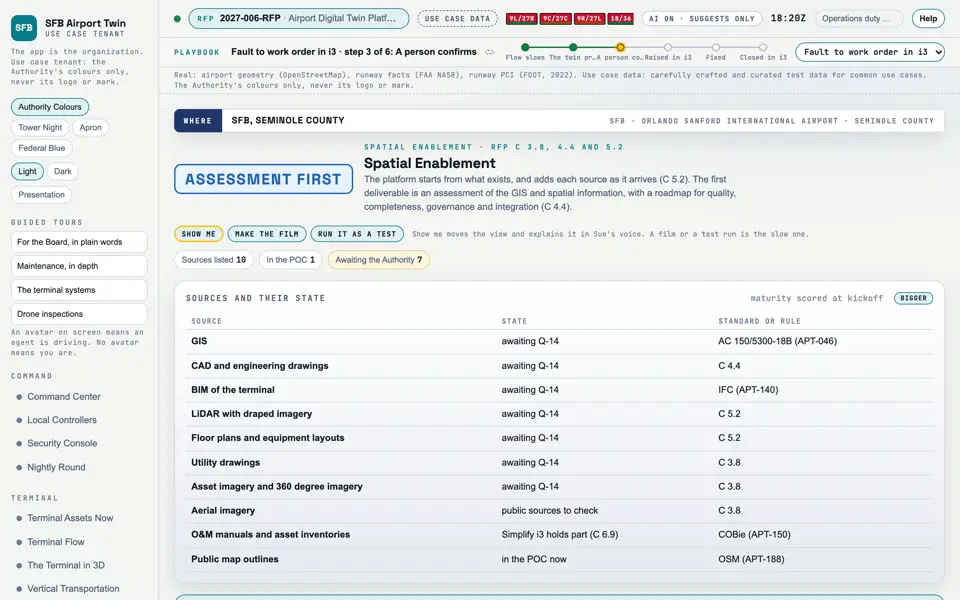
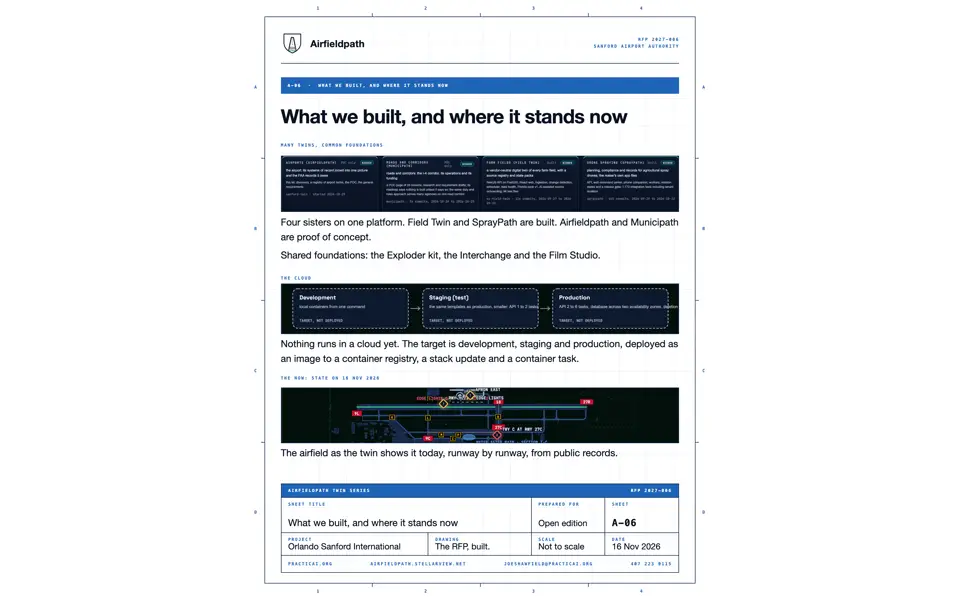
Picture: Headless capture of poc/index.html?v=spatial&m=light, as the proof of concept renders it, 1400 by 875 at 2x scale.

Screen · Proof of concept · Assets

Spatial Enablement

Which maps, drawings and models the twin can use today, and what to add next.

  1. Sources
  2. Interchange
  3. Twin
  4. Screens
  5. Plan
Kind
Screen
Status
partly met, target
Airport layer
Screens: the POC story and the spines
Airport area
not linked
System
not linked
Sensor type
not linked
How it worksHow it works: Data

Open the screen · Open the detail

See all 15 related components

All 15 related components by type

Screen

Data source

Exploder layer

Exploder part

Document

Where to see it

Screens

Sheets

Requirement rows that name these screens (31)

M-002M-004M-006M-010M-024

26 more rowsM-059M-060M-090M-098M-106M-107M-108M-130M-136M-138M-013M-021M-099M-067M-005M-007M-093M-120M-129M-011M-025M-061M-101M-105M-116M-117