How events arrive, how they show as layers, and what an event can start.
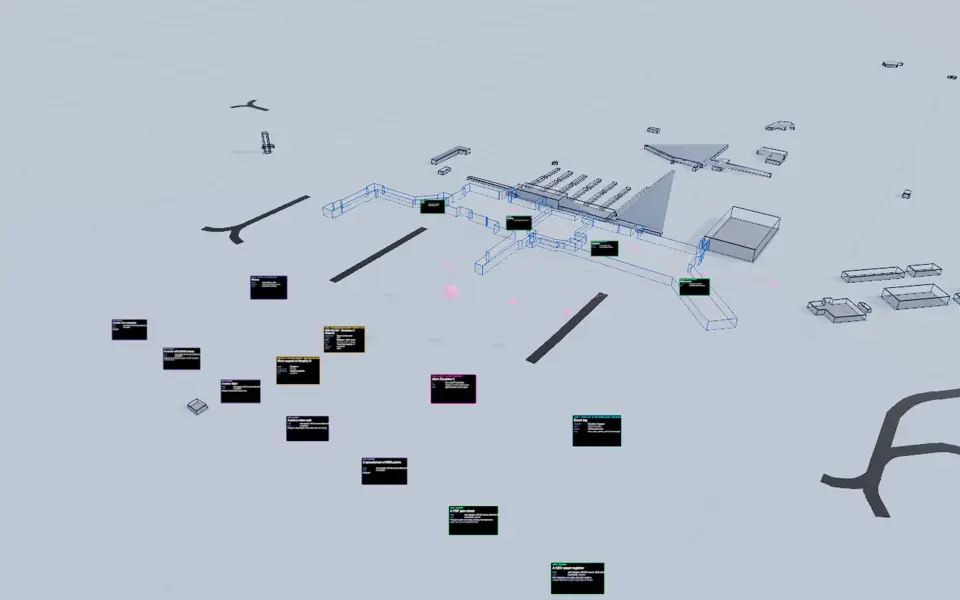
Events. Exploder clip: the layer "Live: events and analysis" alone, a slow orbit, 4 seconds, through the kit's film clock on the Light theme. No sound. It has no sound, so this text is its transcript: The Exploder layer for live events and analysis, an orbit of the airport with event markers.
From a source to an event to an action
Events arrive from the feeds the twin reads and from the sensors it is bound to. The Collector keeps each original untouched under its sha256, checks the fields and the unit against the type in the catalogue, and binds the device to the asset it observes.
Each arriving item is evaluated against the triggers. A match becomes a named event, such as bhs.conveyor.blocked. An item that traps nothing still goes to history. The event's name and metadata choose a path, and the choice and its reasons are written on the event.
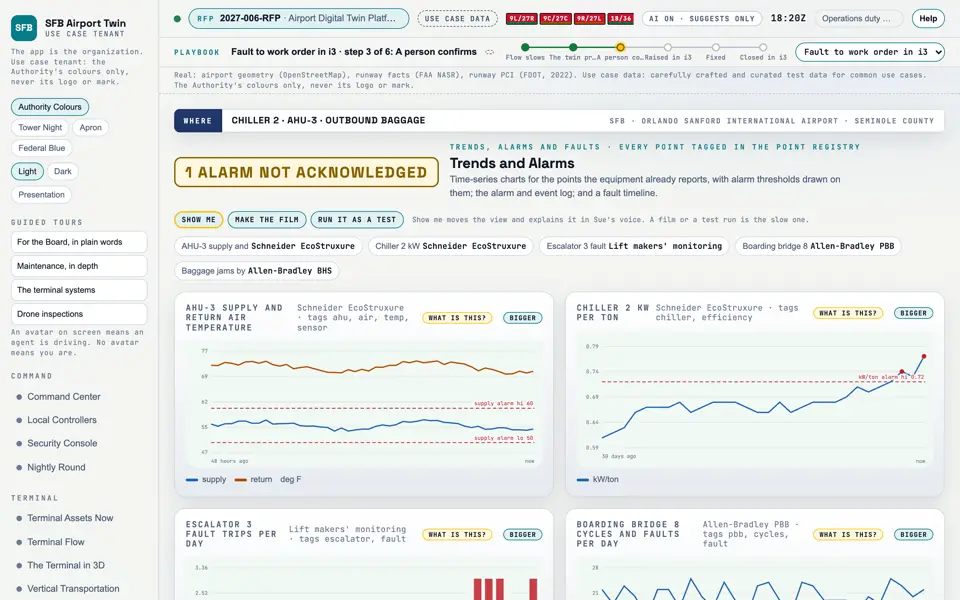
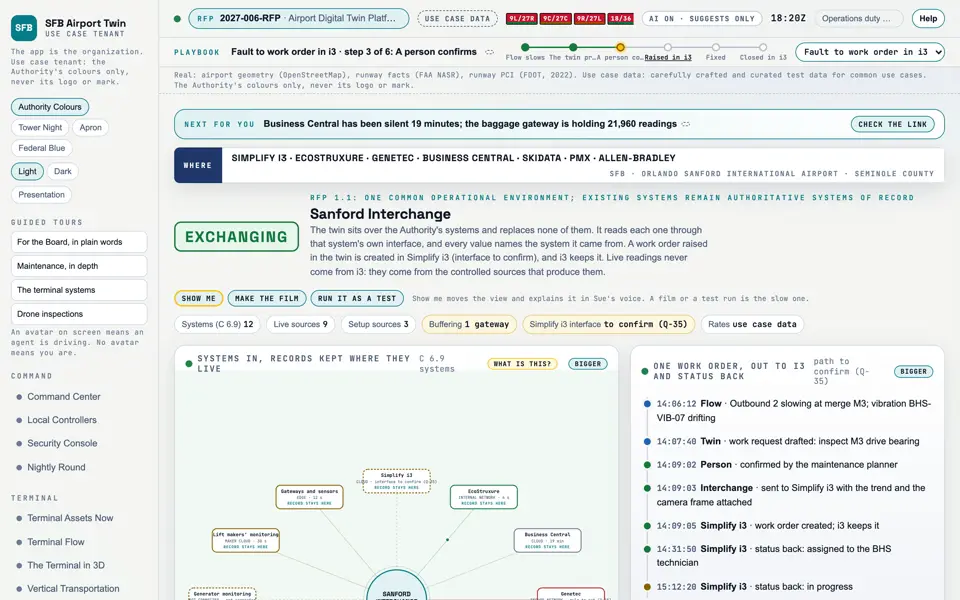
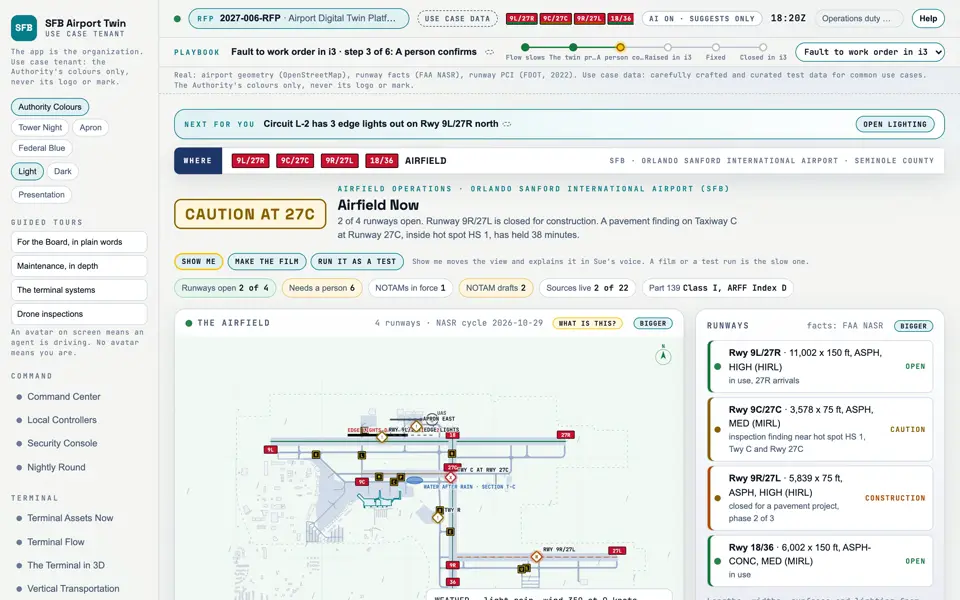
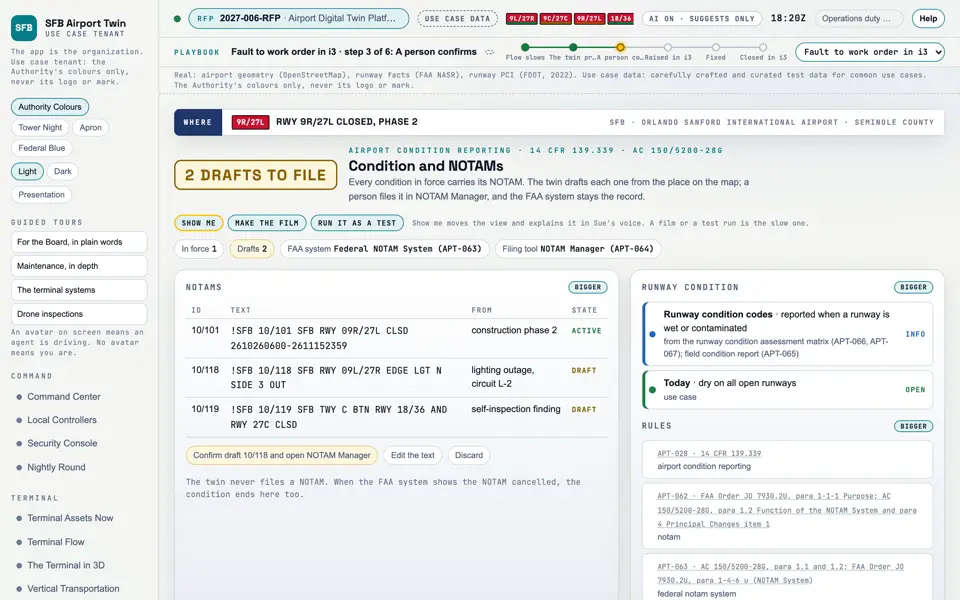
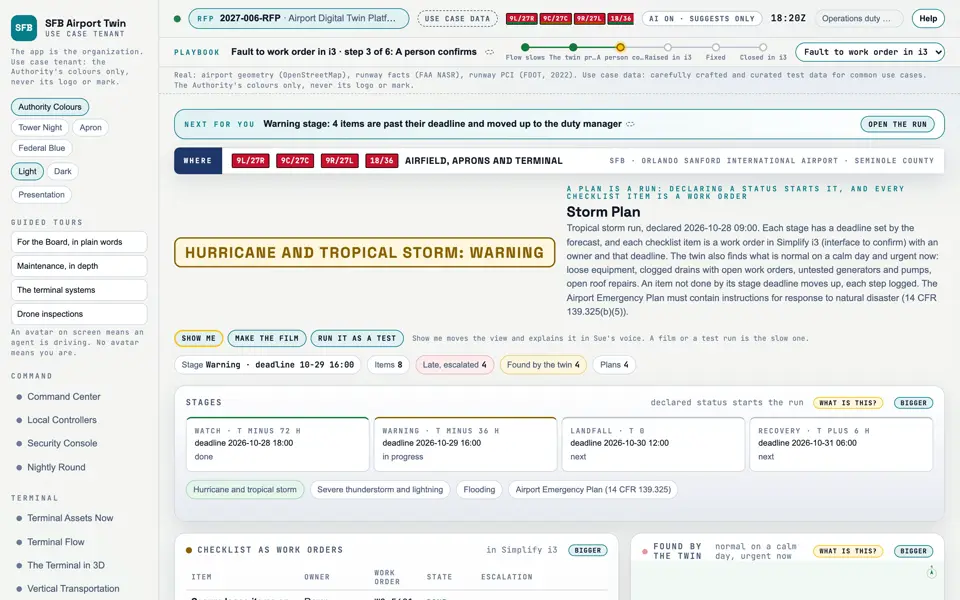
Events show on the screens as layers and lists: Airfield Now for the state of the runways and taxiways, Condition and NOTAMs for the notices, the Storm Plan for an emergency run as work orders, and Trends and Alarms for readings over time. In the Exploder they are the Live layer.
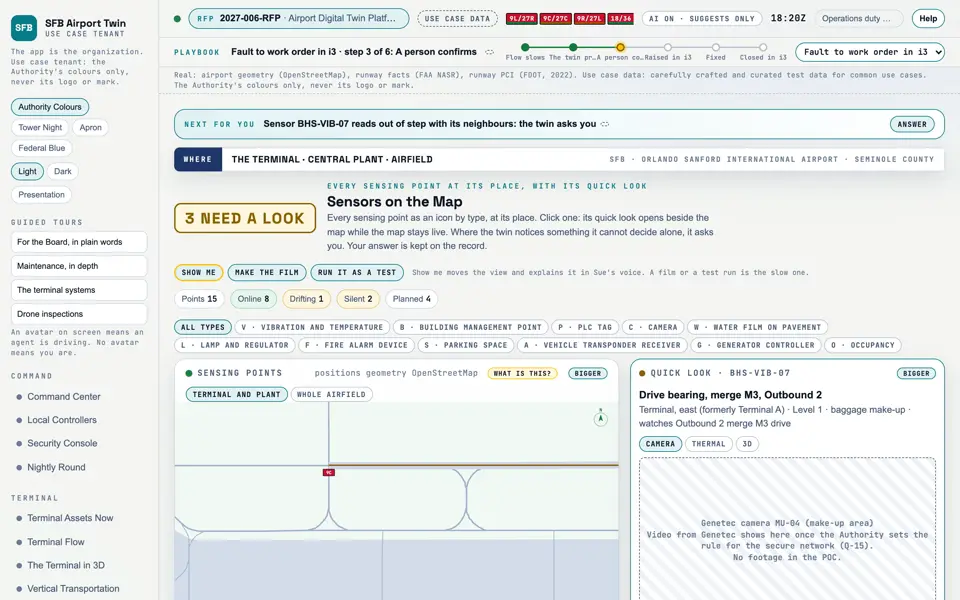
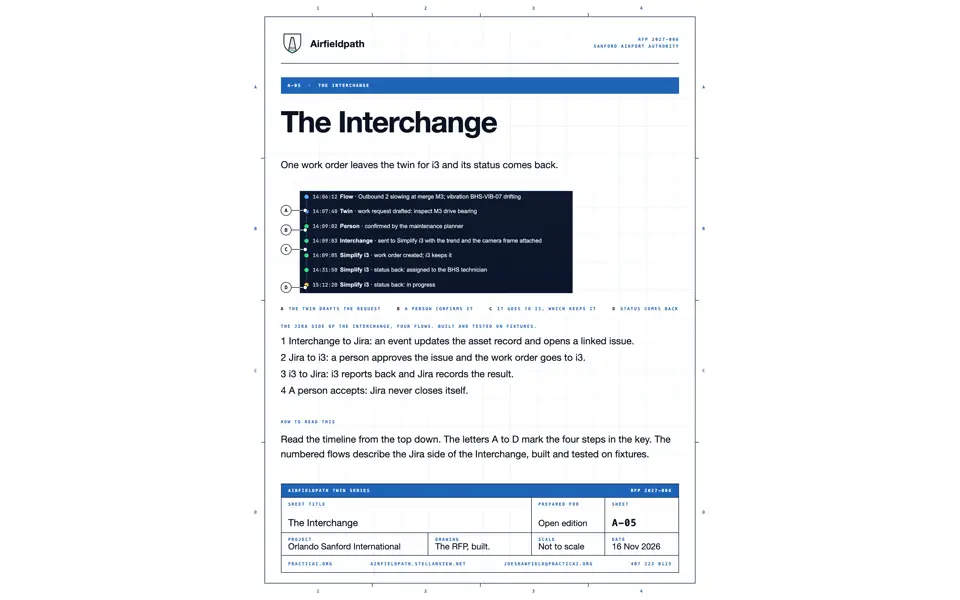
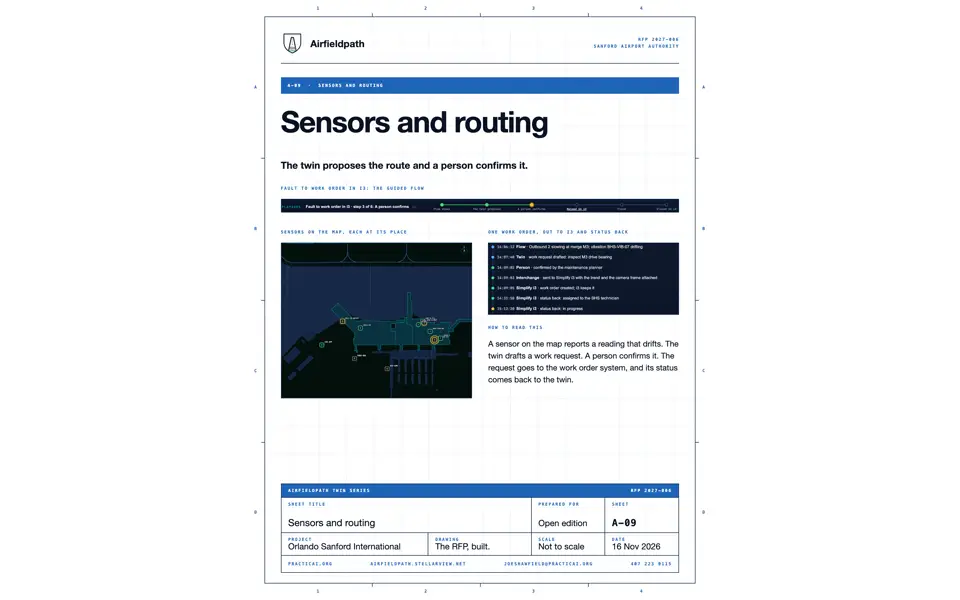
An event can alert a person, open a ticket, draft a work order for a person to confirm, or start an analysis. It does not change a record in another system unless a rule says so and a person has acted. The Interchange is built and tested locally; nothing at the airport is connected.
Components for Events
15 components on this site relate to this explainer: 2 exploder layer, 3 document, 2 code and tests, 8 screen. The best 6 are shown.
Picture: Exploder still of the layer "Live: events and analysis" alone, through the kit's film clock on the Light theme (exploder/?film=1, setOnly). Clip: Exploder clip: the layer "Live: events and analysis" alone, a slow orbit, 4 seconds, through the kit's film clock on the Light theme. No sound.
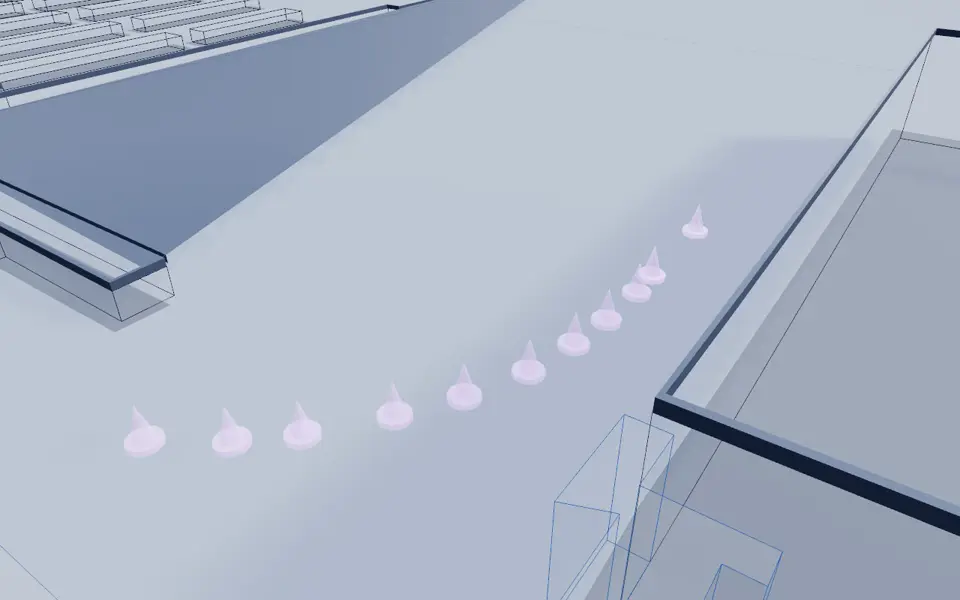
Picture: Exploder still of the layer "Sensors on the roads (concept)" alone, through the kit's film clock on the Light theme (exploder/?film=1, setOnly). Clip: Exploder clip: the layer "Sensors on the roads (concept)" alone, a slow orbit, 4 seconds, through the kit's film clock on the Light theme. No sound.
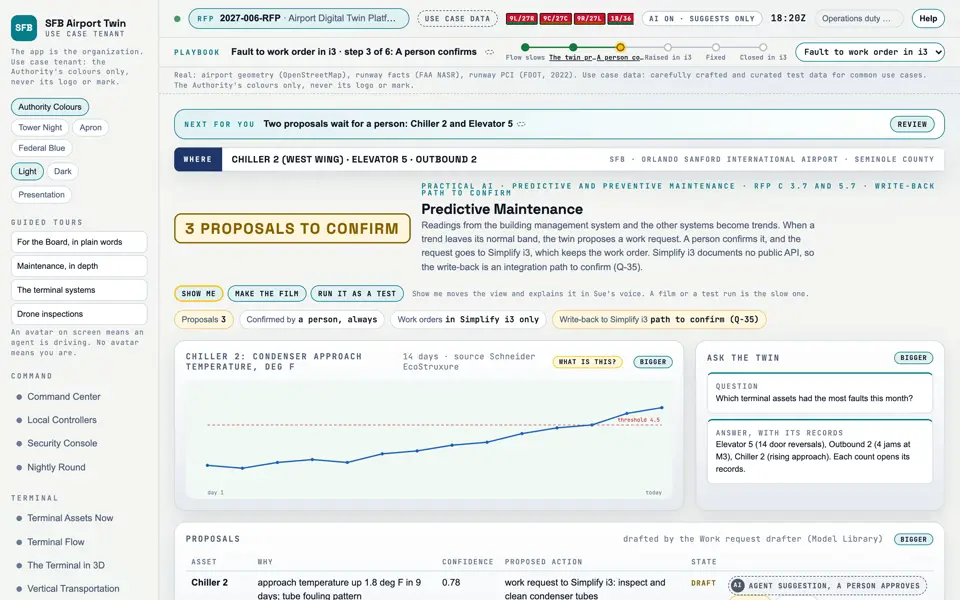
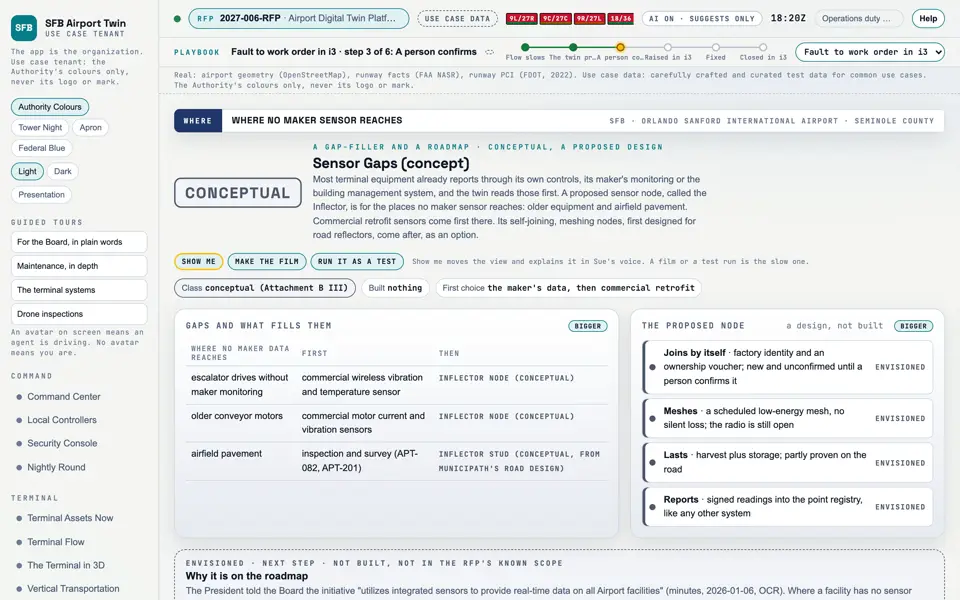
Picture: Headless capture of poc/index.html?v=predict&m=light, as the proof of concept renders it, 1400 by 875 at 2x scale. Clip: Excerpt of poc/flybys/terminal-fault.mp4, 1.9 to 6.0 seconds. A drawing of the process: A terminal fault: trend, prediction, work order. No sound.