2.24 · Proof of concept · Connect
Existing Sensors Real
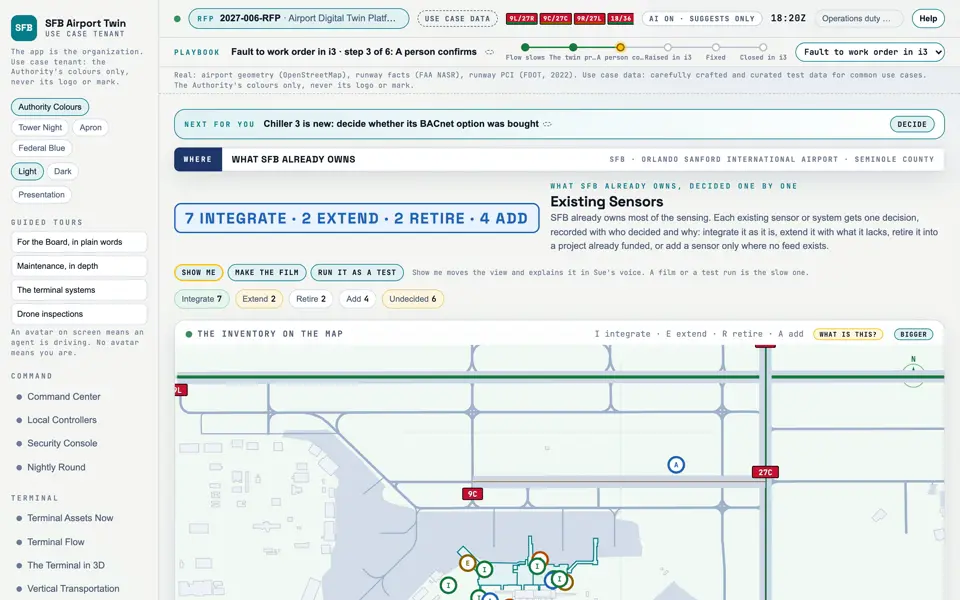
What SFB already owns, and the decision on each: integrate, extend, retire or add.
Picture: Headless capture of poc/index.html?v=register&m=light, as the proof of concept renders it, 1400 by 875 at 2x scale.
Screen · Proof of concept · Connect
What SFB already owns, and the decision on each: integrate, extend, retire or add.
- Sources
- Interchange
- Twin
- Screens
- Plan
- Kind
- Screen
- Status
- not linked
- Airport layer
- Screens: the POC story and the spines
- Airport area
- not linked
- System
- not linked
- Sensor type
- not linked
Open the screen · Open the detail
Level 2 of 3 This component, complete on its own. Its files, sources and tests are the detail below. Open the detail
Open this screen in the proof of concept
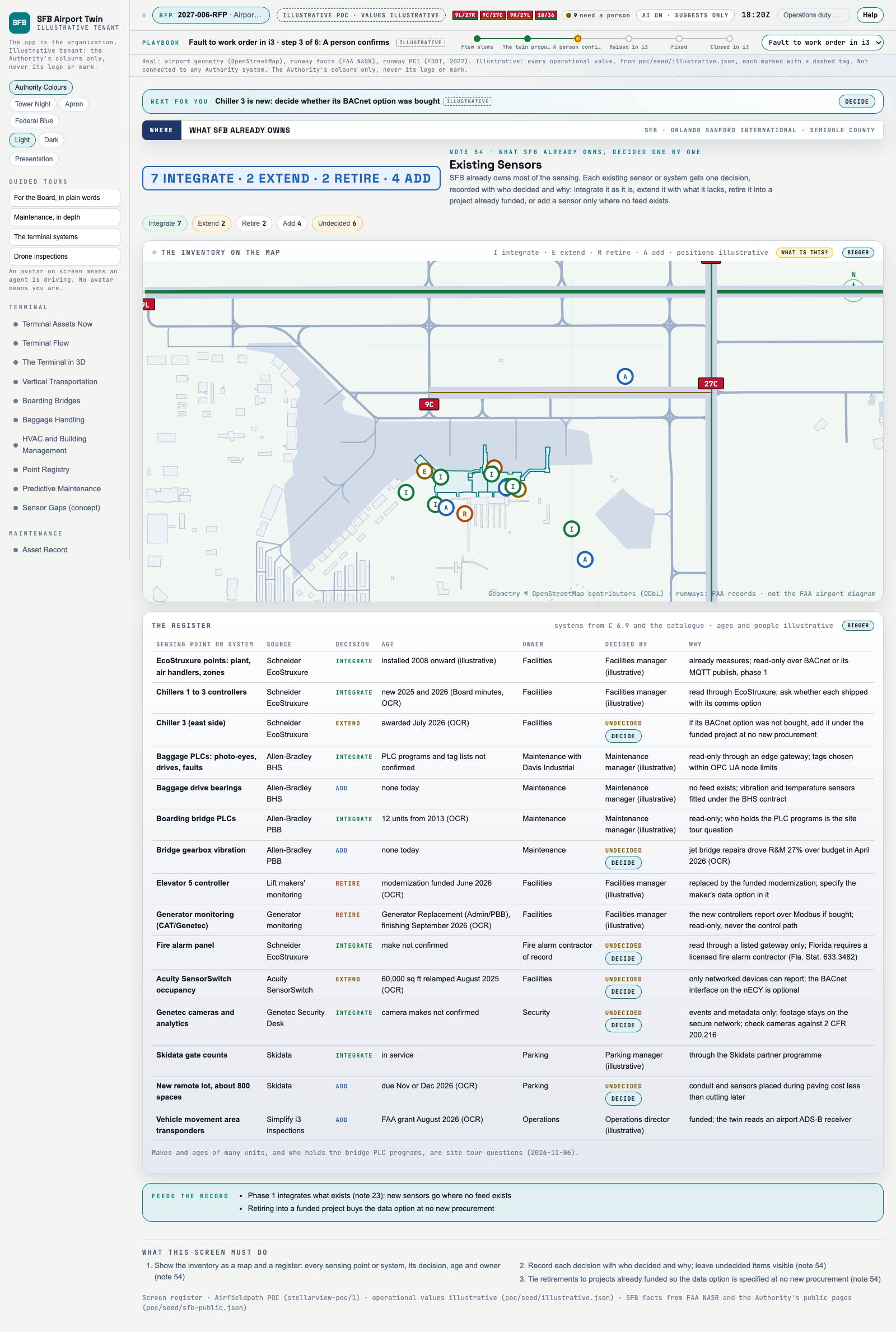 Capture of the screen: Existing Sensors. Dark and light modes.
Narration line
Each decision is kept with who made it and why, and undecided items stay visible.
Source: poc/bearings/register.json, beat "Who decided"
- Group
- Connect
- Status as the app labels it
- Real
- Basis
- The screen runs. Data: carefully crafted and curated test data for common use cases.
What the screen must do (3)
- Show the inventory as a map and a register: every sensing point or system, its decision, age and owner
- Record each decision with who decided and why; leave undecided items visible
- Tie retirements to projects already funded so the data option is specified at no new procurement