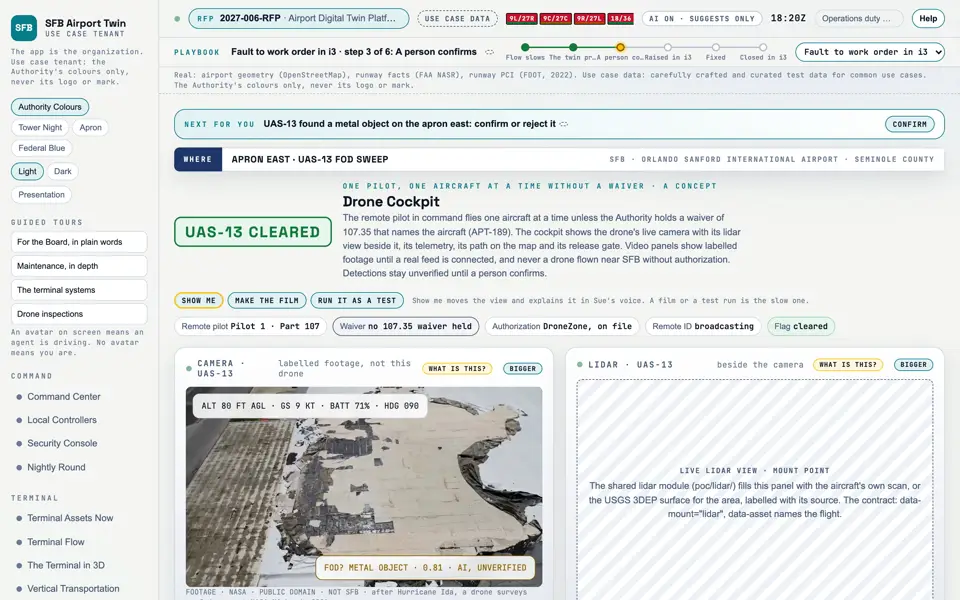
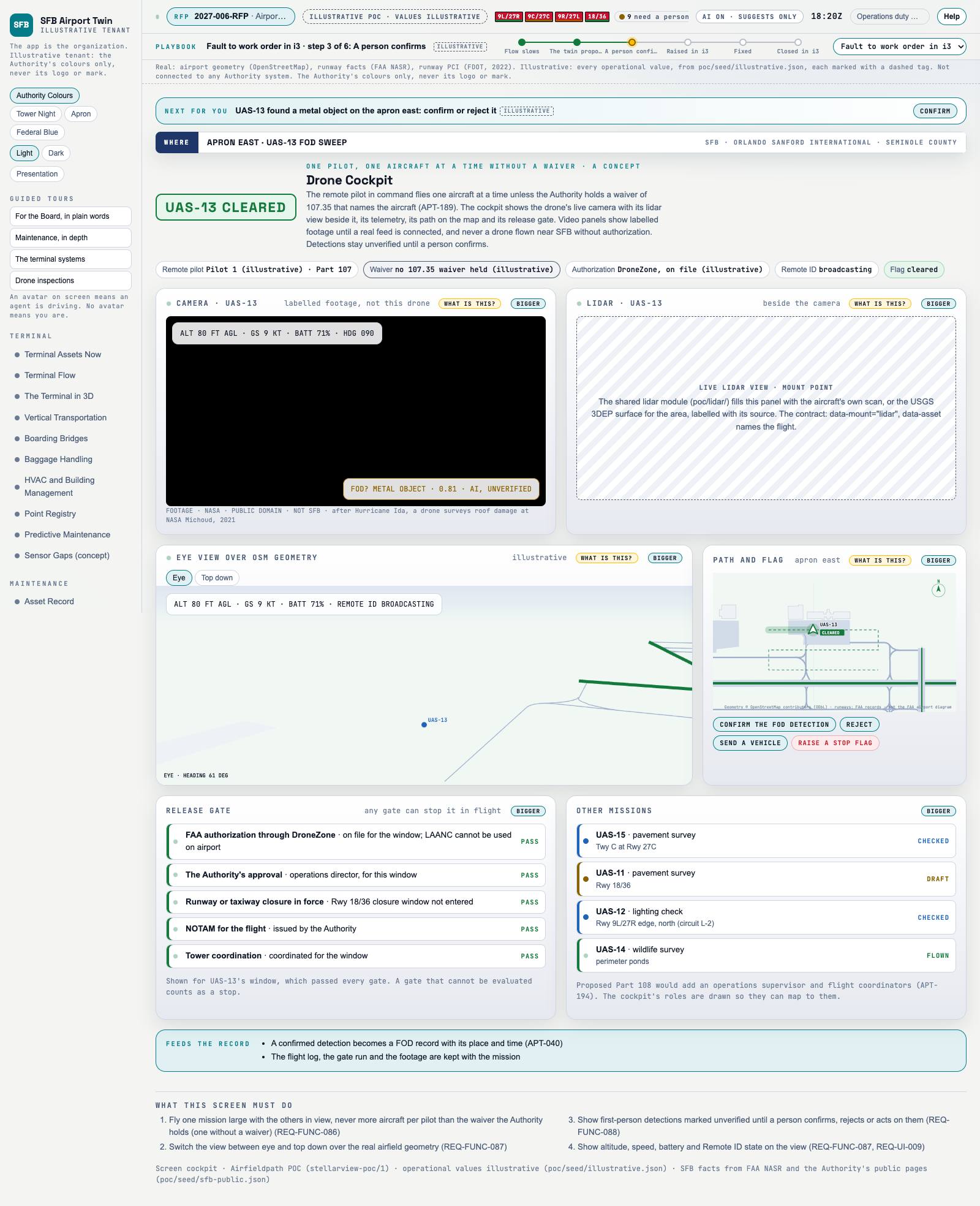
Picture: Headless capture of poc/index.html?v=cockpit&m=light, as the proof of concept renders it, 1400 by 875 at 2x scale.
Screen · Proof of concept · Drones
What a drone pilot would see during an inspection. A concept.
Sources Interchange Twin Screens Plan
Kind Screen
Status target
Airport layer Screens: the POC story and the spines
Airport area not linked
System not linked
Sensor type not linked Open the screen · Open the detail
Level 2 of 3 This component, complete on its own. Its files, sources and tests are the detail below. Open the detail
Open this screen in the proof of concept
Capture of the screen: Drone Cockpit. Dark and light modes. Narration line It lets you fly one mission large with the others in view, never more aircraft per pilot than the waiver the Authority holds (one without a waiver).
Source: poc/bearings/cockpit.json, beat "What it shows"
Group Drones
Status as the app labels it Simulated
Basis The drone flights are simulated. The screen runs. Data: carefully crafted and curated test data for common use cases. What the screen must do (4) Fly one mission large with the others in view, never more aircraft per pilot than the waiver the Authority holds (one without a waiver) (REQ-FUNC-086) Switch the view between eye and top down over the real airfield geometry (REQ-FUNC-087) Show first-person detections marked unverified until a person confirms, rejects or acts on them (REQ-FUNC-088) Show altitude, speed, battery and Remote ID state on the view (REQ-FUNC-087, REQ-UI-009) Requirements matrix rows that name this screen (1) Row RFP section Requirement Status M-144 Beyond the RFP Drone inspections of the airfield target
Previous Inspection MissionNext Corridors and Protected Areas