| M-003 | RFP 1.1 | Enhanced visualization, analytics, dashboards, workflows and decision support | partly met |
| M-011 | RFP 3, objective 5 | Configurable dashboards, spatial visualizations, workflows, analytics and reporting | partly met |
| M-023 | RFP 3, configuration | Configure asset models, dashboards, workflows, reports, notifications, security and user interfaces | partly met |
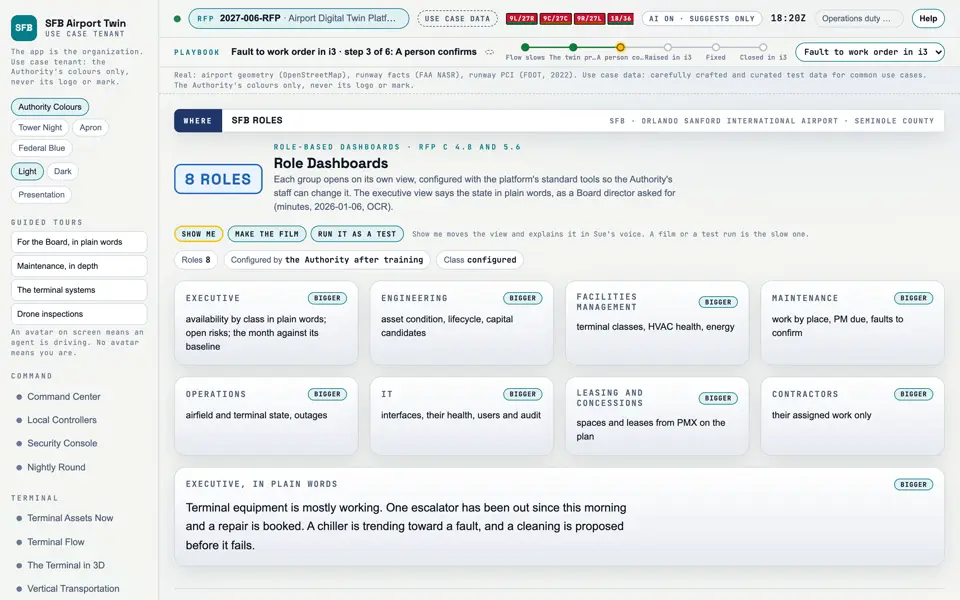
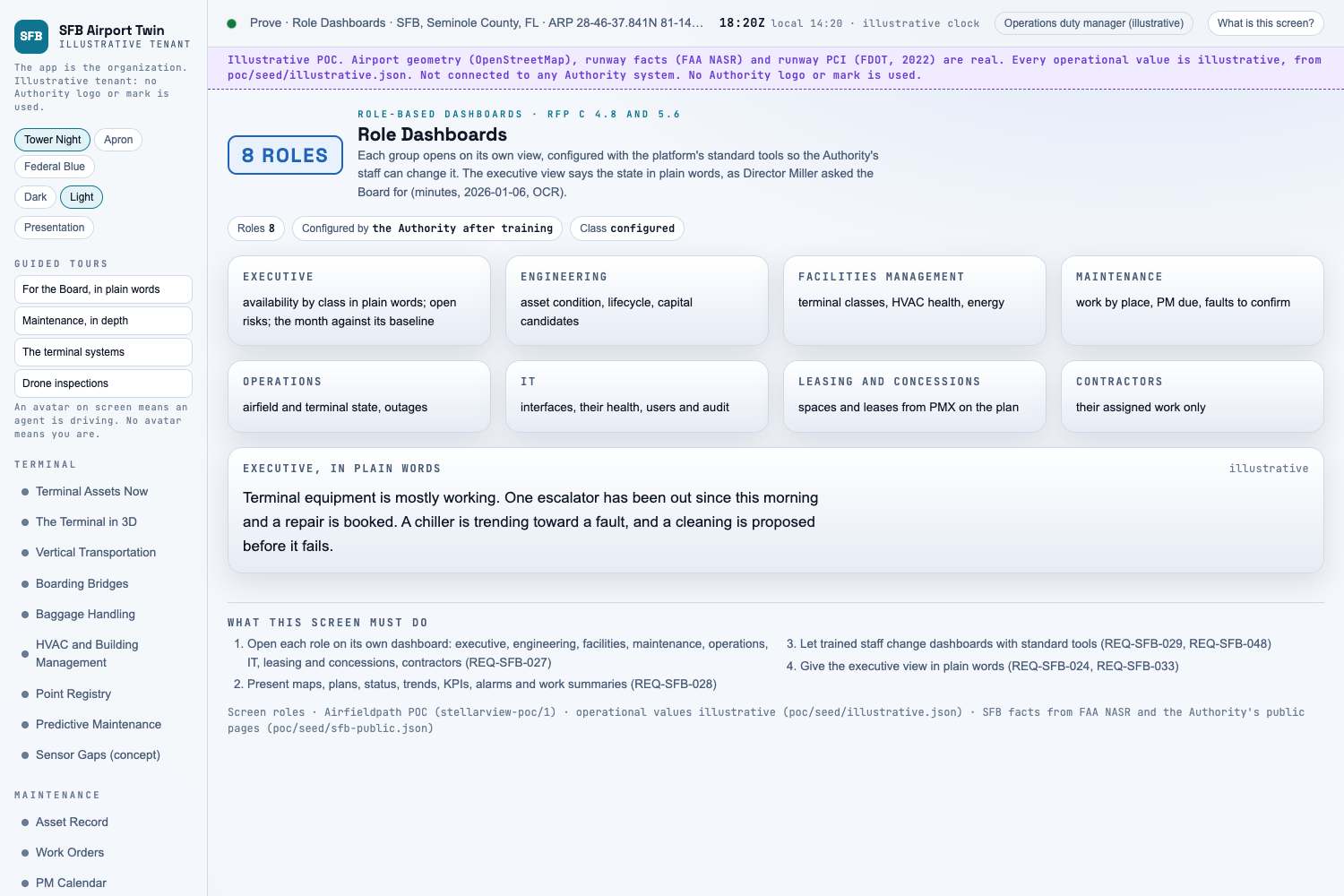
| M-026 | RFP 3, dashboards | Role dashboards for engineering, facilities, maintenance, operations, IT and executives | partly met |
| M-059 | B ii | Show support for business value, simplicity, COTS, configuration first, systems of record, open integration, practical AI, spatial enablement | partly met |
| M-062 | B ii | Capabilities for visualization, dashboards, workflows, reports, notifications, AI, security, administration, scalability | partly met |
| M-075 | B v | Long-term maintainability, cost-effective administration, configuration-based expansion | target |
| M-091 | C 2.5 | Dashboards, spatial mapping, AI analytics including intelligent visual analytics | partly met |
| M-097 | C 3.4 | Configuration before customization | target |
| M-101 | C 3.8 | Spatial enablement across GIS, CAD, BIM, LiDAR, imagery, plans, drawings, utilities, O&M; organized for each user group | partly met |
| M-104 | C 4.3 | Configure object models, hierarchy, spatial, dashboards, rules, workflows, UI, notifications, reports, administration, security | partly met |
| M-110 | C 4.8 | Dashboards and UI for each group, with maps, plans, status, alarms, work, trends, KPIs | partly met |
| M-114 | C 5.1 | Enterprise asset visualization, spatial asset management, dashboards, roles, workflows, analytics, reports, notifications, integration, expansion | partly met |
| M-124 | C 5.6 | Dashboards with maps, plans, locations, indicators, colour-coded conditions, charts, trends, KPIs, alarms, maintenance and work summaries | partly met |
| M-125 | C 5.6 | Dashboards for engineering, facilities, operations, leasing and concessions, executives | partly met |